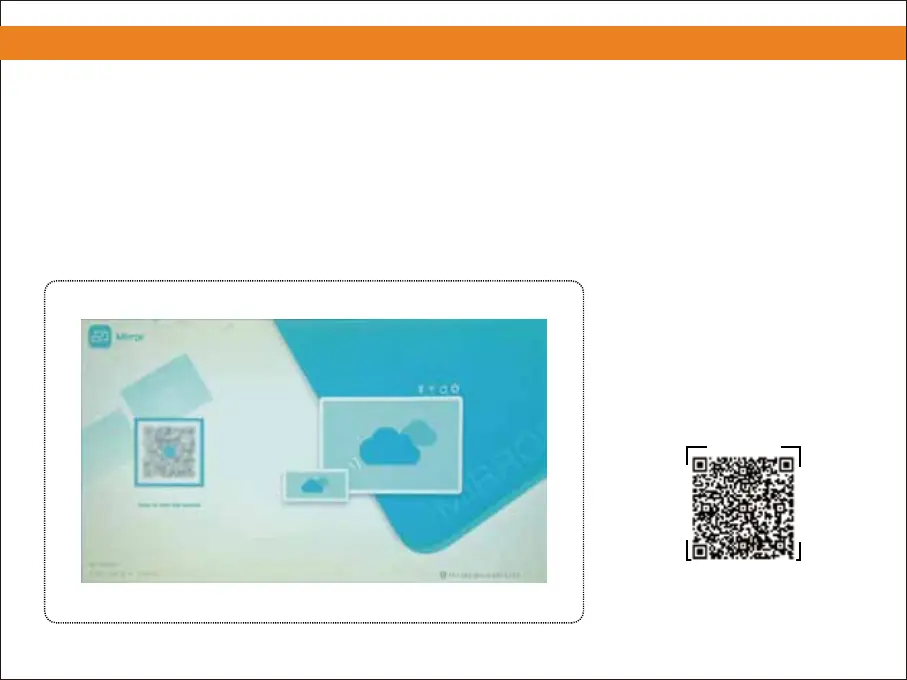
④ Scan the QR code and download the APP.
⑤ Install the APP and grant all permissions(Notice: ensure all permissions are allowed to avoid errors).
⑥ Install the APP on your phone and grant all permissions.
⑦ Open the downloaded APP, allow all permissions displayed on the APP.
6. Screen Mirroring with an Android Phone(HDMI CABLE NOT INCLUDED)
9
Please scan the QR code to watch
the video for detailed steps.
④
Note: Downloading the APP is
required by the adapter cable for
compatibility with all models.


 To Next Page