EasyManua.ls Logo

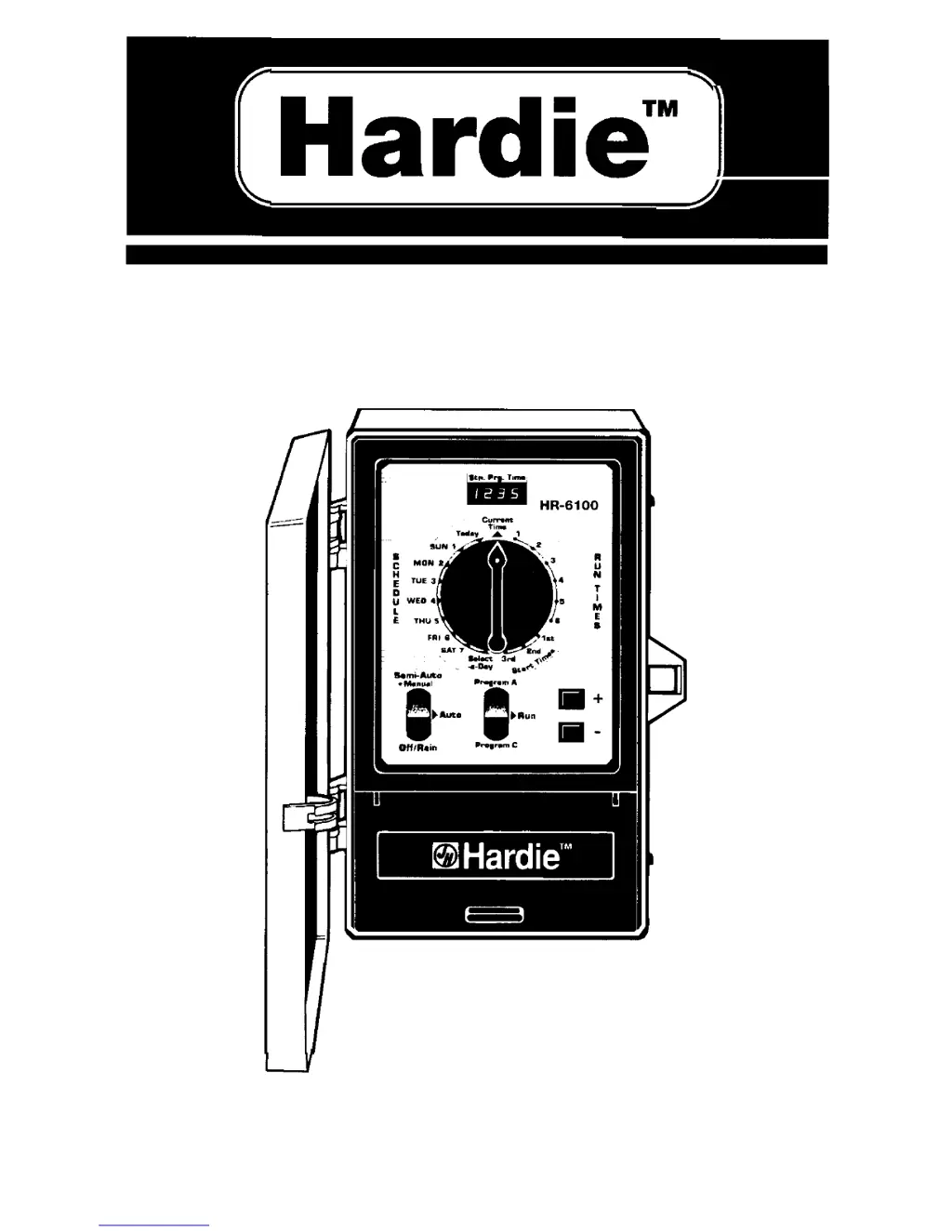
Hardie HR-6100 - User Manual

Hardie HR-6100
7 pages
Print Icon
To Next Page IconTo Next Page
Loading...
Hardie”
I=
6 STATION
INDOOR CONTROLLER
Installation and Operating Guide
MODELS
HR-6100,HR-6100-l,HR-6100-l-LT

Questions and Answers

  • C
    Carrie MorseAug 1, 2025
    What to do if Hardie Controller program won’t display?
    • F
      Frederick RodriguezAug 1, 2025
      If the Hardie Controller program won’t display, it might be due to no power at the wall plug. Check the house current, fuse, or circuit breaker. If the transformer is loose in the plug, slightly spread the blades, and firmly push the transformer into the receptacle. Ensure the program switch is in run mode. Check or change the program when the controller is out of the watering cycle. Replace the fuse and check the valve wiring or solenoid for a short.
  • A
    Andrew RodgersAug 7, 2025
    What to do if Hardie HR-6100 display is not reading correctly after a power-outage?
    • B
      Bradley TorresAug 7, 2025
      If the Hardie Controller display isn’t reading correctly after a power outage or after being plugged back in, it could be due to a weak or missing backup battery. Unplug the transformer and battery for one minute, then replace the battery, plug the transformer back in, and reprogram the controller, referring to the control descriptions and instructions for the correct procedure.
  • M
    mwagnerAug 12, 2025
    How to fix Hardie Controller valves that don’t operate?
    • A
      Ann GuerreroAug 13, 2025
      If the Hardie Controller valves don’t operate, it might be because the position switch is on “Rain”. Position the mode switch to “AUTO”. Test and replace if necessary. Secure wire connections. Check for continuity. Check the current day in the display. Set the Function Dial to the correct day and check to see if it is programmed “ON.”
  • W
    whopkinsAug 19, 2025
    Why do Hardie Controller valves open at strange times?
    • P
      Patricia LeAug 19, 2025
      Valves on the Hardie Controller may open at strange times if the current time of day is out of synchronization. To resolve this, check and reset the current time, as well as the first, second, and third start times.
  • J
    Julie CalhounAug 25, 2025
    Why are Hardie HR-6100 waters on a day when not scheduled?
    • X
      xgarciaAug 26, 2025
      If the Hardie Controller waters on a day when it is not scheduled, the current time of day may be incorrect. Reset the current time of day. If, upon checking the watering times, they are different than previously programmed, reprogram the controller. Also, check and replace the batteries.

Summary

Programming Overview and Automatic Operation

Automatic Operation Steps

Step-by-step guide for setting up automatic watering cycles on the controller.

Controller Features and Specifications

Controller Features

Details on the key capabilities and functionalities of the Hardie HR-6100 controller.

Installation Instructions

Connecting the Valves

How to wire the solenoid valves to the controller's terminals.

Controller Display Information

Control Descriptions

Function Descriptions

Automatic Operation Procedures

Before You Begin Programming

Initial setup steps before programming the controller.

Setting Watering Days

Guide for setting watering days on specific days or intervals.

Setting Start Times

Procedure for setting up to three start times per day.

Setting Run Times per Station

How to set watering duration for each of the six stations.

Semi-Automatic & Manual Operation

Trouble-Shooting Guide

Common Problems and Solutions

Lists common issues like non-operating valves and display errors with corrections.

Hardie HR-6100 Specifications

General IconGeneral
BrandHardie
ModelHR-6100
CategoryController
LanguageEnglish