
 Need help?
Do you have a question about the Harmon/Kardon One and is the answer not in the manual?
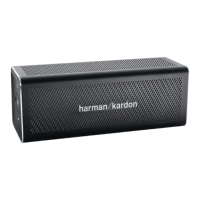
Illustrates the physical layout and connection points on the Harman Kardon One speaker.
Details the process for connecting devices wirelessly via Bluetooth to the speaker.
Explains how to use the Harman Kardon One for speakerphone calls.
Describes the various states and meanings of the LED indicator on the speaker.
Provides instructions for connecting the device using HTC Connect™™ technology.
Detailed technical specifications including Bluetooth version, output power, frequency response, and dimensions.
 General
| Type | Portable Bluetooth Speaker |
|---|---|
| Bluetooth Version | 3.0 |
| Frequency Response | 100Hz – 20kHz |
| Output Power | 2 x 6W |
| Water Resistance | No |
| Battery Life | 5 hours |
| Weight | 514 g |

 To Next Page