Overview of Mountbatten Brailler Tutor 5
Introduction 5
Unpacking the Mountbatten Brailler Tutor 6
The top cover 7
Removing the shipping restraint 7
The reading table 8
Removing the paper bail 8
The wireless keyboard 9
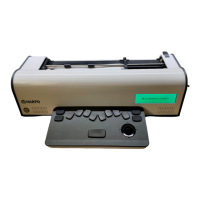
Description of your new Mountbatten Brailler Tutor 9
Mountbatten Brailler Tutor wireless keyboard 9
One-handed keyboard mode 10
Using an external QWERTY keyboard 10
Power and battery 11
How to check battery status 11
How to check keyboard battery status 11
Powering On/Off Mountbatten Brailler Tutor 11
Procedure to reset the MB Tutor 12
Loading paper 12
Loading Paper: Method 1 12
Loading paper: Method 2 13
Removing paper 14
Moving the paper sheet up and down 14
Speech options 14
Volume control 14
Loudspeakers and headphones/earphones 15
Embossing 15
Paper you can use for embossing 15
Using heavy cards or labels 15
Embossing speed 16
Using the keyboard for typing and controlling your device 16
Writing braille with Mountbatten Brailler keyboard 16
How to move around the page 16


 To Next Page