EasyManua.ls Logo

Harris Broadcast NetWave PRE99-1600D-08 - User Manual

Harris Broadcast NetWave PRE99-1600D-08
112 pages
Print Icon
To Next Page IconTo Next Page
Loading...
DirectView Broadcast
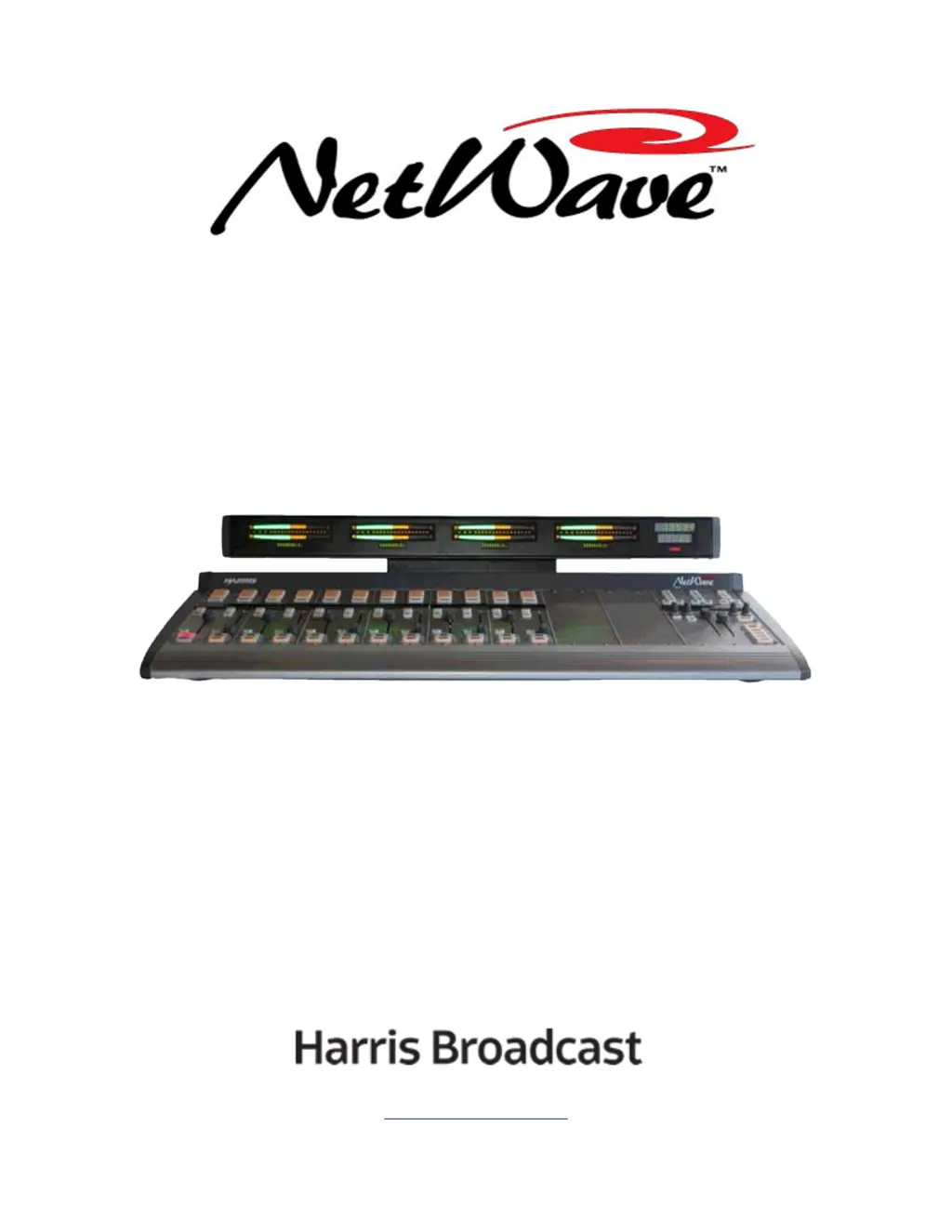
Console Operations &
Technical Manual
8 Channel Console with Dual Metering: PRE99-1600D-08
16 Channel Console with Dual Metering: PRE99-1600D-16
16 Channel Console with Quad Metering: PRE99-1600Q-16
24 Channel Console with Dual Metering: PRE99-1600D-24
24 Channel Console with Quad Metering: PRE99-1600Q-24
PRE75-60 Revision A – 3/13
www.harrisbroadcast.com

Table of Contents

Questions and Answers

  • J
    John ColemanAug 11, 2025
    What to do if the display is unlit on my Harris Broadcast NetWave PRE99-1600D-08?
    • L
      Lance SilvaAug 11, 2025
      If the display is unlit, start by checking the cabling. Remove the rear cover of the display and unplug the cable from J6, then plug it back in. If the display remains unlit, try power cycling the console to reset the Monitor & Output card. If it's still unlit, remove the display subassembly and check the other end of the cable, ensuring it's plugged into J23 on the Monitor & Output board. Finally, check that the multi-switch DS3 settings are all fully set to their ON or OFF positions.
  • B
    Beverly WardAug 17, 2025
    Why are the 48-Volt Supplies failing on my Harris Broadcast NetWave PRE99-1600D-08?
    • R
      Robin FloresAug 17, 2025
      The 48-Volt Supplies may be failing because the vent openings on the 99-1205 rackmount supply are blocked or have dust buildup. Ensure the vent openings are clear and free of dust. Also, check that the 99-1206 in-line supply is not covered by any materials such as cable bundles, papers, or insulation.
  • B
    bethanyhuffmanAug 23, 2025
    What to do if the event timer does not auto-reset on my Harris Broadcast Music Mixer?
    • C
      Caleb VargasAug 23, 2025
      If the event timer does not auto-reset as expected, ensure that the Auto button is lit on the Monitor Control panel and that the Timer Reset parameter is active, indicated by its LED being lit in the channel setup.
  • D
    davisjesusAug 28, 2025
    How to fix blinking colons on the Harris Broadcast NetWave PRE99-1600D-08 Music Mixer clock?
    • J
      Jason FarmerAug 28, 2025
      If the clock's colons are blinking, it indicates that the clock has lost its ESE or SMPTE master timecode signal. Verify that DS4 switch 2 and DS4 switch 5 are both set off. Also, check that the polarity of the incoming signal is correct; the + or hot lead must connect to pin 1 of the Molex connector, and the - or shield lead must connect to pin 2.
  • D
    Derek WalkerSep 3, 2025
    What to do if tenths of seconds display is not functioning as expected on my Harris Broadcast Music Mixer?
    • M
      Michael MoonSep 3, 2025
      If the tenths of seconds display is not functioning as expected, check the multi-switch setting on the clock-timer circuit board. Specifically, check that DS4 switch 1 sets whether the tenths of seconds are displayed while the event timer is running.

Harris Broadcast NetWave PRE99-1600D-08 Specifications

General IconGeneral
BrandHarris Broadcast
ModelNetWave PRE99-1600D-08
CategoryMusic Mixer
LanguageEnglish