EasyManua.ls Logo

HARWA LC-20H3S - User Manual

Default Icon
34 pages
Print Icon
To Next Page IconTo Next Page
Loading...
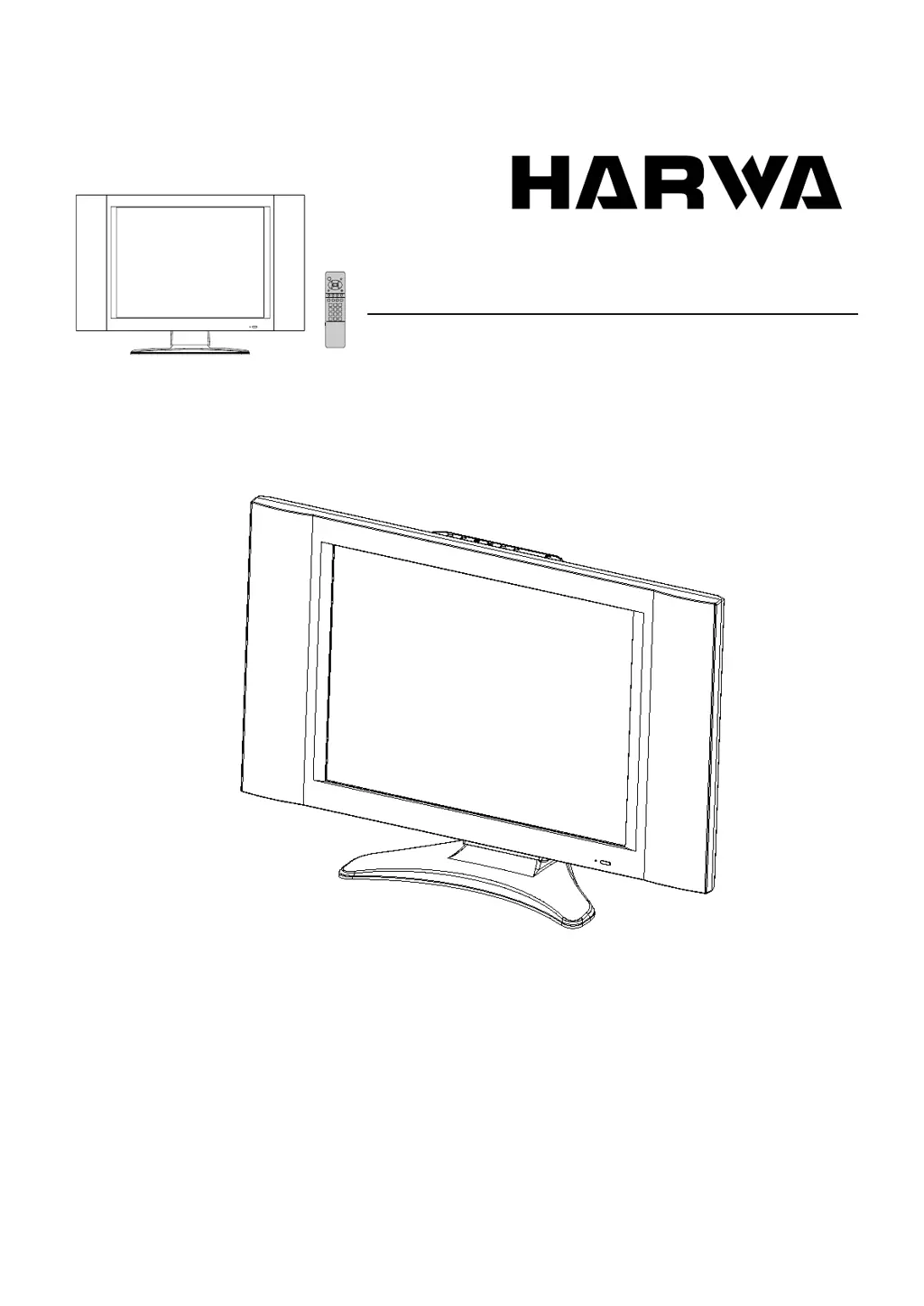
LCD TV
Operating Manual
Before connecting, operating or adjusting this product, please read the manual completely.
Please keep this manual for future reference.
LC-20H3S

Table of Contents

Questions and Answers

Summary

Important Safety Precautions

Preparations

Using the Remote Control

Guide on operating the TV using the remote control, including sensor window usage.

Batteries for the Remote Control

Steps for inserting batteries and precautions for their use in the remote control.

Power connection

Instructions for connecting the AC adapter and power cord to the TV and wall outlet.

Antenna Connection

Guidance on installing the unit and connecting the antenna for optimal reception.

Identification of Controls

Main unit (front view)

Details the controls on the front panel of the TV.

Main unit (rear view)

Details the various input and output terminals found on the rear of the TV unit.

Remote Control

Explains the functions of each button on the provided remote control.

Connections

Connect 21-pin EURO-SCART (AVI IN)

Step-by-step guide for connecting external devices using the 21-pin EURO-SCART interface.

Connect Audio;Video inputs (AV2 IN)

Instructions for connecting audio and video sources to the AV2 input terminals.

Connect a PC

How to connect a PC to the TV using VGA and audio cables for display.

Connect a VCR for recording

Procedures for connecting a VCR to record programs using AV or SCART interfaces.

Turning the Unit On and Off

Viewing the Menus and Displays

Memorizing the Channels

Storing Channels in Memory Automatically

Guide to automatically scan and store all available TV channels for easy access.

Storing Channels in Memory Manually

Steps for manually selecting and storing specific TV channels by number.

Manual Fine Tuning

How to fine-tune picture and sound settings for optimal reception.

Adding and Erasing Channels

Procedures for adding new channels or removing unwanted ones from memory.

Editing Channel Name

Instructions for assigning custom names to TV channels for easier identification.

Basic Operations

Changing Channels

Methods for changing TV channels, including sequential and direct access.

Adjusting the Volume

How to control audio volume using the VOL buttons and the mute function.

Select Input Source Signal

How to choose the active input source for the TV from available options.

Selecting a MENU Language

Guide to changing the on-screen display language of the TV menus.

Setting Picture

Customizing the Picture

Adjusting picture settings like brightness, contrast, color, sharpness, and tint.

Using the Preset Picture Mode

Selecting predefined picture modes (Bright, Nature, Soft) for different viewing scenarios.

WIDE Mode Settings

Adjusting the screen aspect ratio or zoom mode for optimal display.

Setting System

Setting Blue Screen Background

Option to enable or disable a blue background when no signal is present.

Setting Color and Sound System

Configuring the video standard (e.g., Auto) and audio system settings.

Setting Scart Output

Configuring the TV signal output through the SCART connector to TV or Monitor.

Timer Function

Setting Sleep Time

Setting the TV to automatically turn off after a specified duration.

Setting Current Time

Procedure for setting the current time displayed on the TV.

Setting On Timer

Programming the TV to automatically turn on at a specific time and day.

Setting Off Timer

Programming the TV to automatically turn off at a specific time and day.

OSD Settings

Setting OSD Position

Adjusting the on-screen display position for menus and information.

Setting OSD Background

Changing the background style of OSD menus to opaque or translucent.

Setting OSD Timeout

Setting the duration before OSD menus automatically disappear from the screen.

Setting Sound

Adjusting Sound Settings

Customizing sound parameters like Bass, Treble, Balance, VBE, and Spatial effects.

Using the Preset Sound Mode

Selecting predefined sound modes (Movie, Music, News) for different audio experiences.

Loading Preset Sound Settings for Headphone

Adjusting and saving sound settings independently for headphone use.

NICAM Broadcast Selection

Selecting broadcast reception modes for NICAM stereo, bilingual, or monaural audio.

IGR (German stereo system) Broadcasts

Selecting broadcast reception modes for IGR stereo or bilingual audio.

Adjustment in VGA Mode

Customizing the Picture

Adjusting picture settings like brightness and contrast when connected via VGA.

Customizing the Color Temp

Setting user-defined color temperatures by adjusting RGB values.

Adjusting the Picture Automatically

Using the AUTO button for quick, automatic picture adjustments.

Changing the Position of Image

Adjusting screen position and alignment for optimal clarity when connected to a PC.

Adjusting the Phase and Frequency

Fine-tuning phase and frequency settings to improve PC image clarity.

Teletext

Turning on and off Teletext

Steps to activate and deactivate the Teletext display feature.

Button functions

Explains the functions of various buttons used for Teletext navigation and control.

Troubleshooting

Specifications

Dimensional Drawings

HARWA LC-20H3S Specifications

General IconGeneral
BrandHARWA
ModelLC-20H3S
CategoryLCD TV
LanguageEnglish