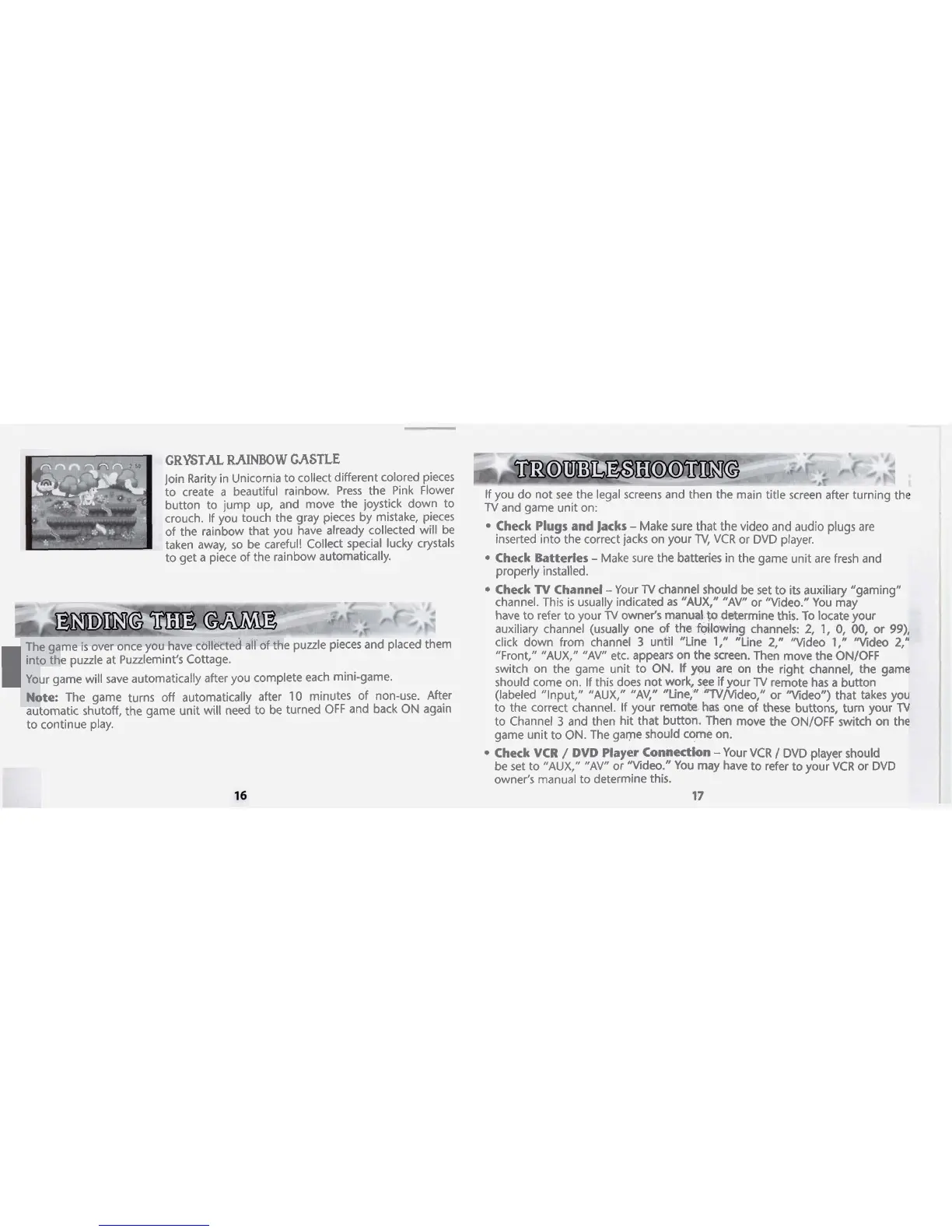
CRYSTAL
RAINBOW
CASTLE
Join Rarity in Unicornia to collect different colored pieces
to create
a
beautiful rainbow. Press the Pink Flower
button to jump up, and move the joystick down to
crouch. If you touch the gray pieces by mistake, pieces
of the rainbow that you have already collected will be
taken away, so be careful! Collect special lucky crystals
to get a piece of the rainbow automatically.
I
The game
is
over once you have collected all
of
the puzzle pieces and placed them
into the
puzzle at Puzzlemint's Cottage.
Your game will save automatically after you complete each mini-game.
Note:
The game
automatic shutoff,
to continue play.
If you do not see the legal screens and then the main title screen after turning the
TV
and game unit on:
Check Plugs and Jacks
-
Make sure that the video and audio plugs are
inserted into the correct jacks on your
TV,
VCR or DVD player.
Check Batteries
-
Make sure the batteries in the game unit are fresh and
properly installed.
Check
TV
Channel
-
Your
TV
channel should be set to its auxiliary "gaming"
channel. This is usually indicated as
"AUX,"
"AV1' or "Video." You may
have to refer to your
TV
owner's manual
to
determine this. To locate your
auxiliary channel (usually one of the
following channels:
2,
1,
0, 00, or
99),
click down from channel
3
until "Line
1,"
"Line 2," "Video
1,"
"Video
2,"
"Front," "AUX," "AV" etc. appears on the screen. Then move the ONIOFF
switch on the game unit to ON. If
you
are on the right channel, the game
should come on. If this does not work, see
if
your
TV
remote has a button
turns off automatically after 10 minutes of non-use. After
(labeled "Input," "AUX," "AV," "Line," "lV/tsdeo," or "Video") that takes you
the game unit will need to be turned
OFF
and back ON again
to the correct channel. If your remate
has
one of these buttons, turn your
TV
to Channel
3
and then hit that button. Then move the ON/OFF switch on the
game unit to
ON.
The game should come on.
Check VCR
/
DVD Player Connection
-Your VCR
/
DVD player should
be set to "AUX," "AV" or "Video." You may have to refer to your VCR or DVD
owner's manual to determine this.
17




 To Next Page