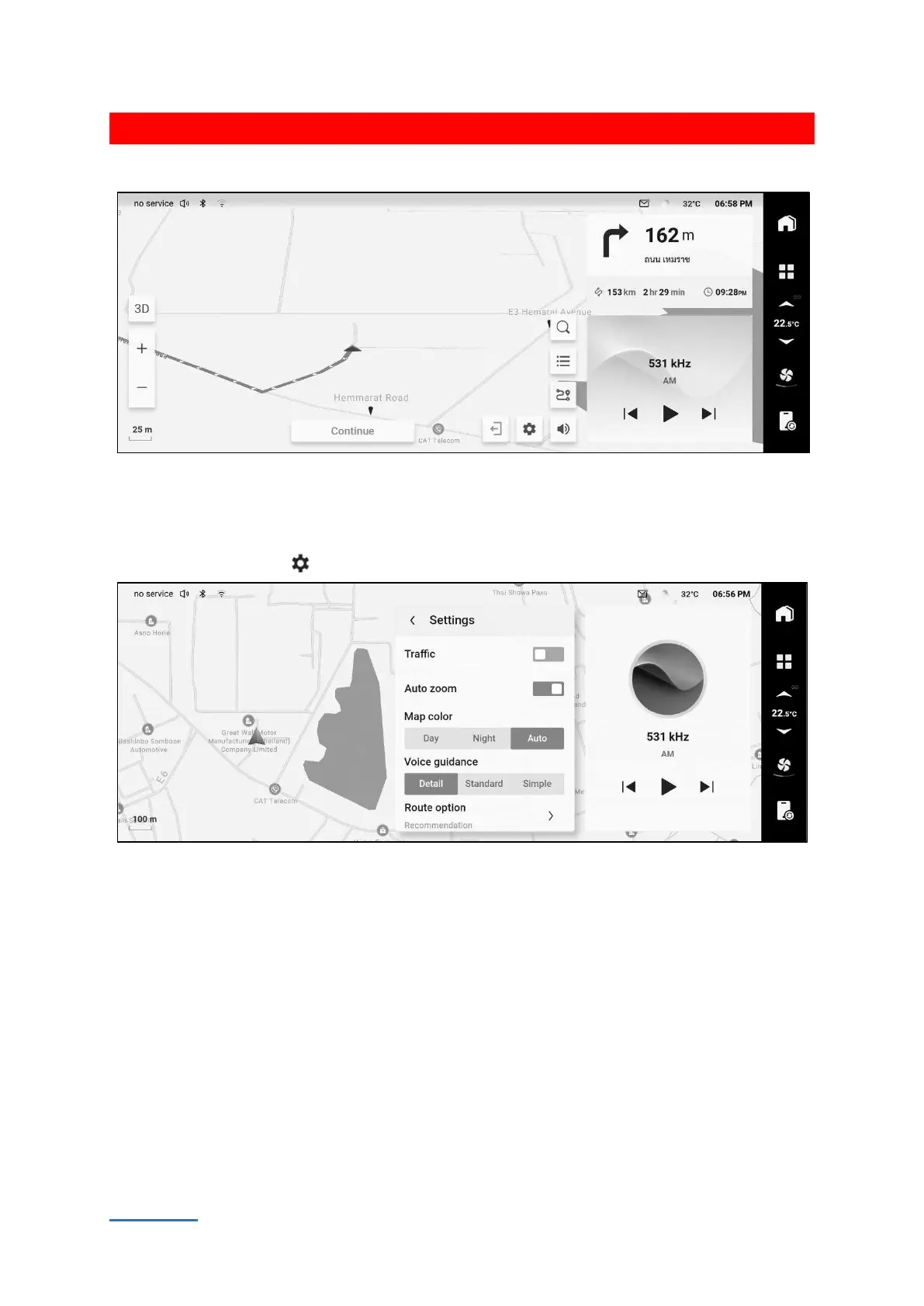
Touch [Start navigation] button to switch the path leading interface and enter navigation mode.
525F6AC709E7
Touch the non-button location on the map to pop out the hiding function buttons.
Navigation setting
Touch the setting button the map interface to switch to the setting interface.
C8B801A89793
You can set current road condition, automatic scale, navigation broadcast, prefer path, home/ company
address, delete personal information, update the online map, update USB map and check version
Information.



 To Next Page