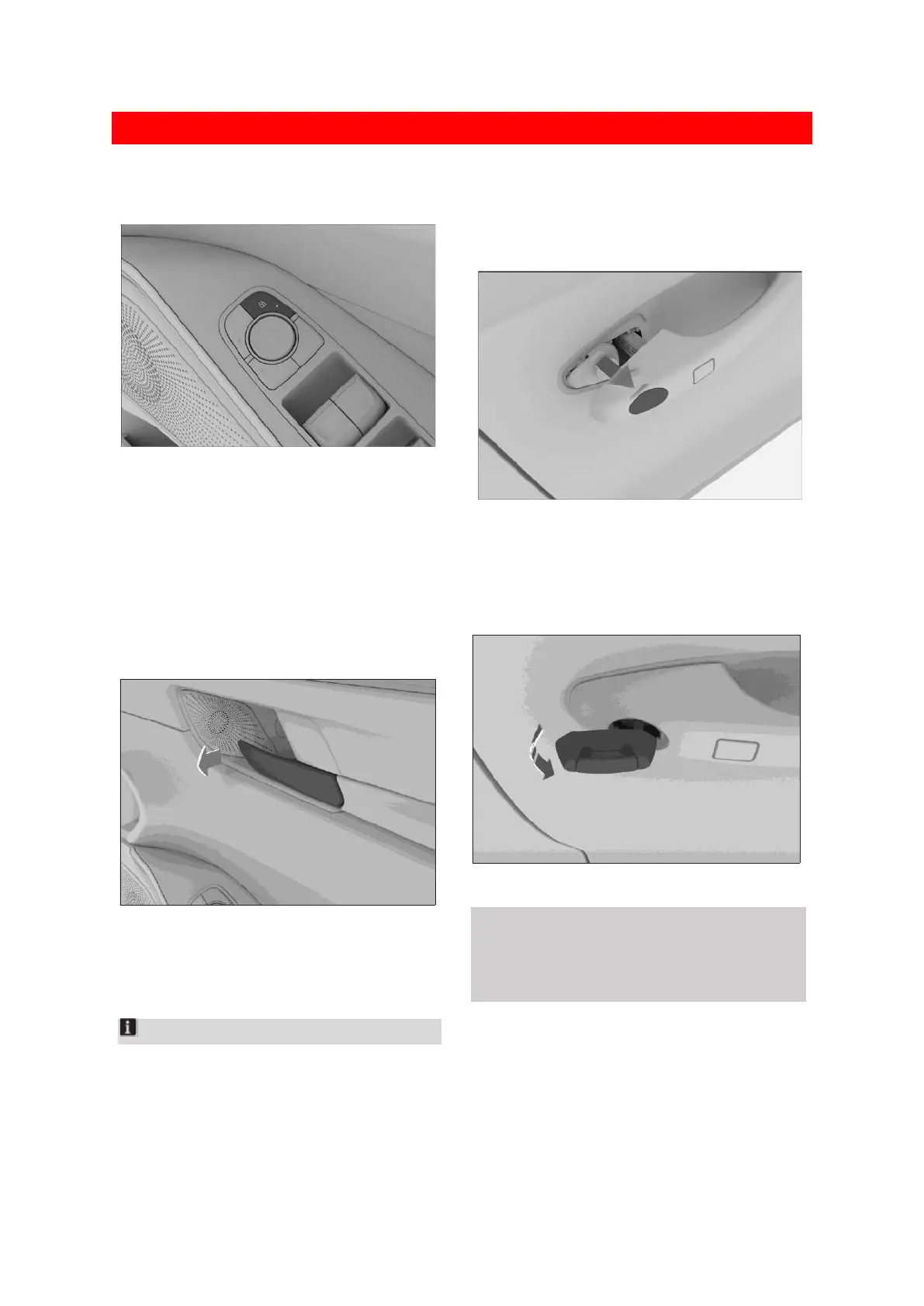
Locking and unlocking with center
control buttons
30B456D10480
The central locking/unlocking button is located
on the driver's door. Press it to lock or unlock all
doors.
If the button indicator lights up, it means the
door is locked.
If the button indicator goes out, it means the
door is unlocked.
Unlocking with the interior handle
C9B3783BF18A
With the doors locked, pull the interior door
release to unlock the door, and pull it again to
open the door.
Notice
When opening the door with the internal release,
make sure that the child lock is in the off state,
otherwise the rear doors cannot be opened.
Locking and unlocking with the
mechanical key
1. Pull up the door handle and push the cover
from the inside to remove it.
D619A483DC3F
2. Insert the mechanical key into the door lock.
Rotating it locks or unlocks the door.
For how to take out the mechanical key, please
refer to replacing the battery for key. (Page 18)
9979A0CFC453
⚠ Caution
After the door is unlocked, the mechanical key
must be removed before opening the driver's
side door.



 To Next Page