Vehicle equipment
Please note that this manual contains all
the standard equipment, country -specific
equipment and special equipment for this
mo d el se r i es . Th u s, so m e eq ui p m e n t o r
features described in this manual may not
be installed onto your vehicle or are only
a va i l a b l e i n s o m e m a r k e t s . F o r f ur t h e r
configuration information, please refer to
relevant sales information or consult with your
d i s t r i b u t o r s e l l i n g t h e v e h i c l e to y o u .
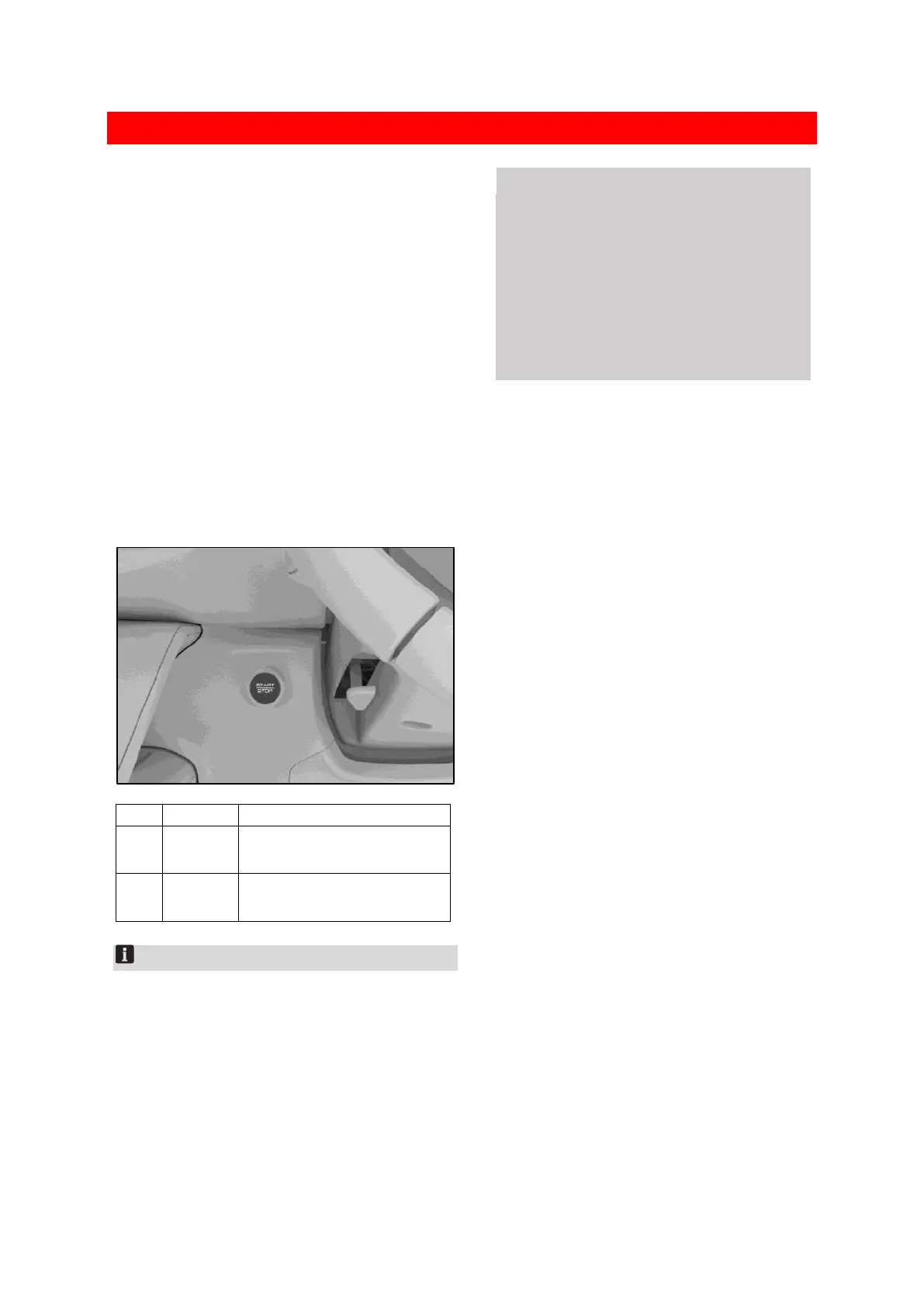
Start button
Mode switching
When the smart key is carried, directly press the
power switch to change the power switch mode.
8BFF9918EA47
Electrical components are in
the non-working state.
All electrical components
can be used.
Notice
When the smart key is carried, depress the brake
pedal with the shift lever in the P position. The
vehicle can be started by pressing the power
switch regardless of the mode.
⚠ Caution
Do not place the smart key on the
instrument panel, on the ground, on the
virtual instrument, in the glove box, or in
the luggage compartment. Otherwise, it
may not be possible to switching mode.
Press the power switch to the LOCK mode
and always take the smart key out from
the vehicle when leaving the vehicle.


 To Next Page
 Loading...
