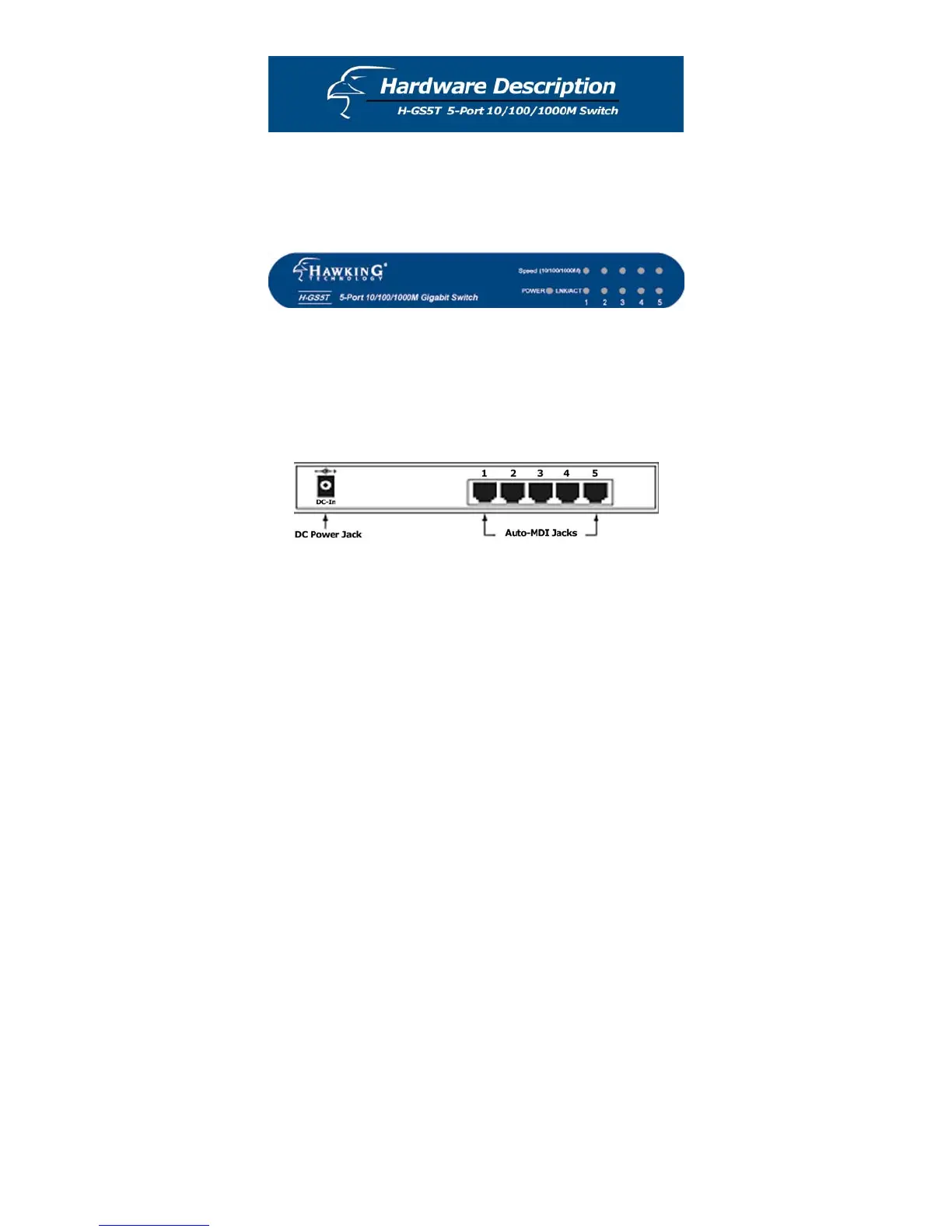
This chapter describes the front panel, rear panel, and LED
indicators of the switch.
Front Panel
The LED indicators will help you monitor the status of each
port and connected segment. The functions of the LED
indicators are described on the following page.
Rear Panel
The rear panel of the switch consists of a DC power
connector and five 10/100/1000M auto-negotiation RJ-45
ports. The figure on the previous page shows the rear panel
of the switch.
9


 To Next Page