5.
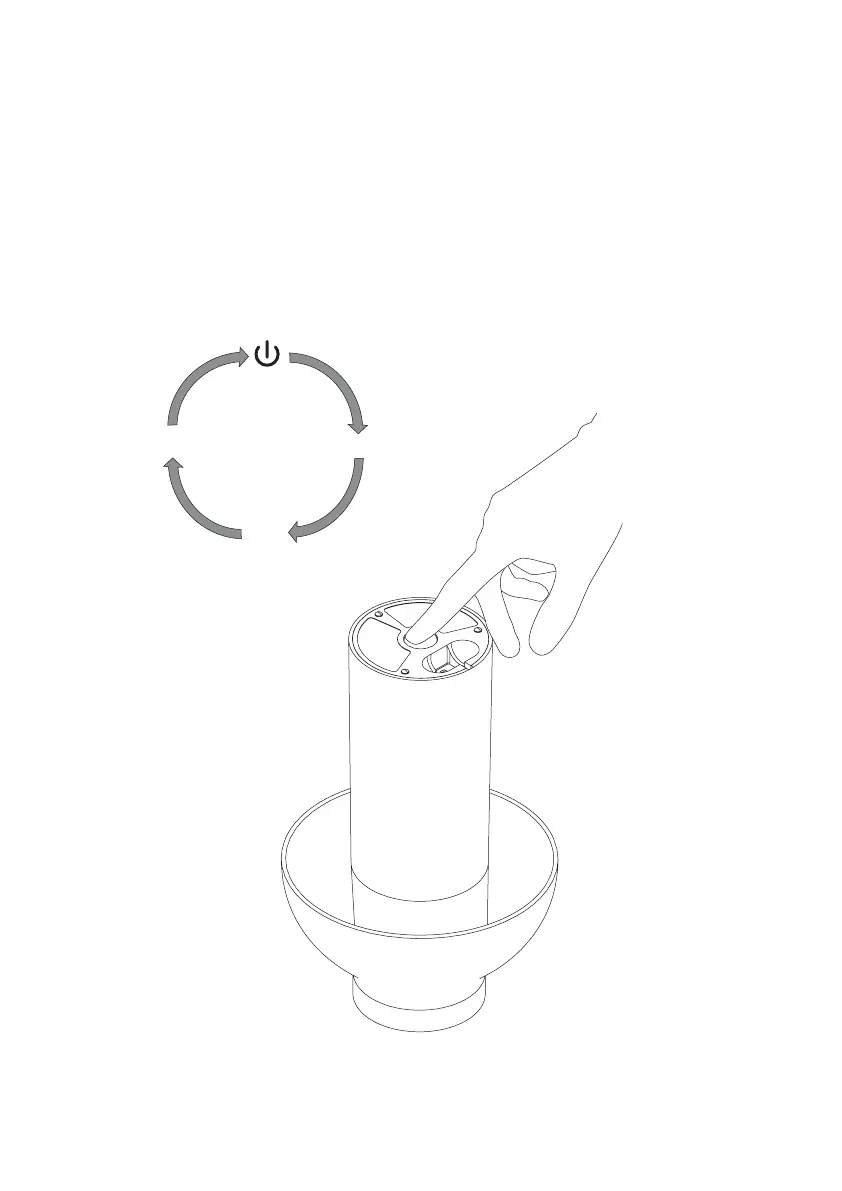
To turn the lamp on, touch the round button on the bottom of the lamp.
The lamp has a three-step dimmable feature. First push sets it to maximum brightness,
second push to medium brightness and the third push to lowest brightness.
Fourth push turns the lamp off.
Please save these instructions for future reference.
40%
70%
100%


 To Next Page