Operation
Choose a light show from 17 of the available settings:
- Toggle light transformer from “On”, back to “Off”, and back “On” between 2 to 10 seconds.
A new Sync Module will require a sync to be performed between the waterfall and pool lights. Power the transformer
“On” for 1 minute prior to sync. Power the transformer “Off” and wait 14 seconds before power “On”. Lights will now be
synched. If power switch is turned “Off” for more than 15 seconds, the Sync Module will store the last running Light
Show. The next time the unit is powered on, the Sync Module will load the last running show within 15 seconds.
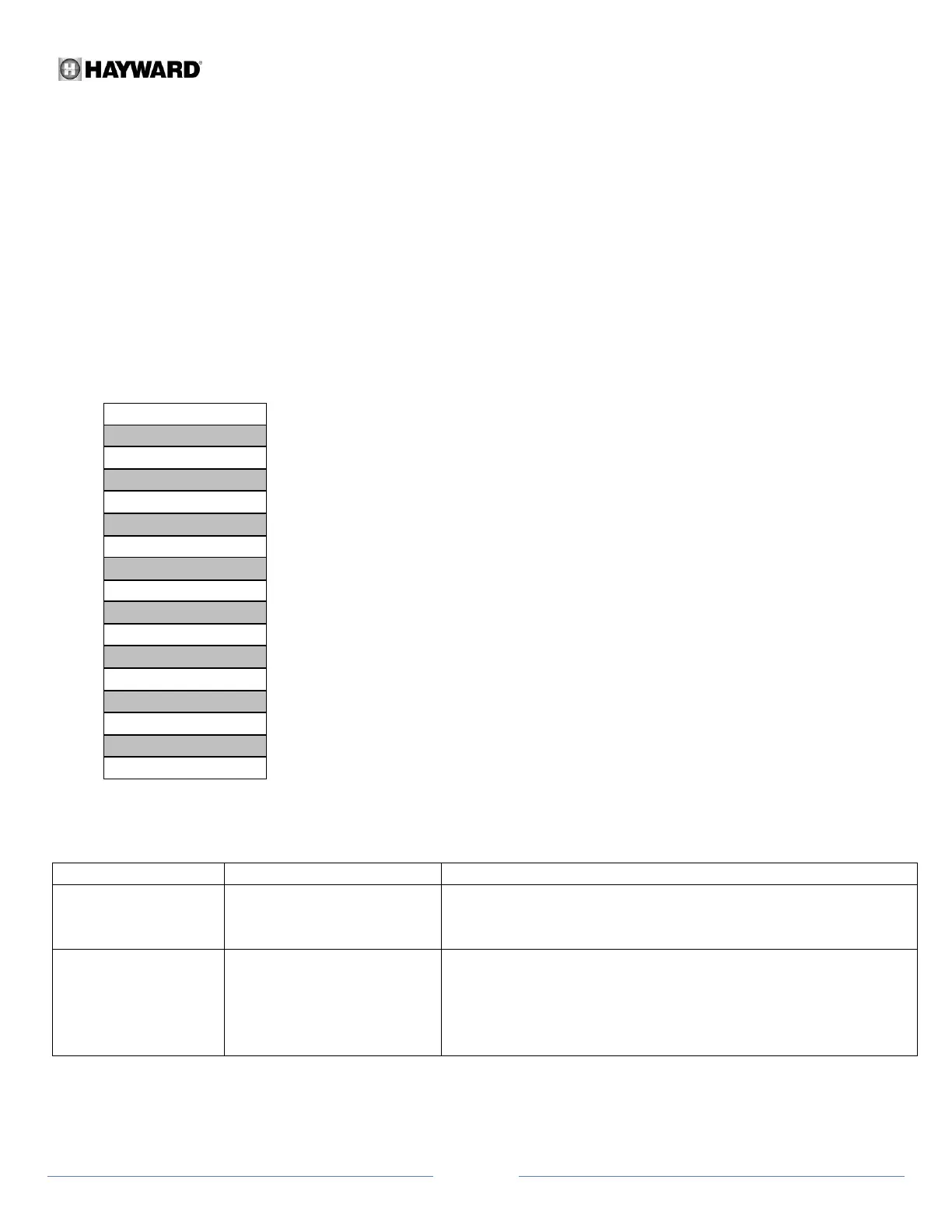
Order of Light Show Programming:
Troubleshooting
Lights are not turning
“On”.
Breaker is off or tripped
Possible loose connections
Reset breaker
Secure Sync Module input & out connections
Lights were turned on and
off too quickly
Power transformer “On” for 1 minute prior to sync. Power
transformer “Off” and wait 14 seconds before power “On”. Verify
all lights are in sync after 4 seconds. If unsuccessful, repeat sync
procedure (use of a stopwatch is ideal)
Additional questions and product support can be answered by the Hayward Technical Support team at
1-888-238-7665



 To Next Page