Safety Instructions
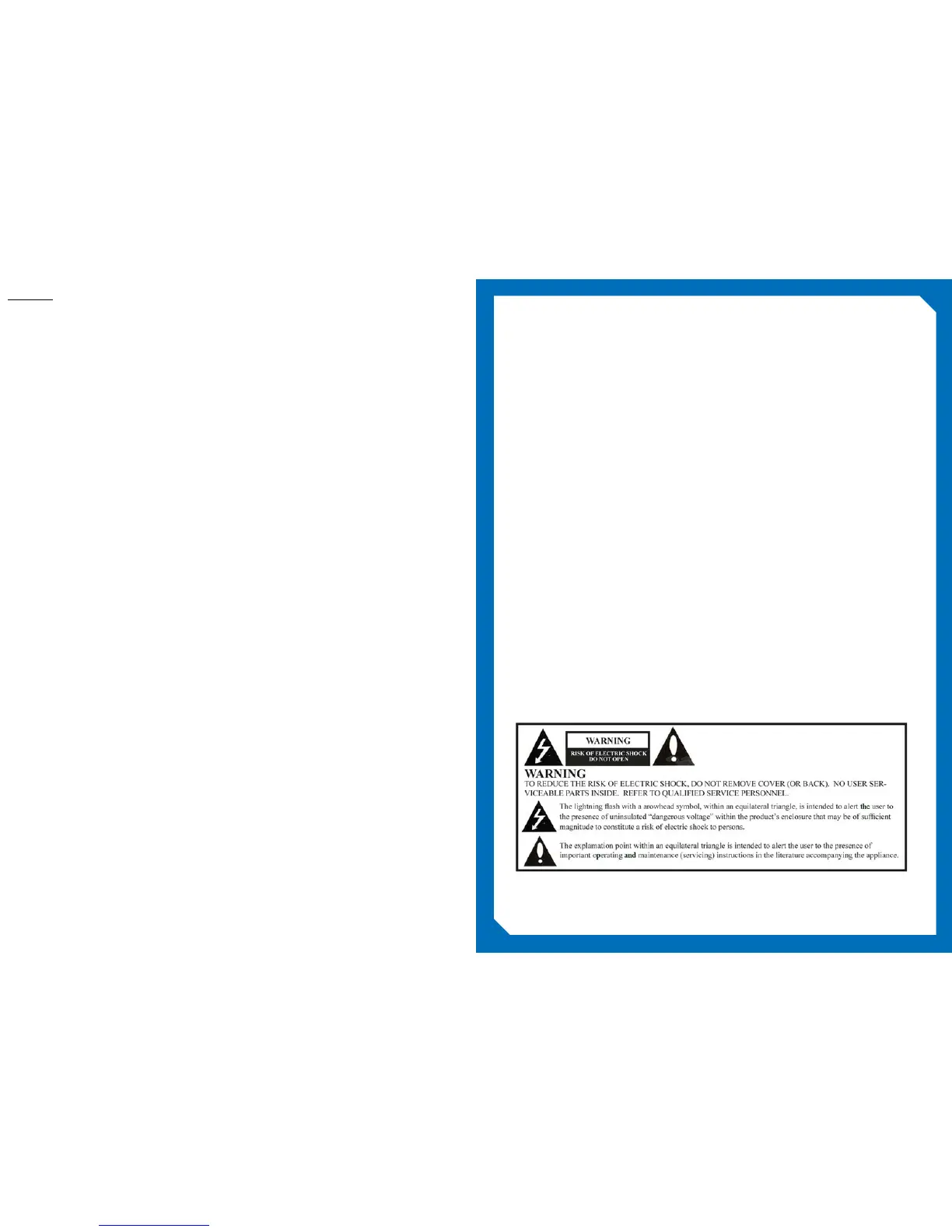
WARNING
To reduce the risk of re or electric shock, do not expose this apparatus to rain or moisture and this
apparatus shall not be exposed to dripping or splashing and no objects lled with liquids, such as
vases, shall be placed on the apparatus.
Do not use this LCD TV Monitor near water. For example: avoid placing it near a bathtub, washbowl,
kitchen sink, or laundry tub, in a wet basement, or near a swimming pool, etc.
This apparatus shall be connected to a mains socket outlet with a protective earthing connection.
The mains plug of this apparatus must remain readily operable.
Advertisement:
Pour réduire le risque du feu ou de décharge électrique, n’exposez pas cet appareil à la pluie ou à
l’humidité. L’appareil ne sera pas exposé à l’égoutture ou l’éclaboussement et aucun objet remplis de
liquides, tels que des vases, ne seront placés sur l’appareil.
Contents
Safety Instructions 3
Package Contents 7
Included with Model #BM15AP 8
Optional Accessories 9
Product Introduction 11
IR Remote Control 12
Headphone Audio Out 13
Microphone Audio In 13
Hardware Reset 13
HDMI 13
Input/Output Panels 13
VGA 13
A/V Input 13
D/C Power 13
RF In 13
RJ-12 13
1/8” Serial 13
RJ-45 13
A/V In 13
HDMI In 13
USB 13
TV Keypad Controls 14
Installation 15
Setup and Operation 20
BM15AP Home Screen Components 22
TV Icon 22
Application Icons 22
Folders 22
Internet Browser 22
Display next page 22
Logo Image 22
Live TV display 22
Rent Me App 22
Add 32
Android Settings Options 26
Change background image 35
Change logo 33
Change TV View 34
Channel Guide 25
Channel Search 30
Edit Home screen 31
IR band 29
LED mode 27
Lock 28
Power on/off time 29
Serial control 30
Set Rent Me app 33
Set Rent Me Icon 34
TV Setting 26
TV Settings 25
Watch TV 24
Advanced 42
Application Info 45
Applications 44
Change pin code 37
Copy Bank 36
Date and Time 39
Edit bank 36
Edit Channels, Apps, Inputs and Folders 37
Ethernet 43
Import/Export tv settings 38
Information 47
Keyboard 39
Locale 38
Network 39
Selecting a wireless network 41
Upgrade 46
Wireless LAN settings 40


 To Next Page