User's Guide
Getting Started
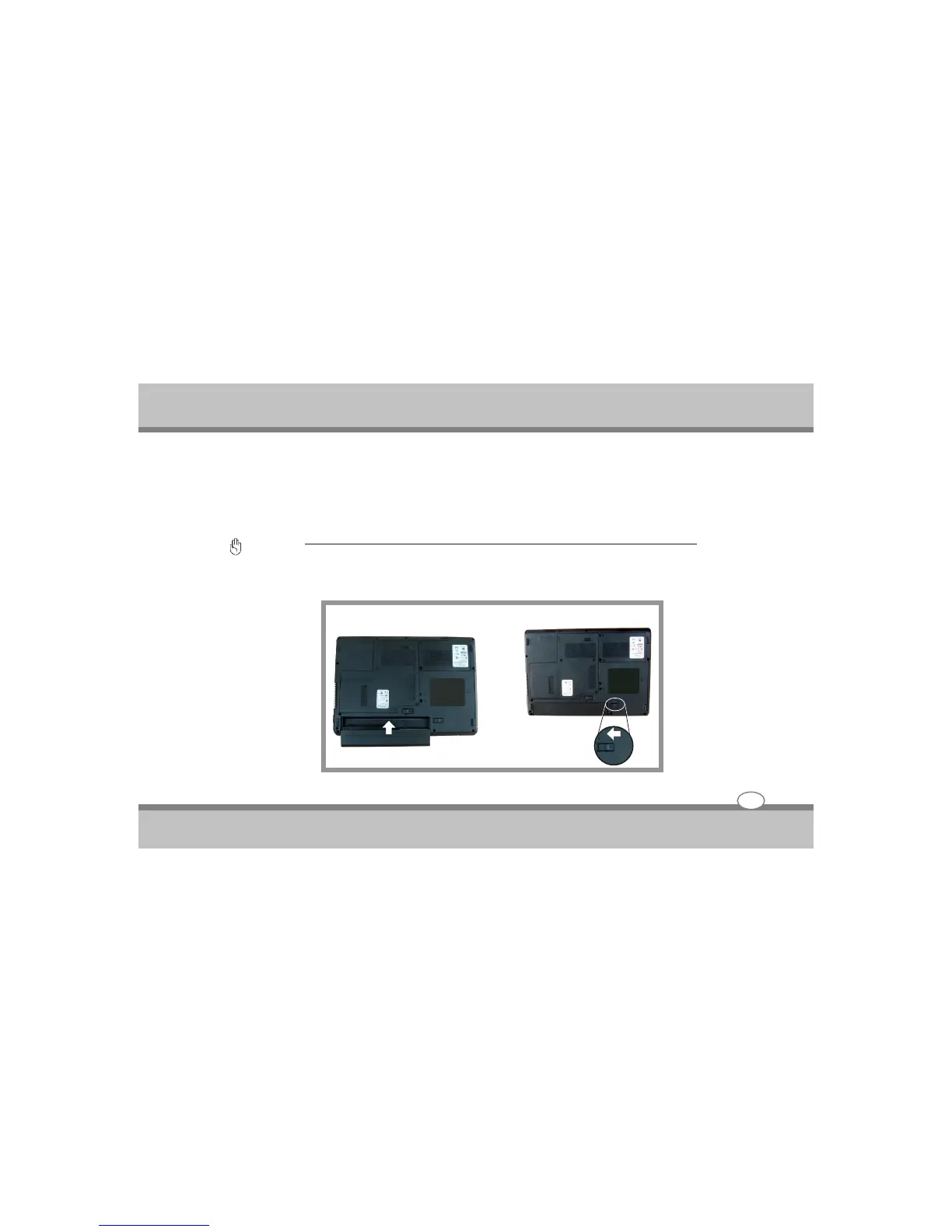
Installing and Removing the battery Pack
Your Notebook PC may or may not have its battery pack installed. If your Notebook PC does not have its
battery pack installed, use the following procedures to install the battery pack.
This notebook provides the most convenient way to install the battery pack into your computer. With the
extended nose directed toward the compartment, insert and push the battery pack.
Important :
Never attempt to remove the battery pack while the Notebook PC is turned ON, as this may result in the loss of
working data.
3-3
To Install the battery Pack :



 To Next Page