Important :
Only use battery packs and power adapters supplied with the Notebook PC or specifically approved by the
manufacturer for use with this model or else damage may occur to the Notebook PC.
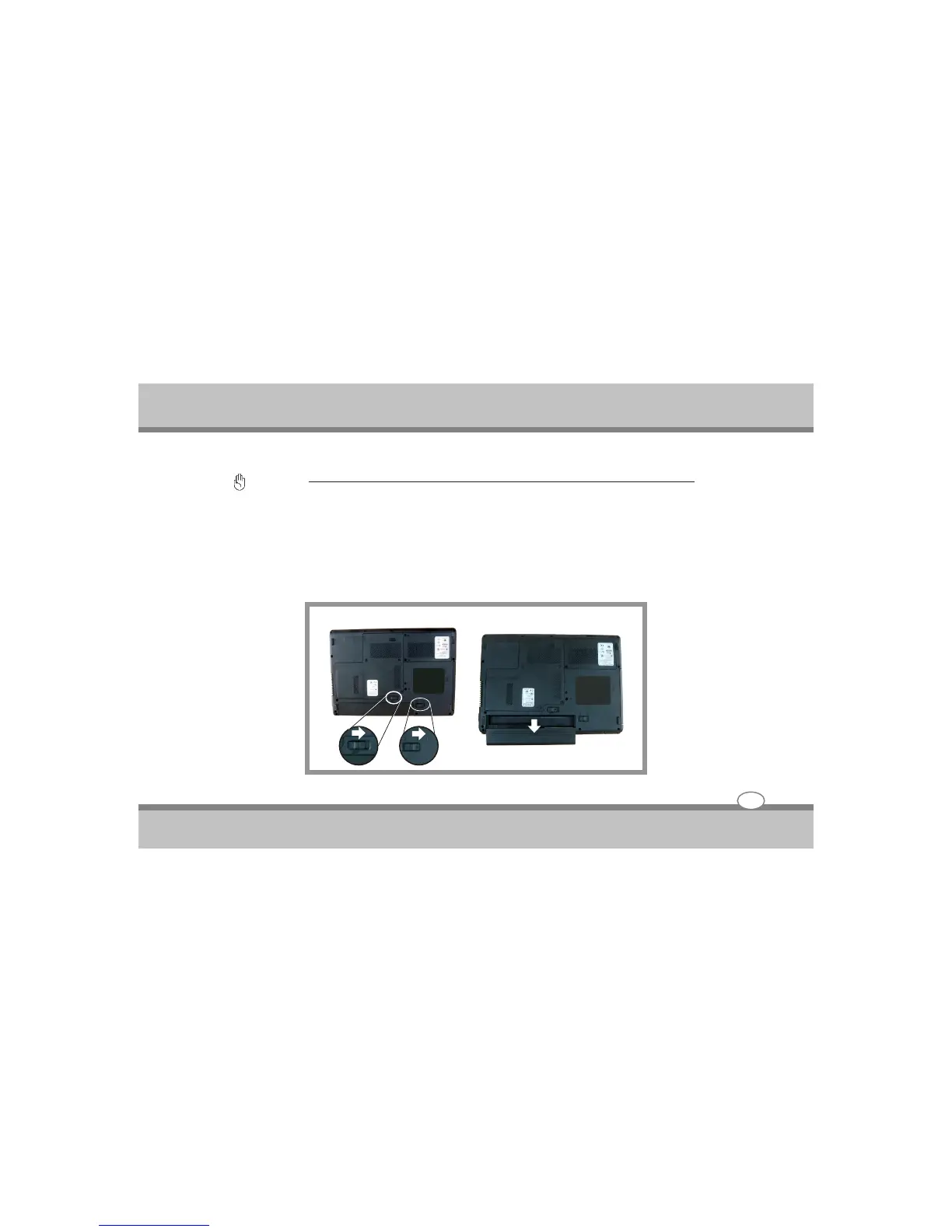
Removing the Battery Pack
To remove the battery pack, slide the lock latch to the end of right side to unlock the battery lock latch (1),
and slide the battery release latch to the end of right side to release the battery latch (2), then take out the
battery pack with your finger.
To remove the battery pack :
User's Guide
Getting Started
3-4
2
1



 To Next Page