Restarting or Rebooting
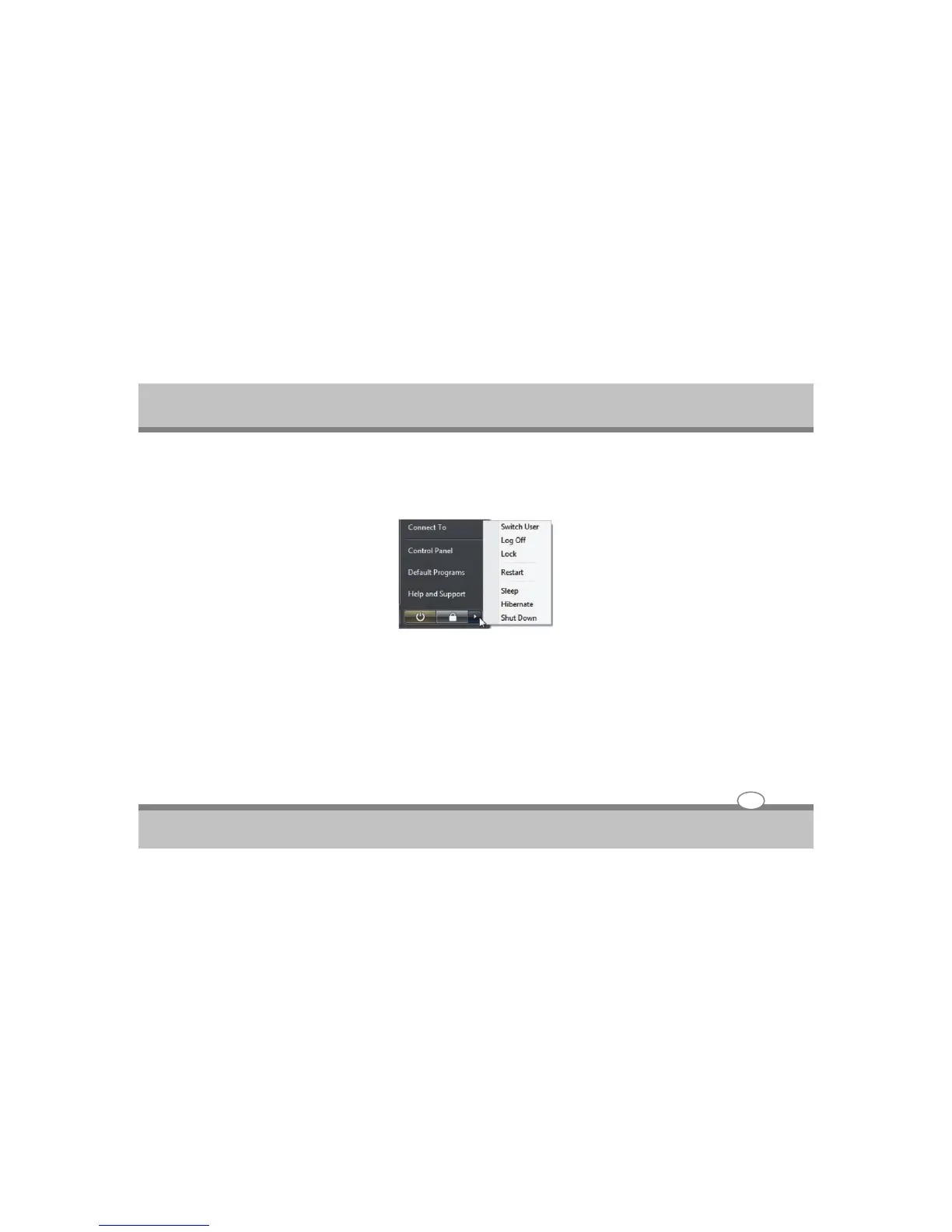
After making changes to your operating system, you may be prompted to restart the system. Some
installation processes will provide a dialog box to allow restart. To restart the system manually, click
Windows Start button and select “Turn off computer” and then choose Restart.
Powering Off
In Windows Vista, power OFF the Notebook PC by clicking Windows Start button and select “Turn Off”
and then choose Turn Off (or Shut Down).
User's Guide
3-9
Getting Started



 To Next Page