User's Guide
Getting Started
Important :
To protect the hard drive, wait at least 5 seconds after turning OFF your Notebook PC before turning it back
ON.
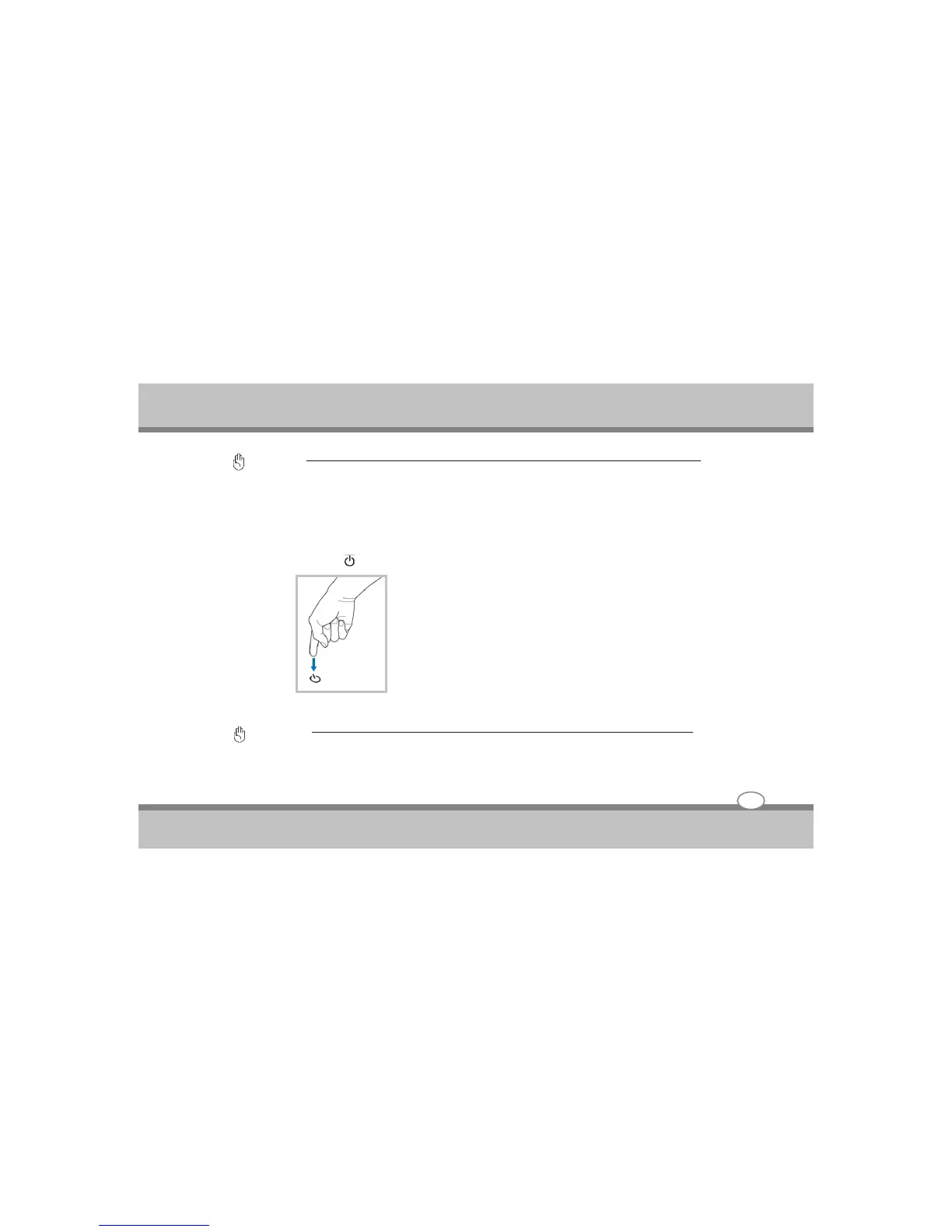
Emergency Shutdown
In case your operating system cannot properly turn OFF or restart, there is a additional way to shutdown
your Notebook PC:
Hold the power button over 4 seconds
TIP: Use a straightened paper clip to press the shutdown button.
Important :
Do not use emergency shutdown while data is being written; doing so can result in loss or destruction of your
data.
3-10



 To Next Page