Warning:
Security Enabled Networks: You should try to make sure that any network you are connecting to is a secure
network. Connecting to unsecure networks may allow unauthorized access to your computer, documents,
websites and files etc.
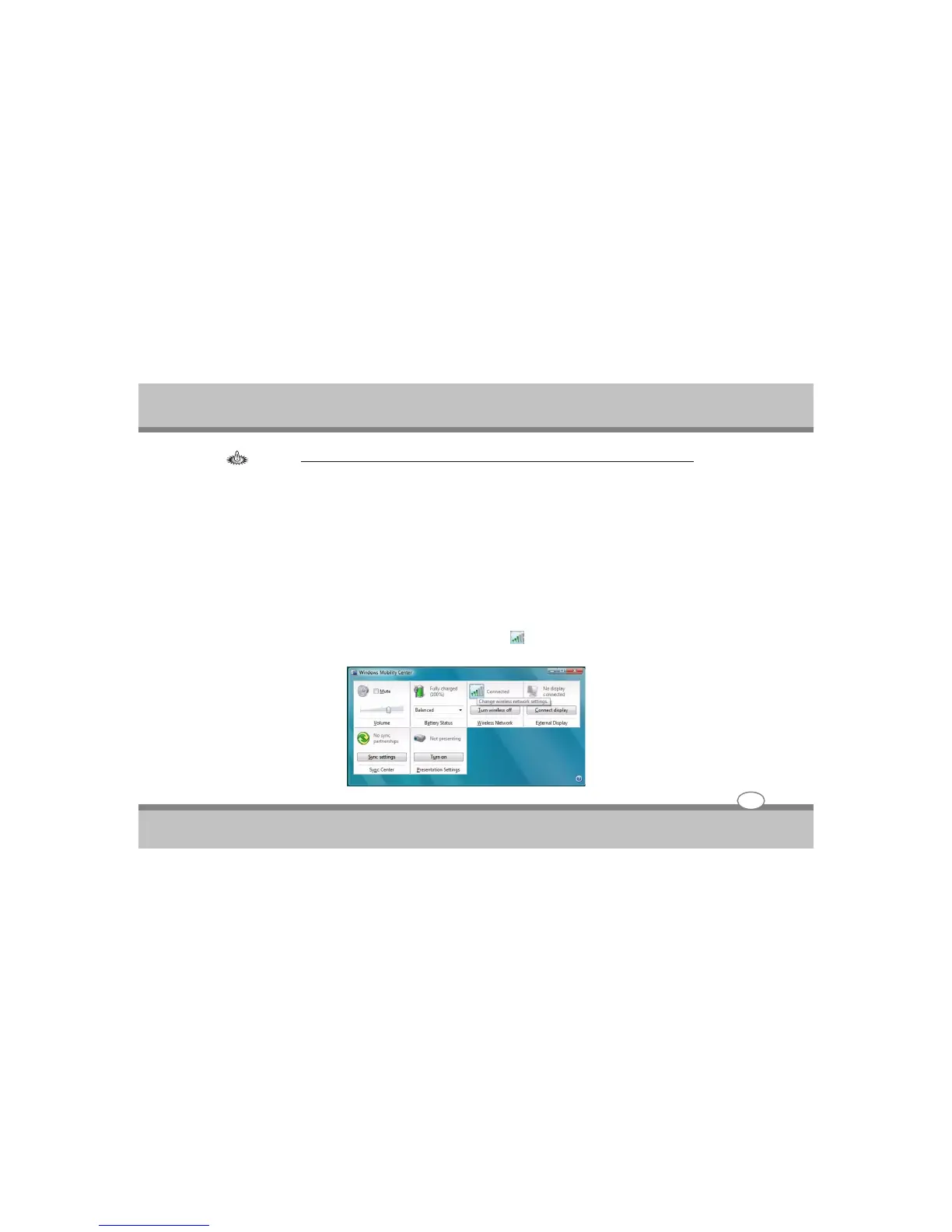
Windows Mobility Center
The Windows Mobility Center control panel provides an easy point of access for information on battery
status, power plans used and wireless device status etc.
To access the Windows Mobility Center:
1. Click Start, and click Control Panel (or point to Settings and click Control Panel).
2. Double-click Windows Mobility Center (Mobile PC).
3. Click the button to Turn wireless off/on, or click the icon to access the network menu.
User's Guide
4-17
Using the Notebook PC



 To Next Page