User's Guide
4-16
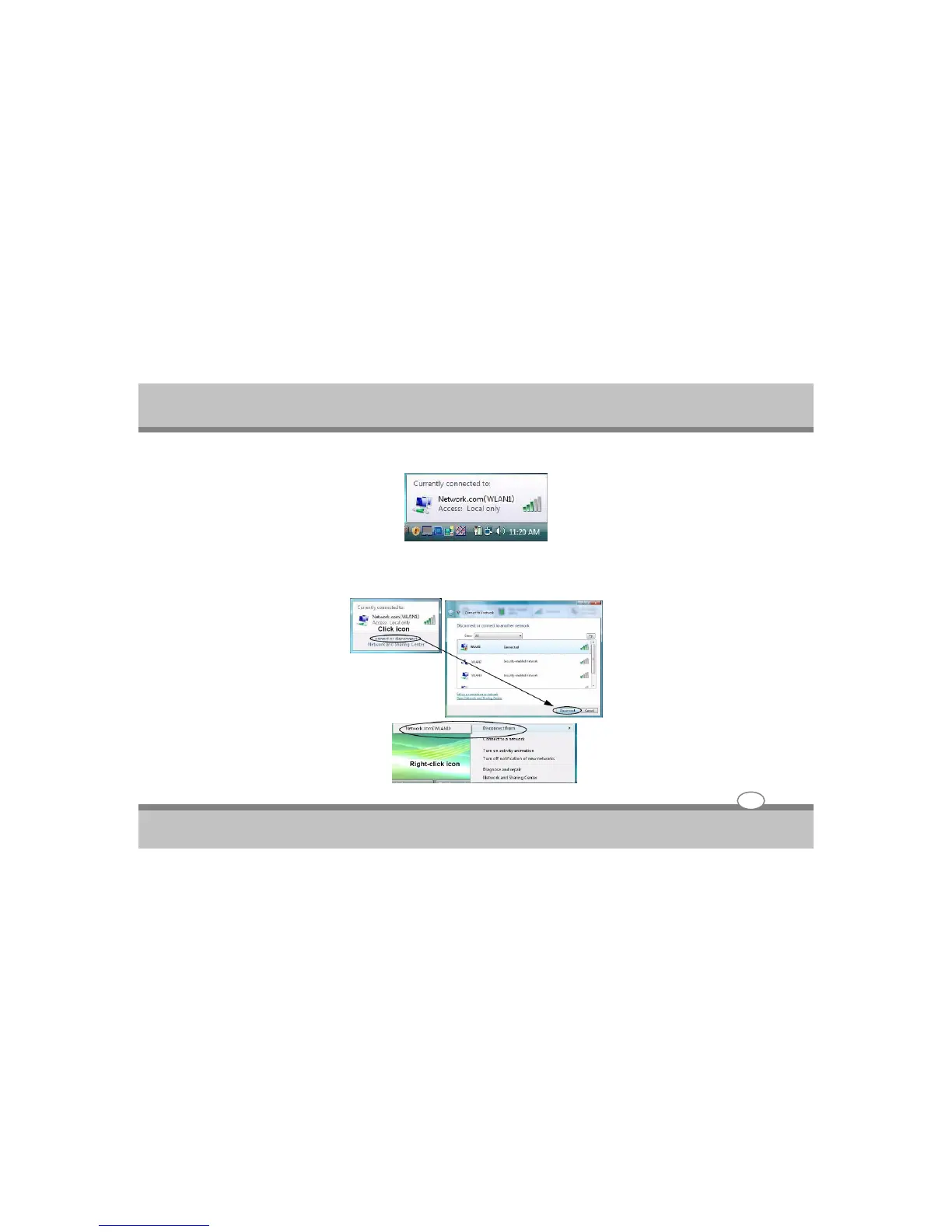
6. Move the cursor over the taskbar icon to see the connection status (see below).
7. To disconnect from the wireless network you can click the taskbar wireless icon , and then select
Connect or disconnect to access the network menu, and click Disconnect (or right-click the icon , and
then click Disconnect from).
Using the Notebook PC



 To Next Page