User's Guide
Using the Notebook PC
4-15
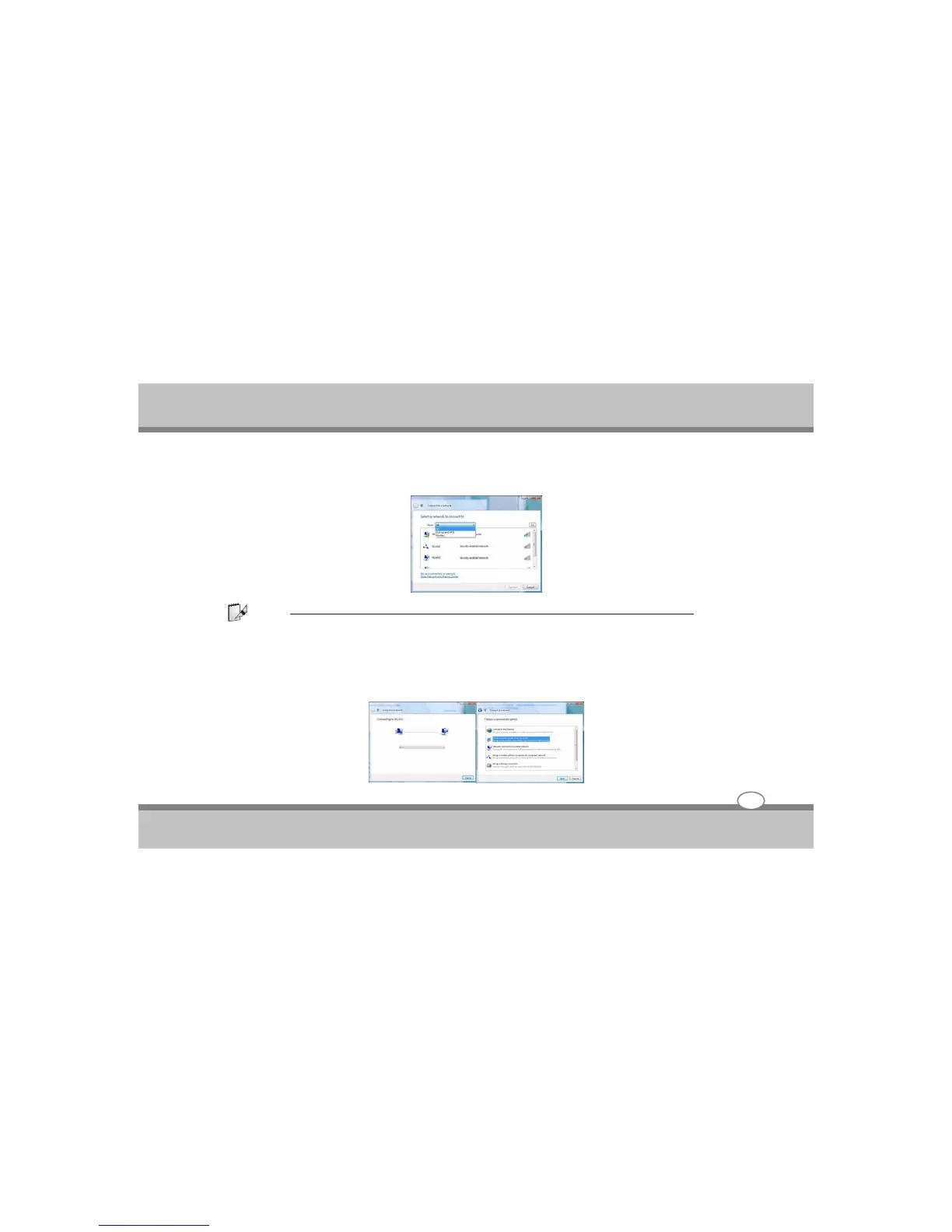
3. A list of currently available networks will appear.
Note:
Network and Sharing Center: You can also use the Network and Sharing Center control panel in Windows
(Network and Internet) to connect to any available wireless networks.
4. Click a network, and then click Connect.
5. If you do not see a network you want to connect to, click Set up a connection or network (a list of options
will appear allowing manual searching, and creating a new network).



 To Next Page