Pong is a kind of virtual
table tennis played with
two players. The buzzers
stand in a row and each
player stands at one end
of the buzzer line. Each play-
er controls the buzzer in front
of him, which acts like a bat to send the light back
and forth. The longer you play, the faster and more intense
the game becomes.
Play Pong!
Step 1: Slide the switch at the bottom of the Master Buzzer
to position 4, this time the game is automatically set up
for two players.
Step 2: The buzzers start to light up one after the other.
This shows the order in which the buzzers should be arran-
ged. When the rst buzzer lights up, place it at the beginning
as the start buzzer. The next buzzer ashes. Now place it
directly in front of the other buzzer in a straight line. If the
third buzzer ashes, it will be placed in the line of the other
buzzers, and so on.
Step 3: Once all buzzers are placed, each player takes con-
trol of a buzzer on the edge, start and end buzzer.
Step 4: One of the two buzzers at the end of the row lights
up. Buzzers now start the game.
Step 5: The game begins and the light ball moves back and
forth between the two buzzers. As soon as it reaches the
buzzer at the end again, the player has to press the buzzer
to hit the ball back.
Win Pong!
The game runs three rounds. If a player cannot hit the
light ball back, the rst round is over and another round
begins. The player who can win two of the three rounds
wins the game. The buzzers indicate the winner by
lighting up the winner‘s color and sounding a beep.
If a player presses the buzzer before the light ball is reached,
all buzzers ash in the color of the player who missed the time.
If the light ball is not fought back at all, the buzzers ash in red.
Also with Switch, each
player is assigned a co-
lor. All players then try
to press the buzzer when
their own assigned color
lights up. Every time a player
buzzes on his assigned color, all
other buzzers change their color suddenly.
Play Switch!
Step 1: Slides the switch on the bottom of the Master Buz-
zer to position 2. Selects how many players participate. To
do this, press the master buzzer. Each time you press, all
buzzers light up in a certain color. Each color stands for
one player. Set the buzzers in this game mode away from
each other.
Step 2: After the number of players is selected, wait until
the buzzers stop blinking. After that you will hear a beep,
which indicates the start of the game.
Step 3: Switch starts when the buzzers light up in the diffe-
rent colors. Now you try to press the buzzers that light up
in your color as often as possible.
Step 4: Each time a buzzer is pressed, the color of the ot-
her buzzers changes abruptly. So pay attention to the color
of the buzzer in the
Moment lights up.
Win Switch!
After each game round, the buzzers indicate the winner by
lighting up the color that was booked the most and a beep
is heard.
Playtip: Place the buzzers far away from each other (up to
5 meters from the master buzzer!). This increases the fun
of the game and really gets you moving.
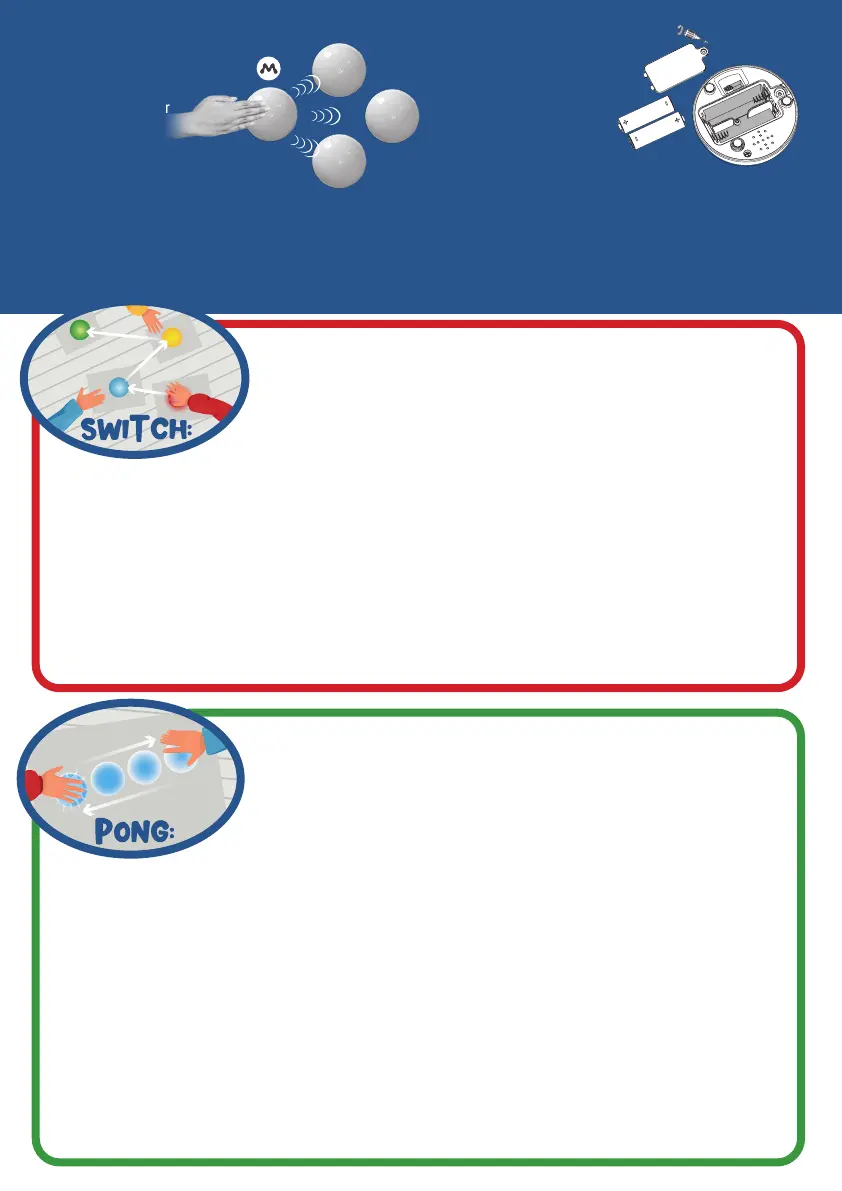
Synchronization
Now press and hold
the master buzzer
until all other
buzzers light up at
the same time and a loud beep
sounds. This indicates that all buzzers
have been synchronized with each other.
As soon as all buzzers are connected, you can select
other game variants with the switch on the master
buzzer.
Batteries
Remove the cover from all
buzzers as shown. Each buz-
zer requires 2x AA batteries.
Master Buzzer: Game selection:
1 Tap It
2 Switch
3 Memo
4 Pong
Standard-Buzzer: On/Off switch


 To Next Page
 Loading...