EasyManua.ls Logo

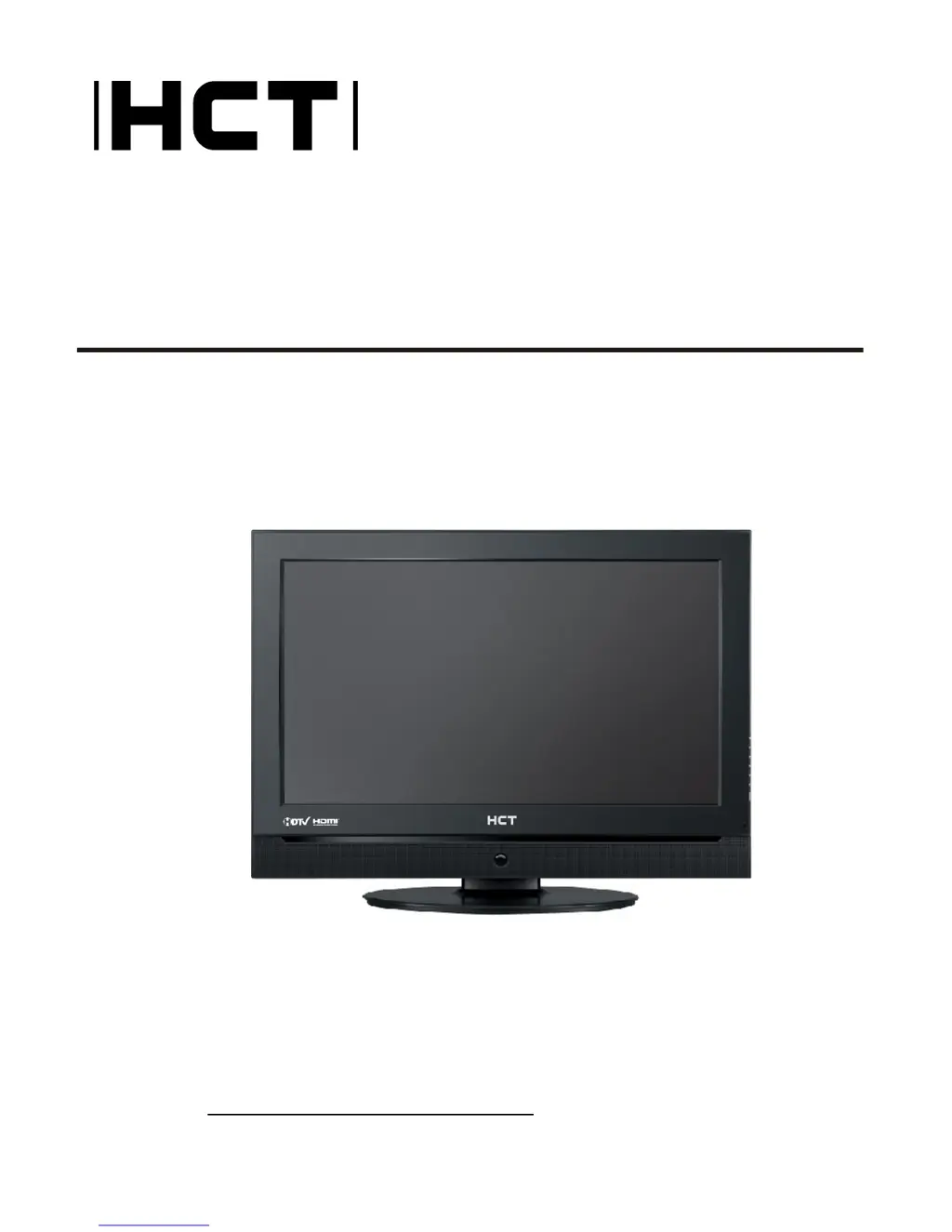
HCT HLD-32AT - User Manual

HCT HLD-32AT
39 pages
Print Icon
To Next Page IconTo Next Page
Loading...
Please read this manual carefully
before using this TV set and keep it
for future reference.
OWNER"S MANUAL for
HLD-32AT
Digital High Definition LCD Television
Before Connecting, operating or adjusting this product, please read the instructions completely.
Please keep this manual for future reference.
For future reference, record the serial number of your LCD TV.
SERIAL NO.
The serial number is located on the rear of LCD TV.

Questions and Answers

Summary

Safety Warning: Electrical Hazards

Comprehensive Safety Guidelines

Connection Port Details

Back Panel Connections

Details on various input/output ports on the rear of the TV.

Universal Remote Operation

External Equipment: Antenna Setup

External Equipment: VCR Connection Guide

External Equipment: A;V and DVD Inputs

External A;V Source Setup

Connecting various audio/video sources like camcorders and game sets.

External Equipment: DVD Player Connection

External Equipment: Digital TV Input

DTV Connection

Connecting digital set-top boxes or external digital devices.

External Equipment: Digital Audio Output

External Equipment: PC Input Guide

HDMI Connectivity

External Equipment: Audio and Power

External Equipment: Power Supply

TV Operation Basics

TV Operation: Language Settings

TV Operation: Input Selection

Channel Menu: Auto Scan

Channel Menu: Add Scan & Rename

Add Channel Scan

Scans for new channels without clearing existing ones.

Video Menu: Picture Modes

Picture Mode Selection

Choosing preset picture modes (Standard, Vivid, Mild, Custom).

Video Menu: Custom Picture Adjustments

Audio Menu: Sound Modes

Audio Menu: Custom Sound Settings

Audio Menu: SAP Setup

Time Menu: Date and Time Setting

Time Menu: Time Zone and Sleep Timer

Time Menu: Timer On;Off

Function Menu: Language Selection

Function Menu: DTV Caption Style

Function Menu: OSD and DNR Settings

Adjust Menu: Screen Setup

Lock Menu: Parental Controls Overview

Lock Menu: Setup and MPAA Ratings

Lock Setup and Password Management

Setting up parental controls, changing passwords, and managing MPAA ratings.

Lock Menu: Parental and Canadian Ratings

Parental Guide Details

Detailed explanation of parental guide and V-chip blocking categories.

Remote Control Setup Procedures

Remote Control Advanced Features

Troubleshooting Common Issues

HCT HLD-32AT Specifications

General IconGeneral
Display TypeLED
HDMI Ports2
USB Ports1
Sound Output20W
Operating SystemAndroid
Display Size32 inches
Resolution1366 x 768 pixels