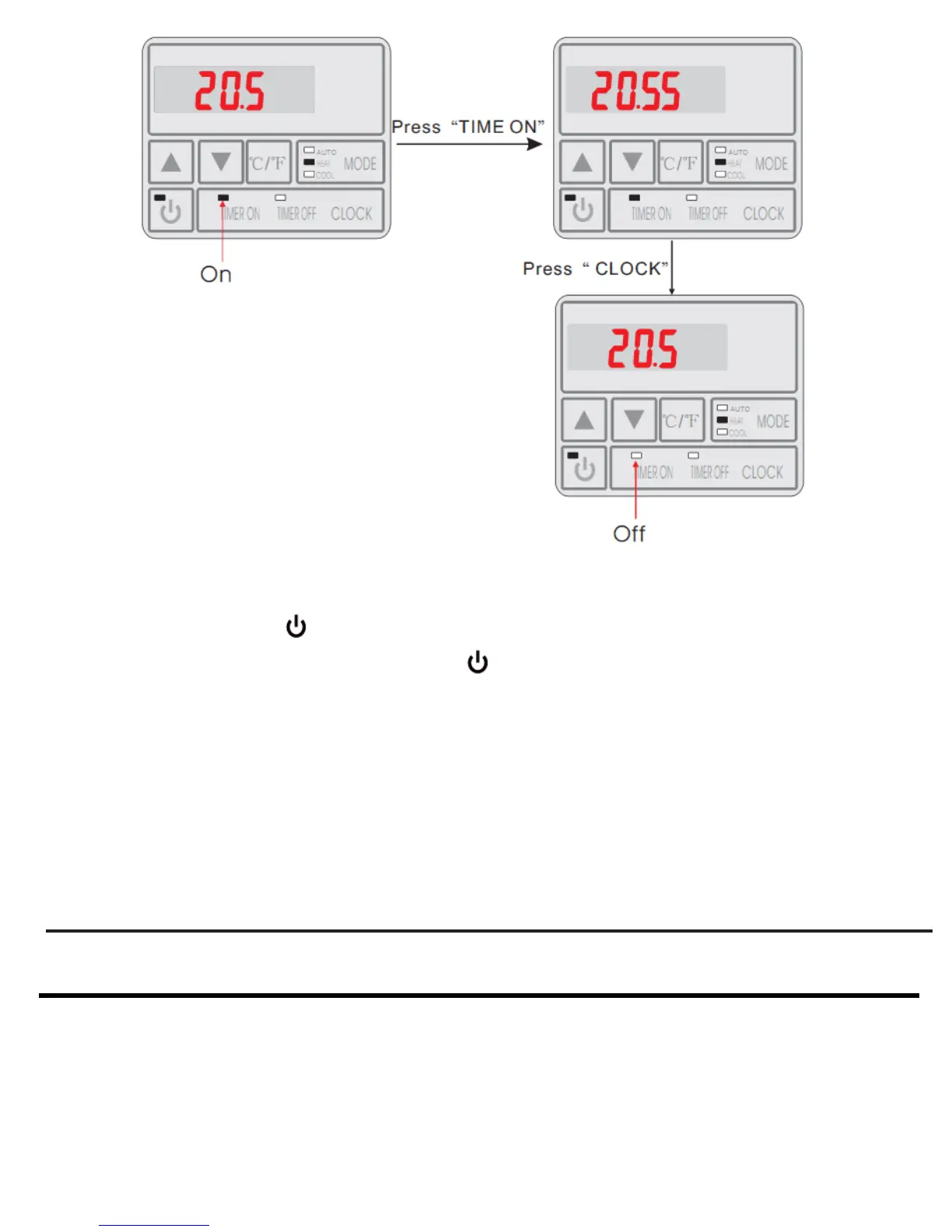
4.2.6 Keyboard Lock
To avoid mis-operation, please lock the controller after parameter setting. At the main
interface, pressing " " for 5 seconds, when hearing one sound, the keyboard is locked.
When the keyboard is locked, pressin " " for 5 seconds, when hearing one sound, the
keyboard lock is open.
NOTE: When the unit is alarming state, the key lock can be removed automaticly.
13
4. USAGE AND OPERATION
4.2.8 Malfunction display
There will be malfunction code showing on the controller screen when relative
malfunction occurs. You can refer to the malfunction table to find out the failure cause
and solution.
For example:


 To Next Page