
 Need help?
Do you have a question about the HEADRUSH 8044069 and is the answer not in the manual?
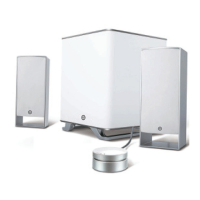
Connect satellite speakers to the subwoofer's RCA outputs.
Place satellites at listening extremes and subwoofer on floor near wall.
Connect the wired remote control to the subwoofer's rear panel.
Plug the remote's 3.5mm stereo plug into the media player's jack.
Connect any 3.5mm input and output sources to the remote.
Connect media players with a 3.5mm stereo plug to the remote's Input 2.
 General
| Brand | HEADRUSH |
|---|---|
| Model | 8044069 |
| Category | Speaker System |
| Language | English |

 To Next Page