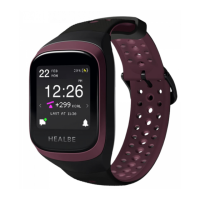
AFTER THE FIRMWARE UPDATE IS INSTALLED
Now you can use gestures to access all the main screens and features:
Home screen
Measurement screens
Notications menu
Do Not Disturb mode conguration
The Home screen is the main screen of GoBe3. It provides access to all
features of the device.
HOME SCREEN
Left swipe - touch the right part of the screen and drag
your nger across the screen to the left
Right swipe - touch the left part of the screen and drag
your nger across the screen to the right
Long press - touch the screen and hold until it
responds
MEASUREMENT SCREENS
With the Measurement screens, you can constantly keep track of all the important
measurements that GoBe captures during the day. Energy balance, Activity, Stress,
Night sleep, Water balance, and Pulse measurements are all at the tips of your ngers.
DO NOT DISTURB
After turning on the Do Not Disturb mode, the device does not react to notications: the
backlight doesn’t turn on, the band doesn’t vibrate, and the Current notications screen is
not shown. These restrictions include all the notications: hydration reminders, stress level
spike notications, low-battery, skin contact warnings, and so on.
All the notications which are not shown during the Do Not Disturb mode are stacked in
the GoBe’s Last notications section.
Important!
Smart wake-up alarms, pre-set in the app, are always accompanied by vibration, regardless
of the Do Not Disturb mode.
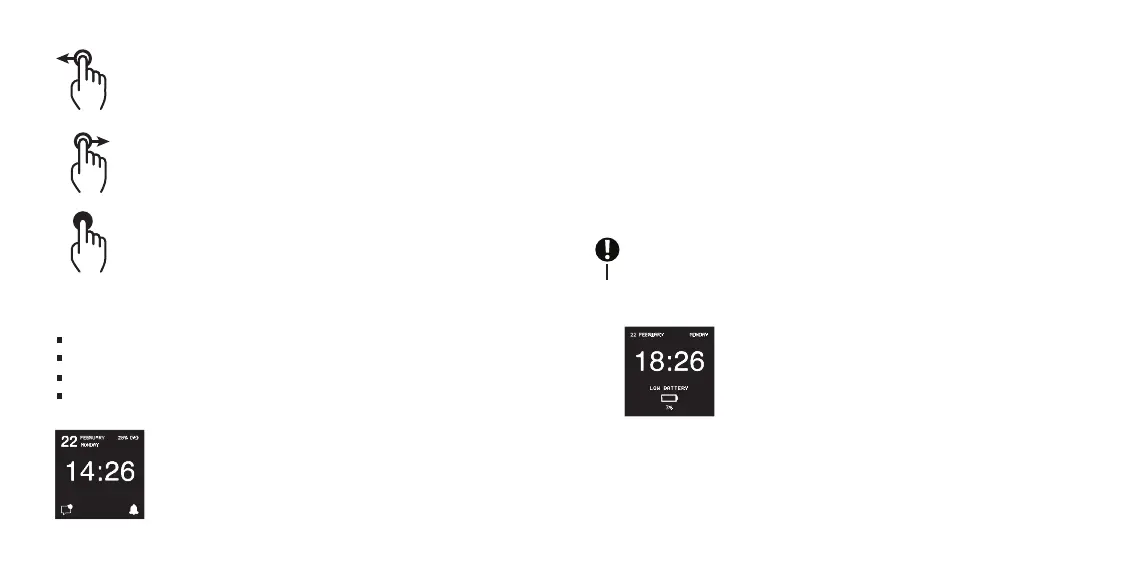
WATCH ONLY MODE
GoBe3 switches to the Watch only mode after the battery charge level
drops lower than 5%. In this mode, GoBe stops gathering
measurements and passing data, does not react to gestures, and is not
available for connection with the HEALBE mobile app.
Plug in the battery charger and wait until the device is charged to
continue using it. After reaching enough battery charge, GoBe
switches to normal mode.
10 11


 To Next Page
 Loading...