EasyManua.ls Logo

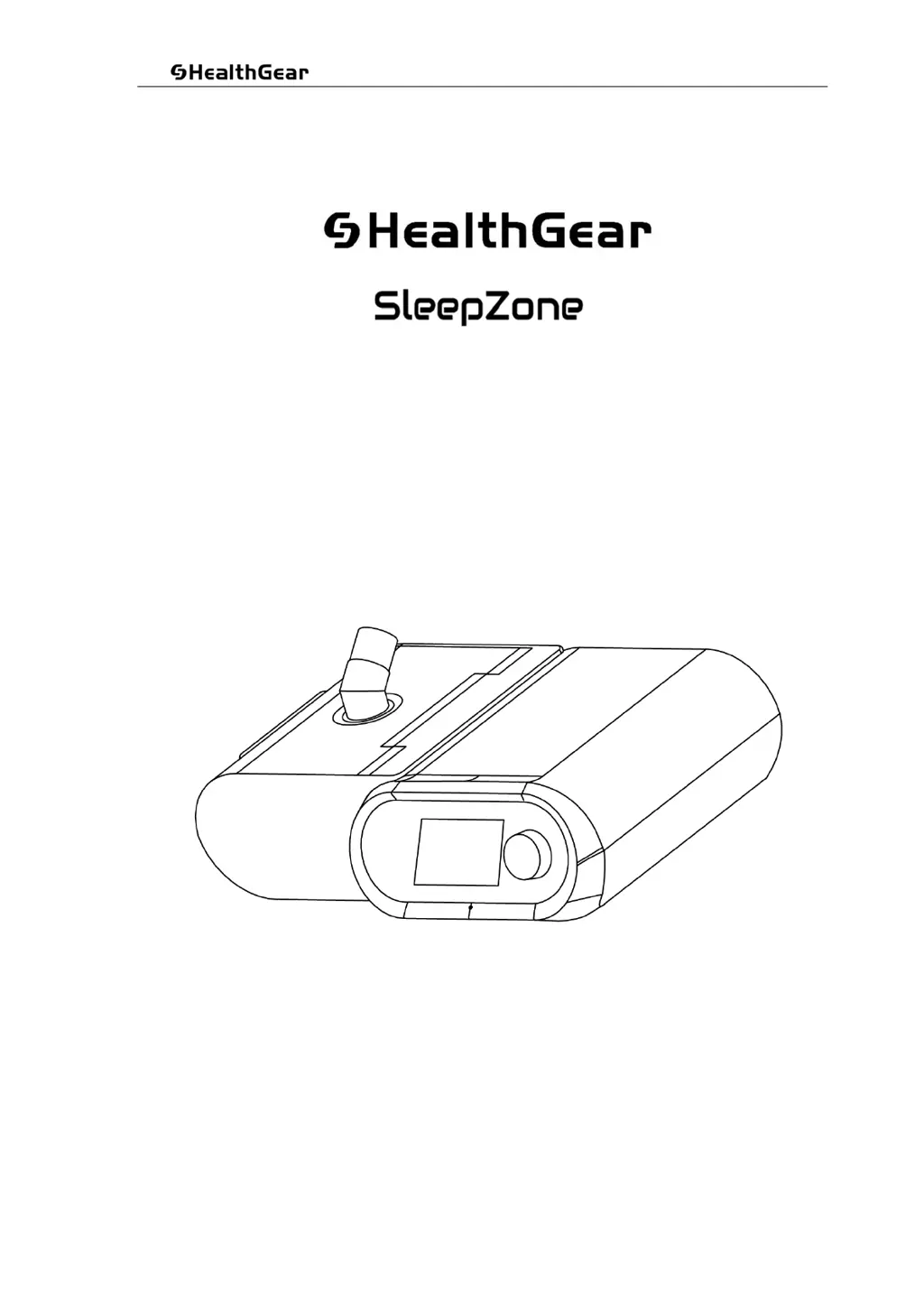
Health GEAR SleepZone C2 - User Manual

Health GEAR SleepZone C2
60 pages
Print Icon
To Next Page IconTo Next Page
Loading...
UserManual MK/YF38-07–V2.01CS

©2019AllRightsReserved
Pa
g
e 1 of 60
User Manual
Sleep Apnea Therapy Devices
Models: C2 (CPAP) & C5 (AUTO CPAP)

Table of Contents

Questions and Answers

  • L
    larryfreemanAug 10, 2025
    What to do if my Health GEAR Personal Care Product stops working?
    • B
      brichardsAug 10, 2025
      If your Health GEAR Personal Care Product isn't working, has no display, or the green LED isn't lit, first ensure the wall socket is switched on and the AC power cord is firmly plugged in. Test the socket with another device. Also, check with your electricity provider for area outages. Verify the power supply adapter is properly inserted into the back of the machine and that the blue LED is lit on the adapter. Try another wall socket. If problems persist, discontinue use and contact your equipment provider.
  • W
    williamstrevorAug 15, 2025
    Why is my Health GEAR Personal Care Product not achieving desired results?
    • P
      Patrick ForbesAug 15, 2025
      If your Health GEAR Personal Care Product is running but not delivering the expected results, check the following: * Adjust the headgear to properly wear the face mask and prevent air leaks. When necessary, change the face mask. * Replace the damaged face mask. * Check the display shows [Treat] on the screen. * Make sure Auto On is set to ON in the setup menu. * Make sure the Auto Off is ON in the set up menu. If there is too much moisture in the hose or mask, reduce the humidifier setting or turn it off. Consider using an optional hose cover or heated hose. For machine setting adjustments, contact your equipment provider.
  • K
    Kenneth WellsAug 20, 2025
    How to make wearing Health GEAR SleepZone C2 face mask more comfortable?
    • P
      paulsalinasAug 20, 2025
      If your face mask feels uncomfortable while using your Health GEAR Personal Care Product, adjust the headgear or consider alternative mask options. If you are new to CPAP therapy, practice first. If the problem persists, contact your equipment provider.
  • E
    Elizabeth FloresAug 25, 2025
    What to do if Health GEAR Personal Care Products equipment temperature is excessively high?
    • T
      tburnsAug 26, 2025
      If your Health GEAR Personal Care Product is running too hot, regulate the room temperature and keep the equipment away from direct sunlight and heating devices. If the error persists, contact your equipment provider.
  • R
    rogerdoyleAug 30, 2025
    What to do if Health GEAR SleepZone C2 face mask causes skin irritation?
    • J
      Judy IbarraAug 30, 2025
      If the face mask of your Health GEAR Personal Care Product causes skin irritation or allergy, adjust the headgear or consider alternative mask options. Ensure appropriate hygiene protocol is adhered to as per cleaning instructions included with the mask. If the problem persists, stop use and contact your equipment provider.
  • G
    Gregory BlakeSep 4, 2025
    What to do if Health GEAR Personal Care Products screen is not displaying correctly?
    • L
      Lori HenrySep 4, 2025
      If the screen on your Health GEAR Personal Care Product is not displaying correctly, remove the power supply and move the equipment into an environment with low electromagnetic interference. If the error persists, contact your equipment provider.

Health GEAR SleepZone C2 Specifications

General IconGeneral
BrandHealth GEAR
ModelSleepZone C2
CategoryPersonal Care Products
LanguageEnglish