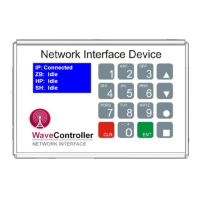
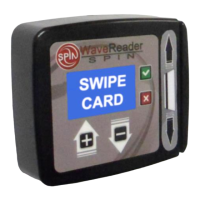
WaveReader to WaveController
Linking/Deleting Instructions
Proprietary Notice: This document and the information contained herein is the property of Heartland Payment Systems. This document is provided for
customer information and evaluation purposes only, and does not represent any transfer of intellectual property to the customer. No part of the document
can be reproduced or distributed to third parties without the express written permission of Heartland Payment Systems.
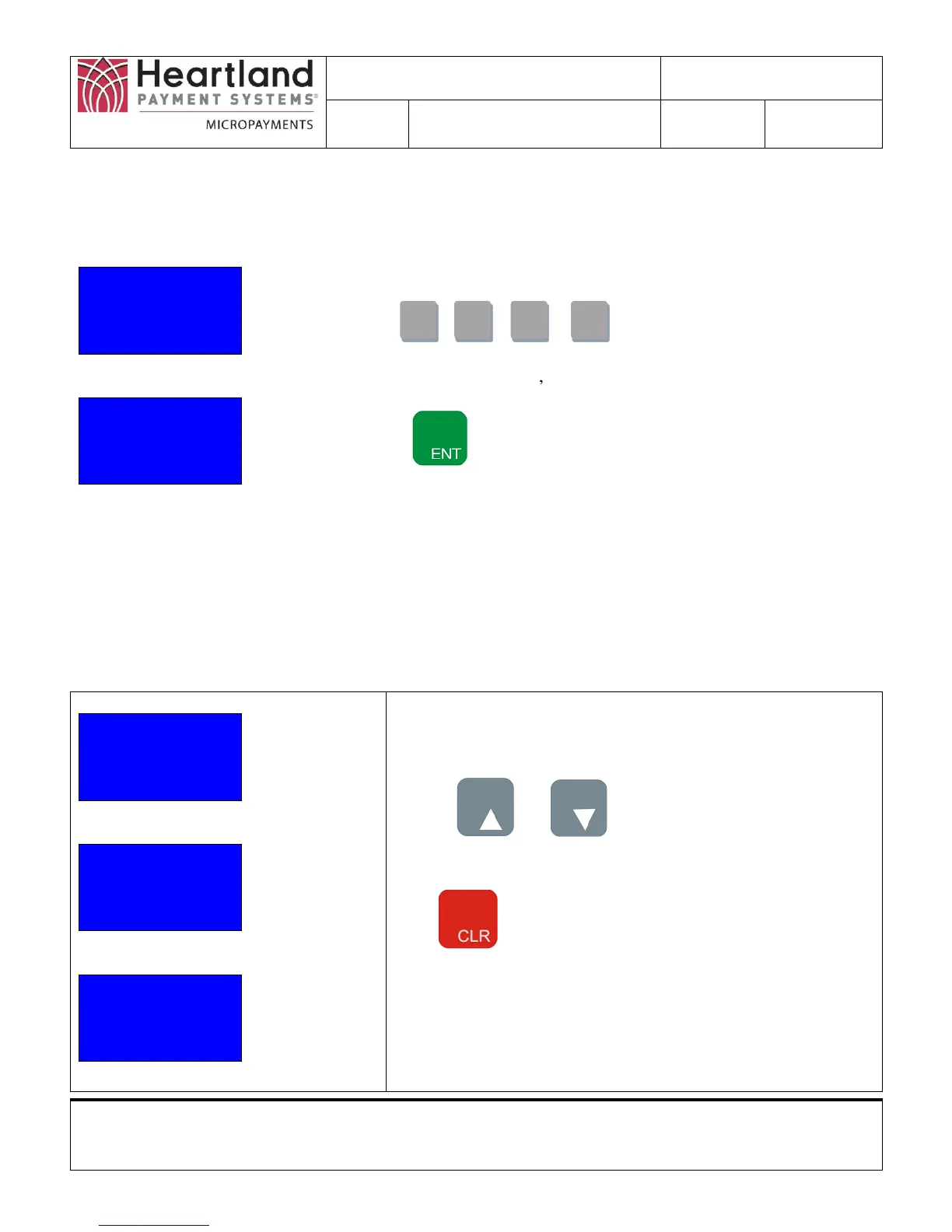
3.3 PIN Screen
Enter PIN #
__ __ __ __
ENT when Done
Enter PIN #
* * * *
ENT when Done
You must enter the PIN number to access most functions. If you do
not remember your PIN #, call 1-800-332-4835, then Press 2.
Press , , ,
When numbers are pressed, is displayed.
Press the Button
Note: Future Release will have a Configurable PIN code via setup
webpage.
Entering Correct PIN will display the Selection Screen 1
3.4 Selection Screens
The available options can be viewed on the selection screens. Linking and Deleting use the Selection 2
Screen.
Selection 1
1) Show Info
2) Send TXNs
3) Show IP
Selection 2
1)Reader Names
2)Configure ZB
3)Utility
Selection 3
1) Show Sales
2) EID/MEID
Use the and Buttons to move between
Selection Screens
Press Button to return to Status Screen


 To Next Page