EasyManua.ls Logo

Heath Consultants RMLD-CS - User Manual

Heath Consultants RMLD-CS
57 pages
Print Icon
To Next Page IconTo Next Page
Loading...
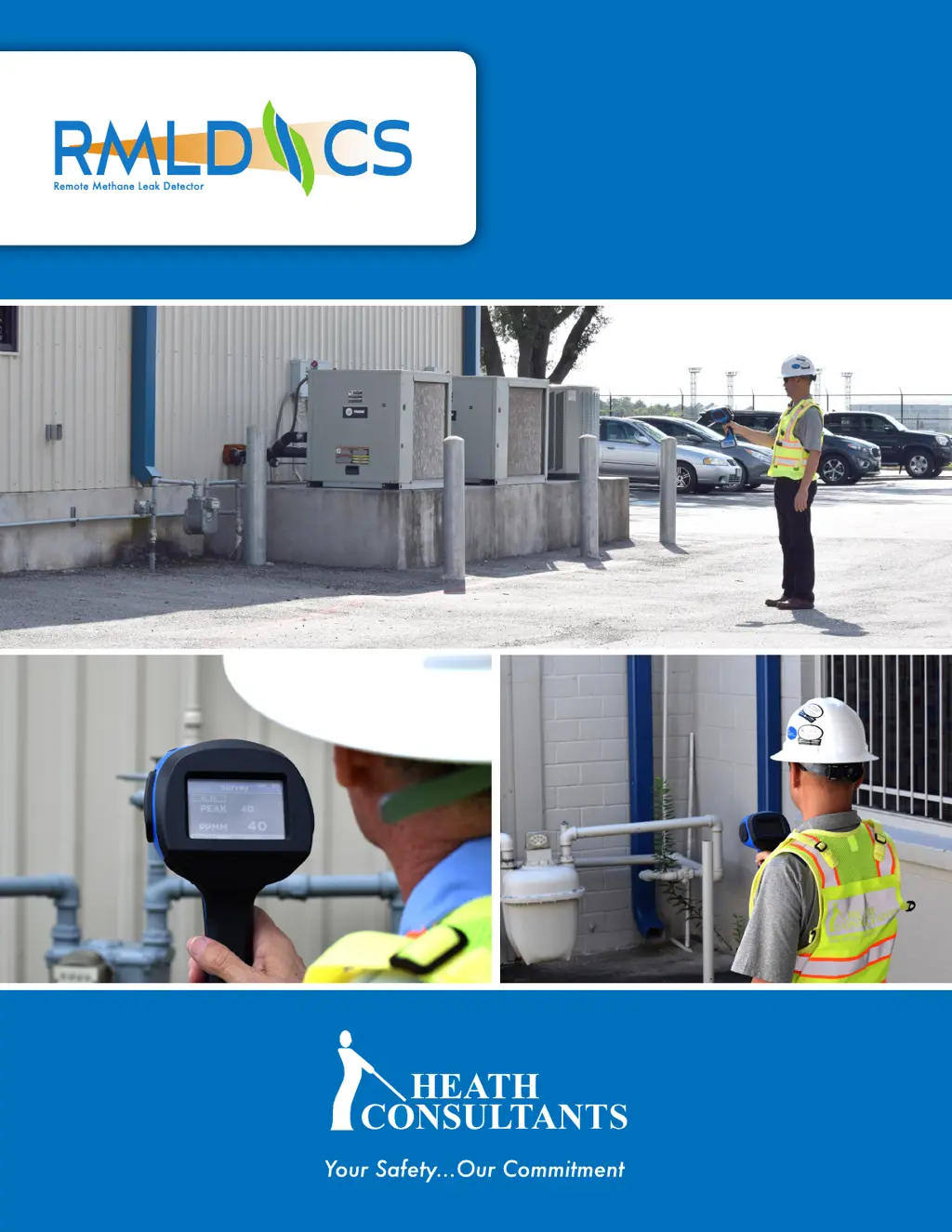
OPERATOR
MANUAL
TM
Complete Solution

Other manuals for Heath Consultants RMLD-CS

Questions and Answers

  • D
    Dennis PetersenSep 15, 2025
    How to prevent false detections at close ranges with Heath Consultants Measuring Instruments?
    • E
      Erika EstesSep 15, 2025
      To prevent excessive false detections while scanning at closer distances with your Heath Consultants Measuring Instruments: * Avoid making abrupt motions while scanning. * Increase the Alarm Detection Threshold.
  • S
    Shelly ScottAug 25, 2025
    Why does my Heath Consultants Security Sensors make a continual warning sound when scanning?
    • S
      steven51Aug 25, 2025
      A continual warning sound or screen notification when scanning with your Heath Consultants Security Sensors can be caused by several factors. You may be scanning at a distance beyond the instrument's range, so try moving closer to the target. Alternatively, the background surface may be absorbing or reflecting the IR light level; adjust the angle to the target for a better reflecting background. Finally, check the battery level and recharge if necessary.
  • R
    Rachel GonzalezAug 25, 2025
    How to fix excessive false detection or loss of sensitivity on Heath Consultants Security Sensors?
    • J
      Jon DavisAug 26, 2025
      Excessive false detection or loss of sensitivity on your Heath Consultants Security Sensors can occur if the laser output is not optimized; perform the Self-Test procedure. Also, check the Alarm Detection Threshold.
  • E
    Erika HarringtonAug 26, 2025
    What to do if Heath Consultants Security Sensors concentration reading is low and will not pass the Self-Test?
    • L
      Lindsey RyanAug 27, 2025
      If the concentration reading on your Heath Consultants Security Sensors is low and it fails the Self-Test, it could be due to laser calibration drift. Run the Self-Test up to three times, and if the issue persists, contact Customer Service.
  • W
    whartSep 16, 2025
    What causes low signal or low light on Heath Consultants Measuring Instruments?
    • S
      Stephanie LewisSep 16, 2025
      Low signal or low light on your Heath Consultants Measuring Instruments can be caused by: * Background surface absorbing or reflecting the IR light level: Change angle to the target for a better background. * Scanning at the range limit of the instrument: Move in closer.
  • K
    Kimberly ReyesSep 23, 2025
    What does 'Critical Fault Detected' mean on Heath Consultants Measuring Instruments?
    • D
      Danielle RobertsSep 23, 2025
      If your Heath Consultants Measuring Instruments shows the message 'Critical Fault Detected. Please Service Unit. Core Unresponsive,' it could indicate: * A potential optoelectronic system failure: Contact Heath Customer Service. * Low battery pack: Charge the battery pack until the solid green light on the charger is on.
  • A
    Anthony ThomasSep 8, 2025
    What to do if my Heath Consultants Measuring Instruments unit will not turn on?
    • R
      Robert RojasSep 8, 2025
      If your Heath Consultants Measuring Instruments unit won't turn on, the cause may be a low battery pack. Try replacing or recharging the battery pack.
  • J
    Jackson MillerSep 9, 2025
    How to fix no WiFi connection on Heath Consultants Measuring Instruments?
    • J
      jennifer32Sep 9, 2025
      If you're experiencing no WiFi connection with your Heath Consultants Measuring Instruments, it could be due to several reasons: * Incorrect credentials: Verify your credentials. * Outside of WiFi range: Place the unit closer to the WiFi point. * WiFi disabled in menu: Enable WiFi in the menu.
  • C
    Chad BarkerSep 2, 2025
    What to do if the USB cable for my Heath Consultants Security Sensors does not work?
    • A
      Adrian LevySep 3, 2025
      If the USB cable for your Heath Consultants Security Sensors is not working, try using another USB cable.
  • A
    Andrew MartinezAug 31, 2025
    What to do if I have incorrect credentials on my Heath Consultants Security Sensors?
    • C
      Christopher BellAug 31, 2025
      If you are experiencing issues with incorrect credentials on your Heath Consultants Security Sensors, verify your credentials.

Summary

Overview

Proprietary Notice

Safety Warnings and Definitions

Safety and Warning Information

Essential user safety and precautions for instrument operation and maintenance.

Definitions

Explains technical terms and concepts related to the RMLD-CS instrument and its operation.

Symbols Used

Explains the meaning of various symbols and icons used in the manual and on the instrument.

Specifications

RMLD-CS Instrument and Accessories

Complete Kit Assembly

Lists all components included in the complete kit assembly for the RMLD-CS.

Instrument

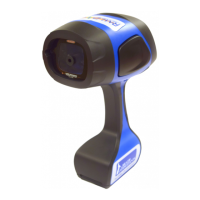
Describes the primary component of the RMLD-CS, its functions, and interfaces.

Carrying Case

Details the carrying case's purpose for protection, storage, and calibration.

Battery Pack and Charger Components

Battery Pack

Information about the rechargeable Li-Ion battery, its capacity, and operating time.

Battery Charger

Description of the dual bay battery charger, its features, and charging indicators.

Optional Accessories (Vest & Strap)

Details the optional vest and strap for improved usability and carrying.

USB Cable

Battery, Charger, and Charging Procedure

Battery Pack Operation

Details the RMLD-CS battery, operating time, and display indicator for capacity.

Dual Bay Battery Charger

Describes the dual bay charger's capacity for charging two batteries simultaneously.

Charging Procedure

Step-by-step instructions for safely charging the RMLD-CS battery pack.

Operating the RMLD-CS

Turning on the Instrument

Instructions on how to power the RMLD-CS instrument on and off.

Working with the Menu Items

Guidance on navigating and interacting with the instrument's menu system.

Instrument Self-Test

Self-Test Procedure

Step-by-step guide to perform the built-in self-test for instrument operation verification.

Troubleshooting Self-Test Failures

Explains common causes and solutions if the instrument fails the self-test.

Audio Modes

DMD (Digital Methane Detection)

Details the DMD mode for enhanced methane detection and its operation.

Real Time (Geiger)

Explains the Real Time (Geiger) mode for continuous audio feedback on gas concentration.

Audio Warning Indications

Describes the low pitch beep warnings for low light or instrument faults.

Alarm Levels

Spotter Control

USB File Transfer

Bluetooth Connectivity

WiFi Connectivity

WiFi Modes and Configuration

Explains enabling WiFi via AP or Station mode and configuration options.

AP Mode Functionality

Details the AP mode for broadcasting a wireless network and streaming data.

File Access via WiFi

Instructions for accessing stored files on the instrument via a web browser.

Data Logging

Timezone Setting

User Profile Management

Adding and Managing User Profiles

Guides on adding, renaming, changing IDs, setting PINs, and deleting users.

About Screen

Additional Features

Screen Mode: Survey

Screen Mode: Graph

Screen Mode: Image

Surveying with RMLD-CS

Leak Survey Conditions

Three essential conditions required for the RMLD-CS to detect a gas leak.

Surveying Tips

Practical tips for effective surveying along mains and at meters.

Long Range Scanning

Long Range Scanning Considerations

Best practices for scanning at distances over 50 feet, including beam skips and dark zones.

Dealing with False Detections

How RMLD-CS Measures Gas

Troubleshooting

Maintenance

Notes

Warranty and Repair

Return Procedure

Contact Information

Heath Consultants RMLD-CS Specifications

General IconGeneral
BrandHeath Consultants
ModelRMLD-CS
CategorySecurity Sensors
LanguageEnglish