Need help?
Do you have a question about the Heatstore HSUFDC and is the answer not in the manual?
General safety precautions for electrical appliances, emphasizing careful reading and retention of instructions.
Guidance on qualified electricians, circuit isolation, RCD protection, and bathroom installation suitability.
Step 1: Releasing the face plate and black steel plate for installation.
Steps 2 & 3: Fixing the steel wall plate and wiring up the thermostat correctly.
Step 4: Sliding the thermostat into the back box and securing the face plate.
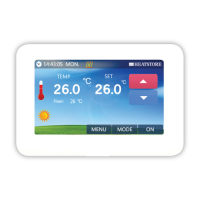
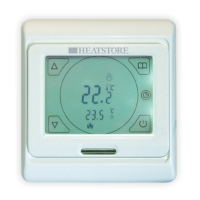
Explanation of the icons used on the thermostat display and the function of each button.
Instructions for setting the date, time, and programming daily heating schedules.
Details on locking the screen, floor sensor activation, manual mode, and backlight control.
How to set temperature limits and calibrate the thermostat's temperature readings.
Details on size, depth, load, operating temperature, voltage, and protective housing.
 Dimensions and Load
| minimum wall box depth | 30 mm |
|---|---|
| total load | 16 A |
Operating Environment| operating ambient temperature | -5 to +40 ºC |
|---|---|
| voltage | 230 V |
| protective housing | IP32 |

 To Next Page