operation
5
When all steps of installation are correctly completed, your Abacus is ready for action!
Turn down the volume control of your amplifier to the minimum setting
Switch on your desired source components.
Switch on your Abacus with the power switch on the rear panel and
allow some time (5-10 minutes minimum) for warming up.
If your unit was transported or stored in cold environment allow it to warm up to room temperature
before switching on!
input selection
The input you`d like to listen to can be selected either with the front panel input selector buttons or with the grey
input up ( ) or input down ( ) buttons of the remote control handset. The numbered front panel buttons are:
menu
Through the menu system you can adjust some extra sound options of the Abacus. The menu is accessible
by pressing the ( ) button of the remote control.
The main functions (upper row) can be chosen by the ( ) and ( ) buttons. By pressing the
button you can access the second level options. These can be selected by the ( ) and ( ) buttons, and
they are taking effect immediately.
You can exit the menu by pressing the ( ) button again. The menu system is the following:
MENU
MENU
MENU
( )
1. 2. 3. 4. 5. 6.: : : : : :coaxial 1 (RCA) coaxial 2 (BNC) optical 1 optical 2 USB aux card
display
If the Abacus is locked onto a digital audio signal, the display can show you its actual sampling frequency.
There are three display modes, which can be rotated through with the ( ) button of the remote control.D
1. 2. 3.: input name and frequency : input name and frequncy (shorter) : number of the input only
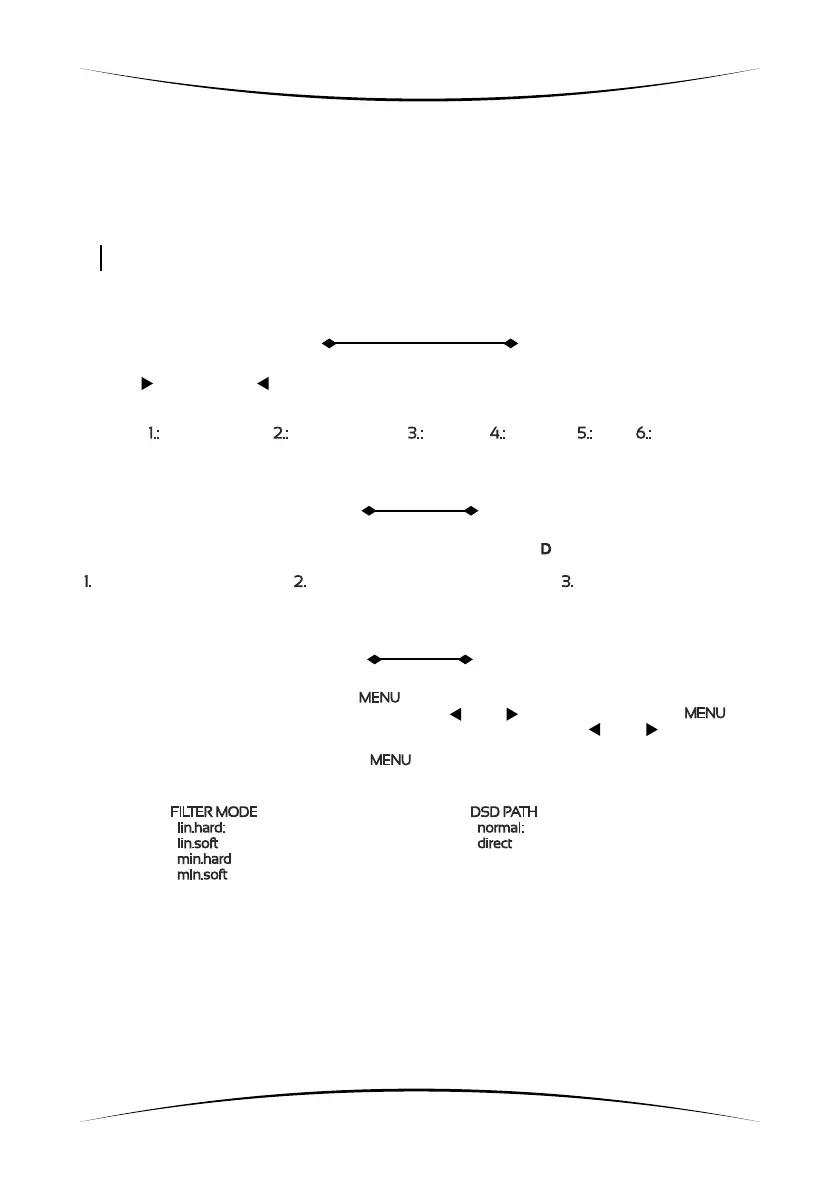
FILTER MODE
lin.hard:
lin.soft
min.hard
min.soft
linear phase fast roll-off filter
: linear phase slow roll-off filter
: minimum phase fast roll-off filter
: minimum phase slow roll-off filter
DSD PATH
normal:
direct
through the converter
: routed directly to the dac stages
Δ Σ-
The different filter modes will take effect only on PCM signals, while the DSD path option will affect
the routing of the DSD signals only.


 To Next Page
 Loading...