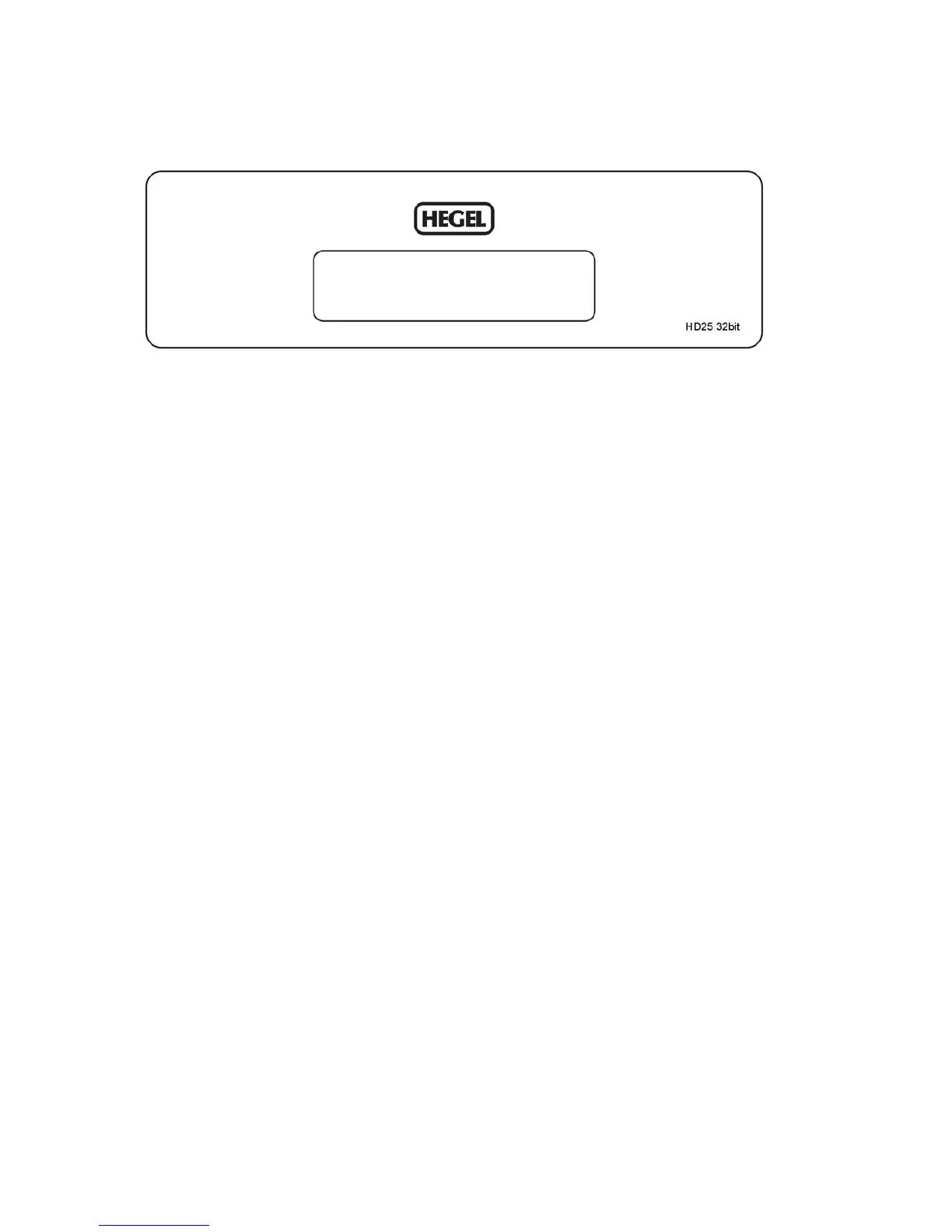
GENERAL USE – Front Panel
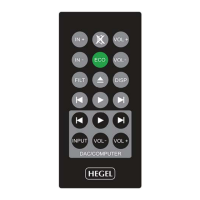
The HD25 DAC is controlled using the supplied RC9 system remote control
On/Off
The power switch is on the rear side of the D/A Converter, next to the mains input. When powered up,
the HD25 will use 15 seconds to calibrate. During this time, the outputs will be muted.
NOTE: When powered up the outputs will be muted and the display will flash for approximately 15
seconds. This is normal, and is part of the start-up procedure.
Touch Input Selection
The input selection can be changed by double tapping the front panel.
The touch circuitry has to calibrate to the environment. Because of this, the touch functionality may
not work for some seconds after power up or after environmental changes around the HD25.


 To Next Page