14
2) Standard with alignment
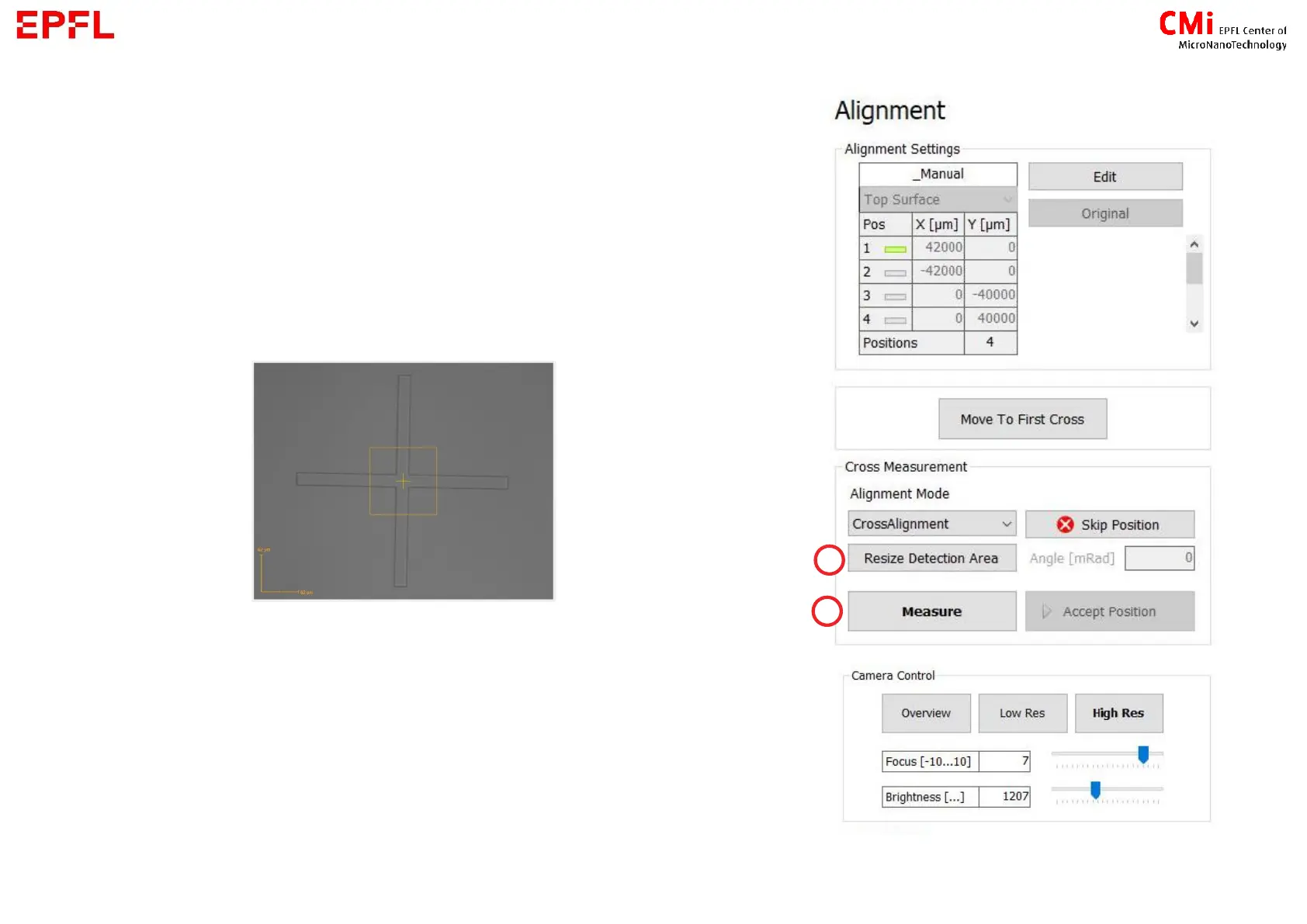
e) For automatic detection, please make sure the feature to
it, press on Resize/Maximize Detection Area and select a zone on
the camera window or slide the sides of the rectangle.
f) Measure:
- automatic detection of the feature
- manual selection of the position with the target tool
→ Remeasure or Accept Position
→ Repeat c-f for all the marks



 To Next Page