6
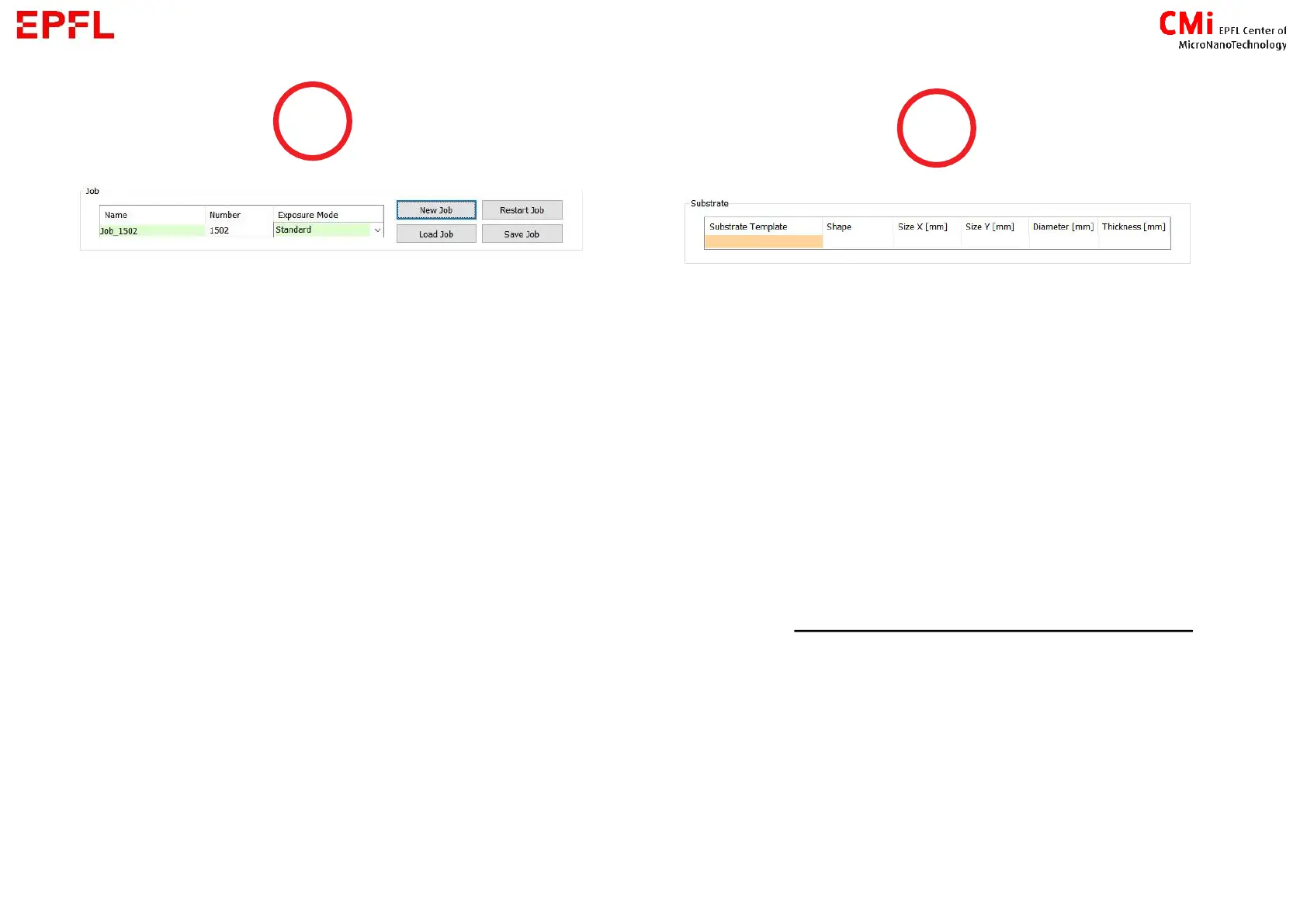
Create a new job or load one
→ when done setting a job, you can save it
(please give it a specific name, jobs without
one will be deleted)
Chose the exposure mode :
1. Standard : Expose the design once
2. Series : Expose the design N times with
different parameters for dose and defoc
→ how to determine optimal parameters for
your project
3. DrawMode : Use the camera to expose
designs (bitmap format) in specific location
4. Inspection : To inspect the loaded substrate
with the camera
Double click on the orange box to chose
your substrate :
▪ Wafer X inch or Mask X inch (X = diameter [in])
▪ Small : if your sample is smaller than 50x50mm
▪ _Automatic X template : if you are not sure about the
dimensions of your substrate
→ Thickness value is not important


 To Next Page
 Loading...