6. STOP
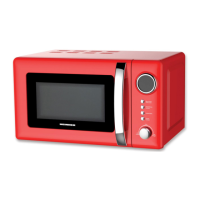
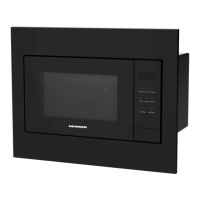
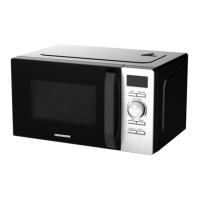
In the process of cooking settings, can press “STOP” button to cancel the settings and return to standby
state. In the process of microwave oven working, can press “STOP” button to pause.
In the standby state, can press “STOP” button again to cancel the function and return to standby state.
7. START/+30s
After setting the cooking time or food weight, press the “START/+30s” button to start the microwave oven
immediately. In the working state, can press “START/+30s” button to increase time, press one time to
increase 30 seconds, but the menu mode and weight defrosting mode cannot adjust time.
In pause state, can press “START/+30s” button to continue the microwave oven before cooking mode.
8. EXPRESS
In standby mode, after the food is put in and the door is closed, press the "START/+30s" button to quickly
start the microwave oven. The default working time is 30 seconds.
In the process of working, press the "START/+30s" button once for 30 seconds. An buzzing sound to notify
completion of the operation.
9. CHILD LOCK FUNCTION
Use this feature to lock the control panel when you are cleaning or so that children cannot use the oven
unsupervised. All the buttons are rendered inoperable in this mode.
1) Set lock: In standby mode, press the "STOP" button for more than 3 seconds, the child lock function is
locked, and all buttons of the microwave oven cannot be operated.
2) Cancel lock: In the child lock state, press the "STOP" button for more than 3 seconds to cancel the child
lock function.
USTENSILS GUIDLINE
It is strongly recommended to use containers which are suitable and safe for microwave cooking. Generally
speaking, the containers which are made of heat-resistant ceramic, glass or plastic are suitable for
microwave cooking. Never use metal containers for microwave cooking and combination cooking as spark
is likely to occur. You can take the reference of below table.


 To Next Page