8
When the display is in its home screen, press and hold both the up and the down buttons to enter the advanced menu
Deactivate voice prompts for navigation and settings, <ON, OFF>
Flip orientation of display <ON, OFF>
Version and serial number
<Reset>
When the battery power is decreasing and approximately 10% of operation remains, a voice prompt “battery low” will be heard
in the headset. The batteries should then be charged as soon as possible. The headset will turn OFF when the batteries are
drained.
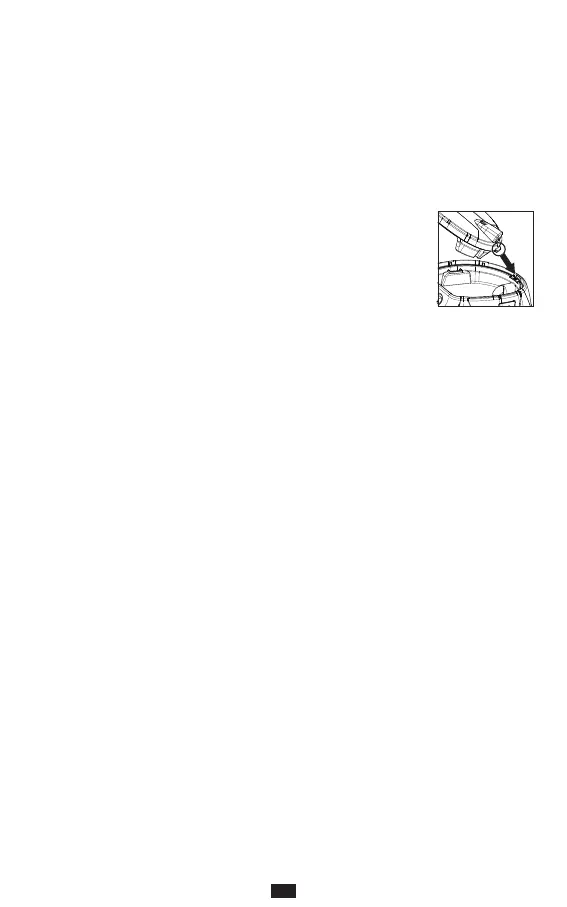
Unscrew the thumbscrew (A18) that secures the battery pack (A17). Remove the battery pack
from the earcup. Replace batteries, take note of battery orientation. The headset can run on both
rechargeable (HR6 NiMh) or disposable batteries of AA type 1.5V. Alkaline batteries only for short
according to local regulations. Be careful and make sure the sealing gasket is in place around the
edge of the battery pack compartment on the headset. Reinserts the battery pack making sure the
bottom protruding part is inserted in its sleeve. Gently tighten the thumbscrew.
Never connect a charger to the headset if disposable batteries are used.
For safety reasons, all headset functions are automatically switched OFF when charging.
The battery pack/headset will charge when connected to a USB power supply. Only use a charger that is approved to local
directives for electronic devices. Use the USB charge cable supplied with the headset (B:4). Check that the charge cable is
correctly connected to the charging socket (A8). The batteries must be inserted prior to inserting the charge cable.
Disconnect the charger cable when batteries are fully charged.
Use AA NiMh re-chargeable batteries as included or with similar performance.
Never use batteries with more than 1,5volt.
Never leave the battery pack/headset unattended when charging.
Do not use the headset when the batteries are charging.
Only charge the batteries at room temperature (10-25°C, (50-77°F)).
If storing the unit for a longer time remove the batteries from the battery pack.
If these instructions are followed, the product is unlikely to present any hazards within the meaning of EN 60950-1.
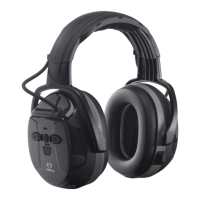
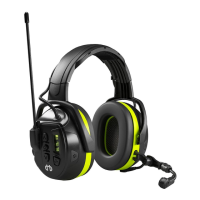
Parts (pic. A)
A1: Thermoplastic headband
A2: Thermoplastic helmet attachment
A3: Replaceable foam liner
A6: Boom microphone
A7: Level-dependent microphones
A8: Charging socket
A9: Socket for boom-microphone
A10: Display
A11: LED
A12: Volume DOWN and decrease setting
A13: Volume UP and increase setting
A15: Level dependent button
A16: PTT button
A17: Battery pack
A18: Battery pack thumb screw


 To Next Page
 Loading...