7
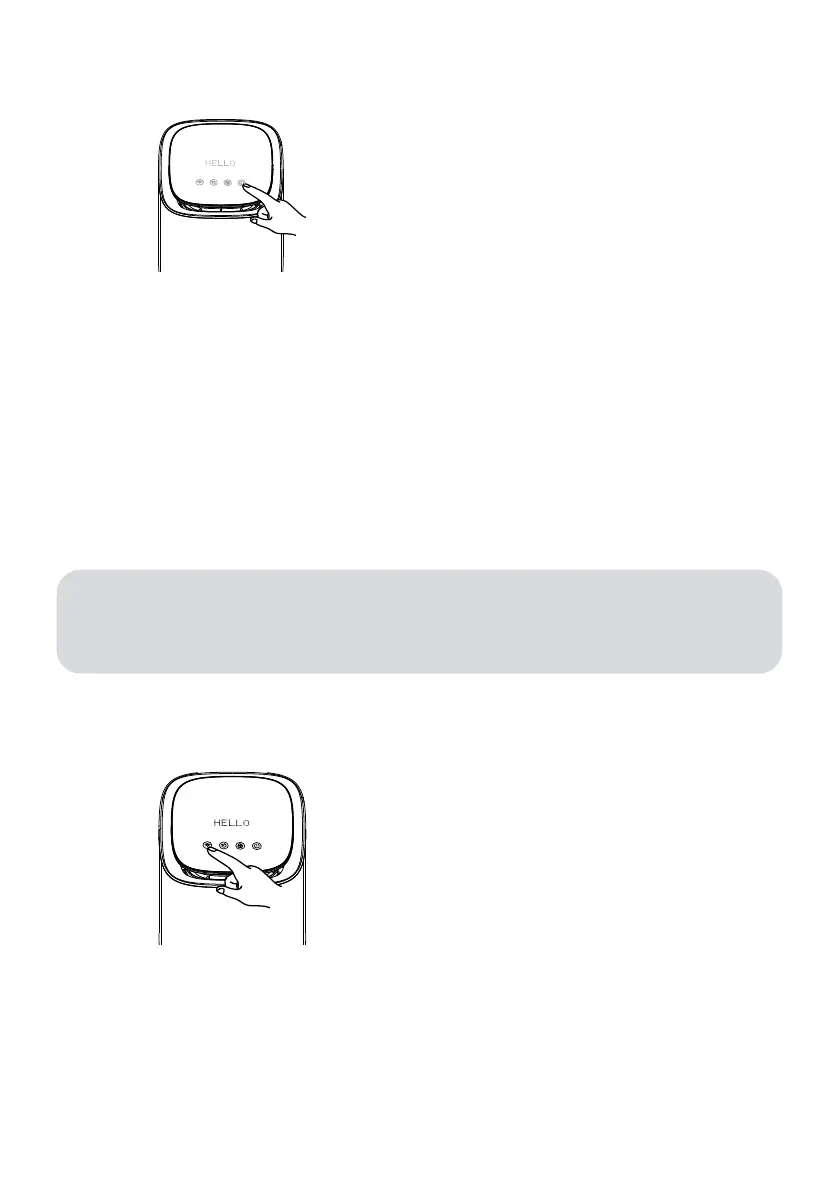
Long press Wi-Fi button for 5 seconds until it
blinks fast, reflecting it has been restored to
factory setting.
1. Download the Hello Smart Air Purifier App, which is available on App Store and Google Play.
Click Sign up to get walked through to create your Hello account.
2. Power on and ensure the Wi-Fi indicator button is blinking fast, reflecting the device is ready
for joining the Wi-Fi.
3. Open the Hello Smart Air Purifier App and click the “+” button and get walked through the setup
steps.
FACTORY RESET
4. QUICK SETUP & FACTORY RESET
ATTENTION:
1. The system does not support the 5GHz Wi-Fi, please make sure your Wi-Fi is 2.4GHz.
2. If Wi-Fi indicator is not blinking fast after power on, please long press and hold the Wi-Fi
button until the indicator blinks quickly.



 To Next Page