2.3 Start
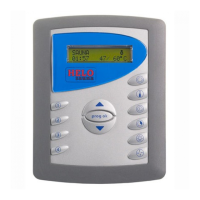
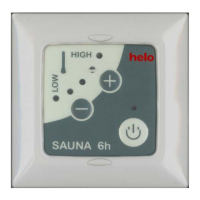
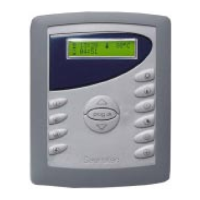
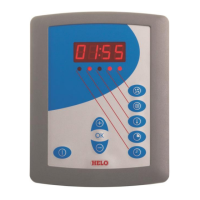
Switch the heater or the steam generator on by pressing the button (C). The latest temperature and usage time set-
tings will remain preset. A green indicator light will come on in area (B) to indicate that the device has been switched
on.
You may switch the system off before the usage time ends by pressing the same button again. The indicator light will
go out.
2.4. Setting the temperature
First choose temperature setting by pressing the function button (F). Then you can choose the desired temperature 1–
10 using buttons – and +. The constant temperature depends on the preset maximum temperature. The maximum
temperature shown is the temperature measured by the sensor. This may differ from the temperature on the seat level
of the sauna or the steam room.
The temperature may be adjusted during a sauna bath.
When the desired temperature has been set and the heater or the steam generator is switched on the set temperature
indicator light will remain on and the current temperature indicator LED will flash. When the current temperature
reaches the set value the indicator light will stop flashing.
2.5 Setting the timer
The heater or the steam generator may be preset to switch on after a certain amount of time. This function requires
the door switch to have been installed (see the detailed instructions on installation and use of the door switch in the
heater or steam generator user instructions). Select the clock symbol using the function button (F). Use the – and +
buttons to select the amount of hours (1–10 hours) after which the device will switch on. Activate a later start by pres-
sing the Start button (C).
The timer symbol light will come on (in field B) and the selected time-lapse indicator light will start flashing. The flashing
indicator measures and indicates the time leading up to the device being switched on. When the heater or the steam
generator starts, the control panel will automatically show the set temperature.
2.6 Setting usage time
First press the function buttons < > (F) to select the usage time setting. Then select the desired usage time (1–10
hours) using the – and + buttons. The usage time depends on the maximum usage time set.


 To Next Page