Description Steps
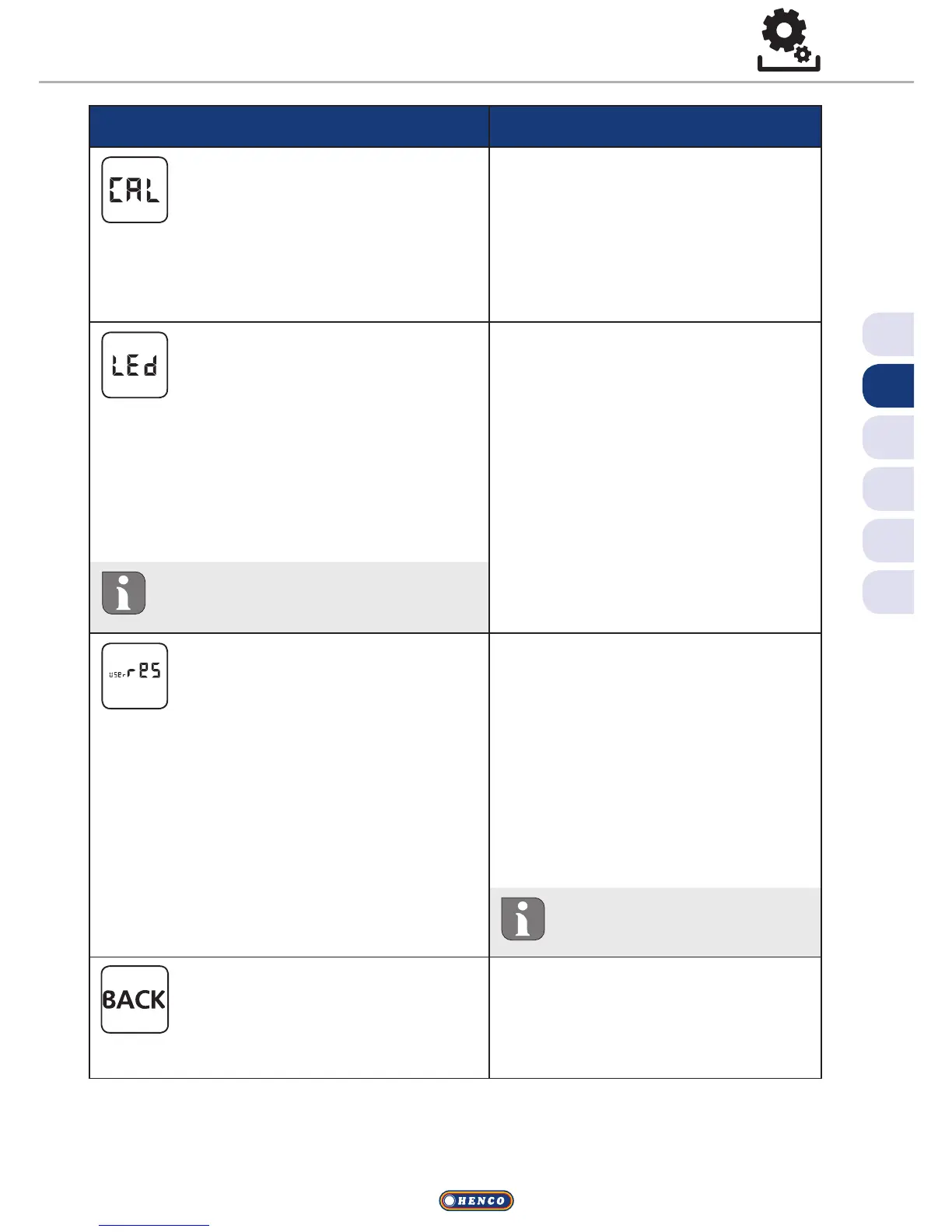
Temperature correction
Corrects a deviating measure-
ment of the actual tempera-
ture of the internal sensor by ±2°C in
0.1°C increments.
ü Confirm the selection by
pressing.
ü Set the correction value.
ü Confirm the entry.
VThis is displayed in the Set-
tings menu.
Display illumination
Sets the brightness of the dis-
play illumination in five levels:
0 O
25 Level 1
50 Level 2
75 Level 3
100 Level 4
ü Confirm the selection by
pressing.
ü Set the brightness of the
display illumination.
ü Confirm the entry.
VThe Settings menu is dis-
played.
The display of the setting is sig-
nalled by the time scale.
Factory settings
Restores the factory settings.
All previously made settings
will be reset.
ü Confirm the selection by
pressing.
ü Select the entry “Yes” for
resetting.
ü Press the rotary control for
5 seconds.
VA restart is performed. The
basic level is displayed
subsequently.
The entry “No” cancels
the process.
Back
Leaves the menu.
ü Confirm the selection by
pressing.
VThe basic level is displayed.
Settings menu



 To Next Page