27
EN
PROGRAM SETTINGS FOR BASEMENT AND WATER INLET (208854,
208892, 208960):
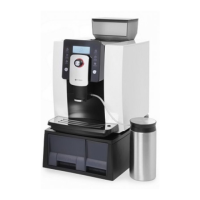
For first use, fill in water tank and put machine on basement, turn on the machine,
when screen shows “Ready”, turn off the machine. It means machine system has
water now, please do following Program Settings:
1)
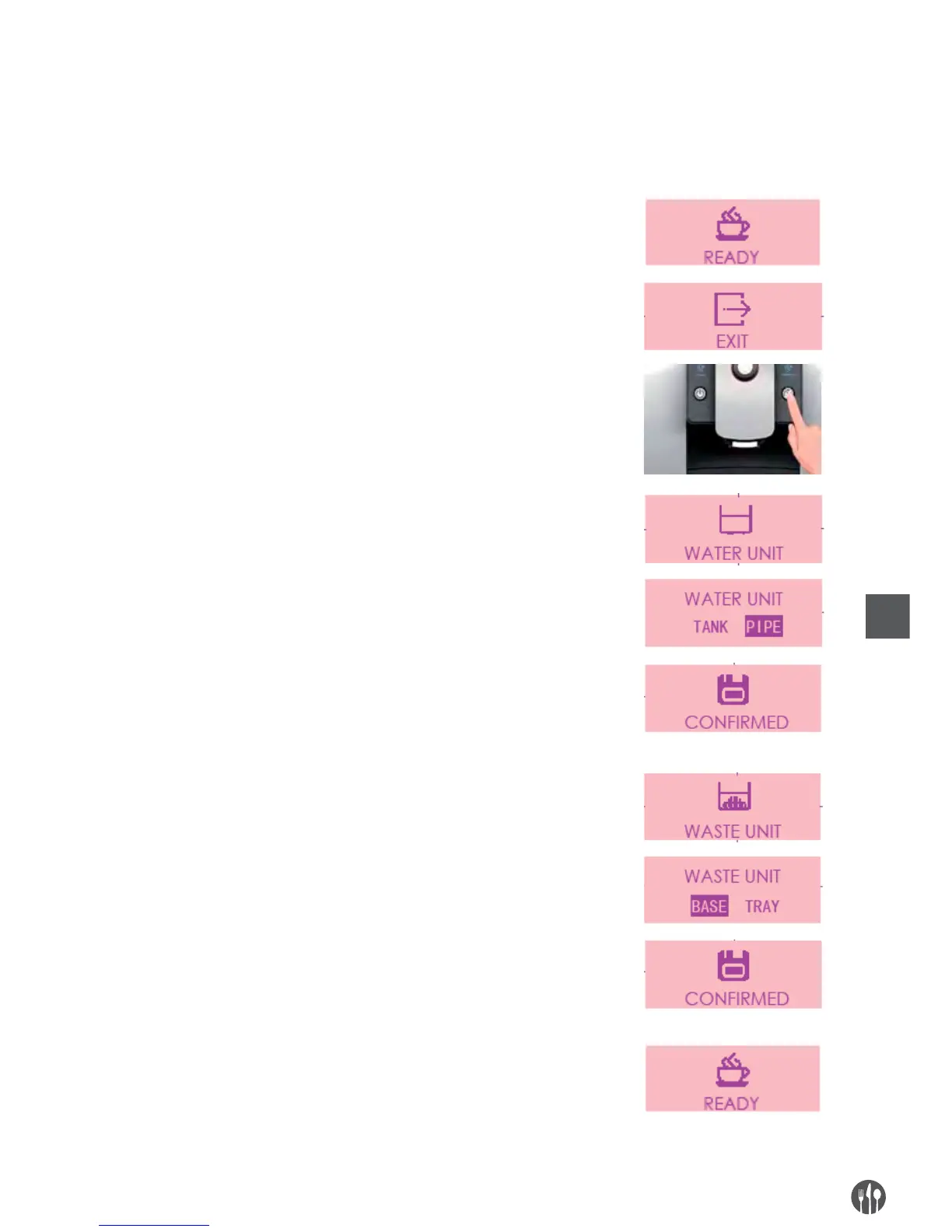
Turn on the machine, when screen shows “Ready”, long press the rotary button
and choose “Program Setting”
2)
Rotate the button to “Exit” on screen, then long press the rinse button for 5 seconds
to enter engineer setting.
3) You can find “WATER UNIT”on screen, enter and choose “PIPE”, then confirm it
with rotary button, the screen shows ”Confirmed”.
※ With this setting, the water level sensor will not work and the machine will not
remind “Fill in water”.
4) Choose rotary button to find “WASTE UNIT” on screen, enter and choose “BASE“,
then confirm it with rotary button, the screen shows “Confirmed”.
※ With this setting, the machine will not remind “Empty Tray”.
5)
After “Program Setting“, rotate the button to “Exit“, then it shows “Ready” on screen.
Please turn off the machine and remove the basement before following “Assembly
Guidance”.


 To Next Page