Troubleshooting
In case of a power cut or if the device has been un-
plugged, release the ON/OFF button (3), check the
power supply and restart the device.
If the device is switched off due to overheating, re-
lease the ON/OFF button (3), and unplug the de-
vice, wait a few minutes for the motor to cool down
and the thermal safety mechanism to be reset, and
then restart the device.
If the cause of the problem cannot be determined:
release the ON/OFF button (3), unplug the device,
check below:
1.
the plug
2.
that the blades are free to rotate in the bell,
3.
that state of the power cord,
4.
the drive shaft is free to rotate. To this end, re-
move the bell and test the rotation of the end of
the drive shaft manually.
If a malfunction occurs which is listed in this op-
eration manual, consult your retailer or return the
device to the after-sales service.
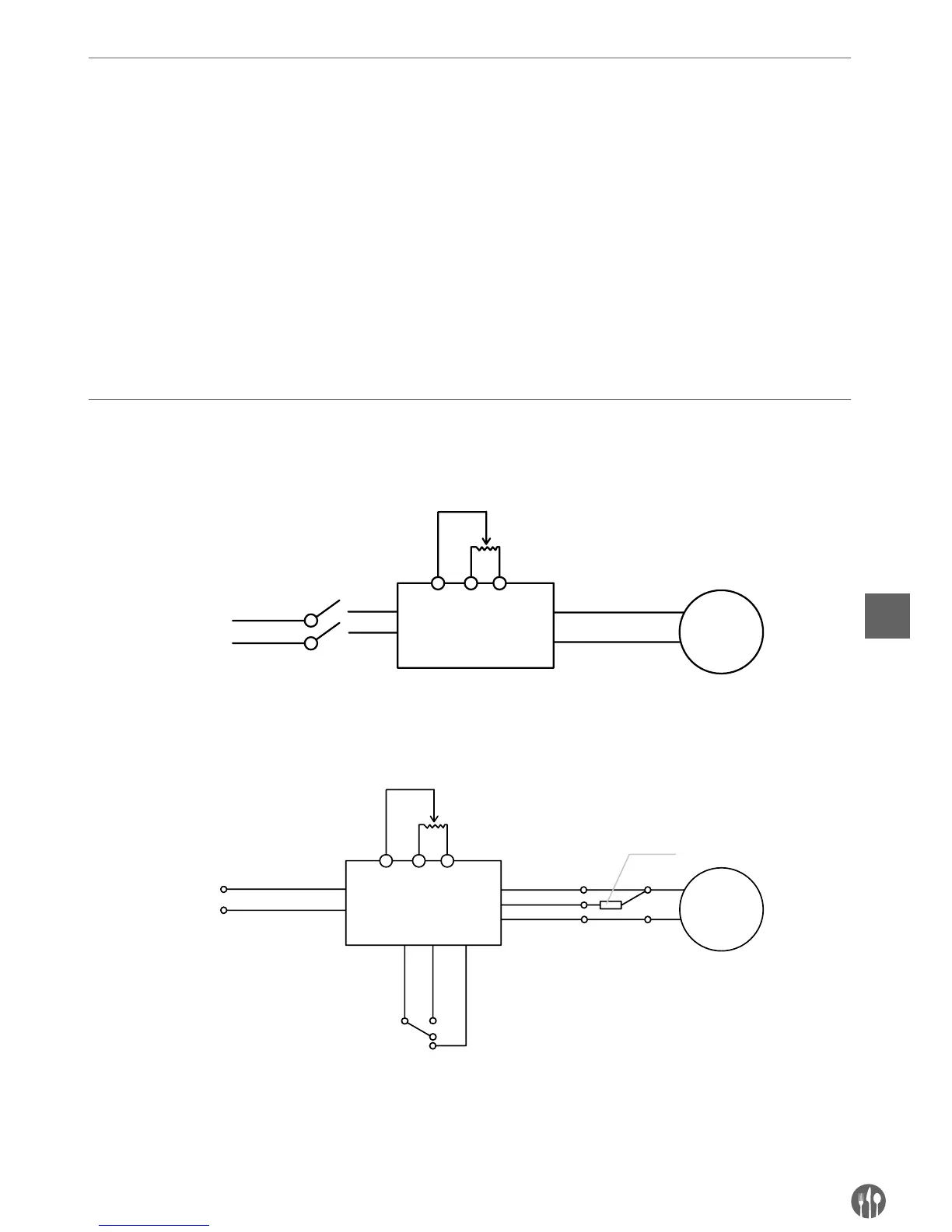
Electrical diagram
Model 222140


 To Next Page