EasyManua.ls Logo

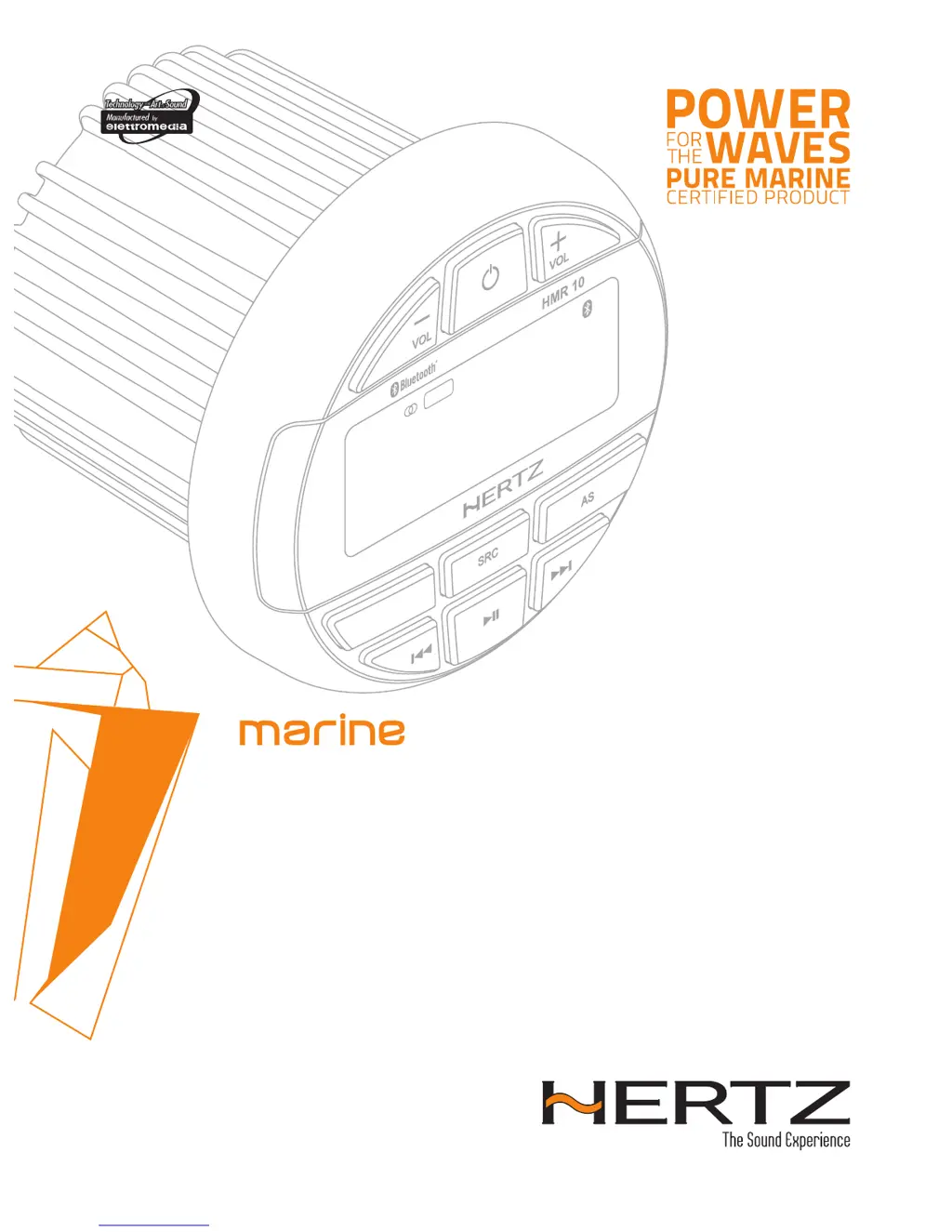
Hertz HMR 10 D - User Manual

Hertz HMR 10 D
16 pages
Print Icon
To Next Page IconTo Next Page
Loading...
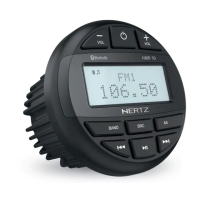
FM1
106.50
USB RPT RDM LOUD EQ
EUR
ENT
DAB
+
D
HMR 10 D
Rev. 0.1
OWNER’S MANUAL
Marine grade source units
hertzaudiovideo.com

Questions and Answers

  • D
    Daniel HoltAug 16, 2025
    Why is there no or low audio output from my Hertz Marine Equipment?
    • S
      Sheena LongAug 16, 2025
      There are several reasons why you might experience low or no audio output. Check the following: * Ensure the audio output connections are correctly wired. * Increase the volume level. * Inspect speakers for damage and replace if necessary. * Verify that the channel balance isn't heavily biased; adjust it to the center position. * Make sure the speaker wiring is not in contact with any metal part of the vessel; insulate all speaker wiring connections.
  • B
    bnavarroAug 19, 2025
    What to do if my Hertz Marine Equipment unit cannot power on?
    • A
      Amanda CamposSep 12, 2025
      If your unit isn't powering on, the issue might be with the fuses. Check if the unit fuse or the vessel battery fuse has blown. If either fuse is blown, replace it with a new fuse of the correct value.
  • T
    Tyler BradleyAug 22, 2025
    Why does my Hertz HMR 10 D have poor sound quality or distortion?
    • K
      Krista LeeAug 22, 2025
      Poor sound quality or distortion can occur due to several factors: * The speaker power rating may not match the unit's requirements; consider replacing the speakers. * There might be incorrect wiring; check and correct the connections. * A speaker could be shorted; inspect the wiring and correct any shorts.
  • J
    Jonathan RussellAug 25, 2025
    What to do if Hertz Marine Equipment unit resets itself when the engine is off?
    • Y
      yloweAug 26, 2025
      If your unit resets when the engine is off, there may be an incorrect connection between the ACC and the Battery. Check the wiring and correct it.
  • J
    Joshua RichardsAug 28, 2025
    Why can't the auto seek function find any stations on my Hertz HMR 10 D?
    • S
      Samantha FischerAug 28, 2025
      If the auto seek function isn't finding any stations, it could be due to these reasons: * The antenna cable might not be securely connected; insert the antenna cable securely. * The signals might be too weak; try selecting a station manually.
  • M
    Michael JacksonAug 31, 2025
    Why is audio quality poor after connecting to a Bluetooth enabled device on my Hertz Marine Equipment?
    • D
      david26Aug 31, 2025
      If the audio quality is poor after connecting via Bluetooth, the Bluetooth reception might be weak. Try moving the device closer to the audio system or removing any obstacles between the device and the system.
  • M
    Mrs. Heather Barrera MDSep 3, 2025
    What to do if my USB device cannot be inserted into my Hertz HMR 10 D?
    • H
      Holly MartinezSep 3, 2025
      If you are having trouble inserting the USB device, it might be inserted incorrectly. Reverse the connection direction of the USB device and try again. If that doesn't work, the USB connector might be broken, consider replacing it with a new USB device.
  • S
    Steven FernandezSep 6, 2025
    Why is my USB device not recognized by my Hertz HMR 10 D?
    • K
      Kelsey ReyesSep 6, 2025
      If your USB device is not being recognized, it could be damaged. Disconnect the USB device and reconnect it. If the device is still not recognized, try replacing it with a different USB device. Also, check for loose connectors.
  • J
    Joshua BoydSep 9, 2025
    How to fix sound skips or noise on Hertz HMR 10 D Marine Equipment?
    • J
      Jeffrey WatersSep 9, 2025
      If the sound skips or is noisy, the MP3/WMA files may not be encoded properly. Use properly encoded MP3/WMA files.
  • E
    Eric JimenezSep 12, 2025
    What does it mean when my Hertz Marine Equipment display shows 'No File' with no sound?
    • V
      Vincent GarciaSep 12, 2025
      If the display shows 'No File' and there is no sound, it means that there are no MP3/WMA files stored on the USB device. Store these files properly on the USB device.

Summary

Safety and Handling Precautions

General Use and Cleaning Cautions

Provides guidelines for unit care and cleaning to ensure longevity and prevent damage.

USB Device Handling

Specific advice on connecting, disconnecting, and using USB memory sticks to avoid data loss.

Temperature and Handling Safety

Advises on protecting the unit from high temperatures and direct sunlight.

Packaging and Dimensions

Included Components

Lists all items included in the product package for setup.

Physical Dimensions

Details the unit's size specifications for installation planning.

Installation Guide

Pre-Installation Checks

Essential steps and safety measures to take before starting the installation process.

Installation Environment Cautions

Guidelines on suitable locations and environmental factors to avoid during installation.

Mounting Instructions

Wiring and Connections

Controls and Interface

Operational Panel Layout

Overview of the physical layout of the unit's front panel controls.

Button Functions Explained

Detailed description of each button's operation and function.

Basic Operations

Power, Volume, and System Menu

Covers turning the unit on/off, adjusting volume, and navigating system settings.

FM Radio Operation

DAB Digital Radio Operation

USB Media Playback

AUX and Bluetooth Connectivity

AUX Input Mode

How to connect and play audio from external devices via AUX input.

Bluetooth Device Pairing

Steps for pairing a Bluetooth device for wireless audio streaming.

Troubleshooting Guide

General System Issues

Solutions for common problems like no power or audio output issues.

USB Connectivity Problems

Addresses issues related to USB device insertion and recognition.

Bluetooth Connection Errors

Solutions for pairing difficulties and poor audio quality with Bluetooth.

Technical Specifications

Hertz HMR 10 D Specifications

General IconGeneral
DisplayLCD
Water Protection gradeIP66
Supply voltage12 V DC
Output power4 x 50 W
TunerAM/FM
FM Frequency Range87.5 MHz - 108 MHz
Aux Input1 x (RCA)
AM Frequency Range522 kHz - 1620 kHz
TypeMarine Stereo
Voltage12 V
Operating voltage10.8V - 15.6V DC

Related product manuals