EasyManua.ls Logo

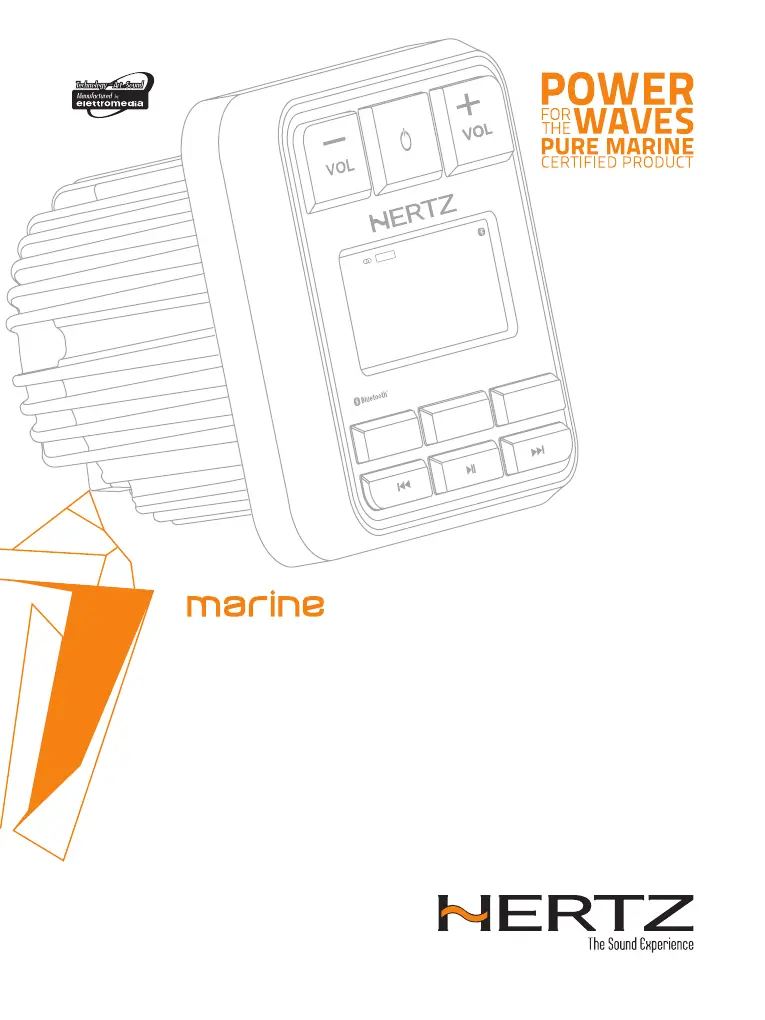
Hertz Marine HMR 15 - User Manual

Hertz Marine HMR 15
16 pages
Print Icon
To Next Page IconTo Next Page
Loading...
Rev. 0.1
OWNER’S MANUAL
Marine grade source units
hertz-audio.com
HMR 15
BAND
LOUD
RDM
E
U
R
US
B
R
P
T
EQ
F
M
1
1
0
6
.5
0
A
S
S
R
C
HMR15

Questions and Answers

  • N
    nbowmanAug 16, 2025
    Why is there no or low audio output from my Hertz Marine HMR 15?
    • J
      Joshua CampbellAug 16, 2025
      If you're experiencing no or low audio output, here are a few potential causes and solutions: * **Incorrect audio output connection:** Check the wiring and make sure everything is connected correctly. * **Volume set too low:** Simply increase the volume level. * **Speakers damaged:** The speakers may need to be replaced. * **Heavily biased volume balance:** Adjust the channel balance to the center position. * **Speaker wiring in contact with metal:** Ensure all speaker wiring connections are insulated.
  • D
    Donald BrownAug 19, 2025
    What to do if my Hertz Camera Accessories unit cannot power on?
    • M
      megankeyAug 19, 2025
      If your unit isn't powering on, it could be due to a blown fuse. Check both the unit fuse and the vessel battery fuse. If either is blown, replace it with a new fuse of the correct value.
  • R
    richardgayAug 22, 2025
    Why is the sound quality poor or distorted on my Hertz Marine HMR 15 Camera Accessories?
    • M
      Matthew BeltranAug 22, 2025
      Poor sound quality or distortion can occur for several reasons: * **Speaker power rating mismatch:** Replace the speakers with ones that match the unit's power rating. * **Wrong connections:** Double-check the wiring and correct any errors. * **Speaker is shorted:** Inspect the wiring and correct any shorts.
  • M
    Molly ManningAug 25, 2025
    What to do if my Hertz Camera Accessories unit resets itself when the engine is off?
    • J
      Jennifer BarryAug 26, 2025
      If your unit resets itself when the engine is off, the connection between the ACC and the Battery may be incorrect. Check the wiring and correct it.
  • C
    carlcarterAug 28, 2025
    Why can't my Hertz Marine HMR 15 pair with my Bluetooth device?
    • P
      pgibsonAug 28, 2025
      Pairing issues can arise if: * The external Bluetooth device is not compatible with the system. * The Bluetooth function of the device is not enabled. Refer to the user manual of the device for how to enable the function.
  • M
    Melissa VegaAug 31, 2025
    Why is my USB device not recognized by my Hertz Camera Accessories?
    • T
      Thomas GibsonAug 31, 2025
      If your USB device isn't being recognized, it might be damaged. Disconnect the USB device and reconnect. If the device is still not recognized, try replacing it with a different USB device. Also, ensure that connectors are not loose.
  • J
    Joshua ReedSep 3, 2025
    Why can't the auto seek function find any stations on my Hertz Camera Accessories?
    • J
      Jackson KellerSep 3, 2025
      If the auto seek function isn't finding any stations, it could be due to: * **Antenna cable disconnection:** Make sure the antenna cable is securely inserted. * **Weak signals:** Try selecting a station manually.
  • J
    John BeckerSep 6, 2025
    What to do if my Hertz Camera Accessories display shows 'No File' and there is no sound?
    • M
      Madison ParksSep 6, 2025
      If you see “No File” and hear no sound, ensure that MP3/WMA/WAV* files are stored properly in the USB device.
  • B
    Brandon RoySep 9, 2025
    Why can't I insert my USB device into my Hertz Camera Accessories?
    • L
      Lisa RiceSep 9, 2025
      If you're having trouble inserting a USB device: * The USB device might be inserted incorrectly. Reverse the connection direction and try again. * The USB connector could be broken. Replace it with a new USB device.
  • K
    Karen RomanSep 12, 2025
    Why does the sound skip or is noisy on my Hertz Marine HMR 15?
    • D
      Dr. Linda RodriguezSep 12, 2025
      If the sound skips or is noisy, it might be because the MP3/WMA/WAV* files are not encoded properly. Use properly encoded MP3/WMA/WAV* files.

Summary

Precautions

FCC Statement

Details compliance with FCC rules and potential interference issues.

IC Warning and Compliance

Outlines Industry Canada compliance and radio frequency exposure limits.

Cleaning Instructions

Provides guidance on cleaning the unit's exterior with appropriate methods.

Packaging Contents

Dimensions

Installation

Before Starting Installation

Essential checks and safety precautions before commencing the installation process.

Installation Cautions

Important warnings and advice for ensuring a safe and correct installation.

Mounting

Connections

Controls

Operational Panel Overview

Identifies and labels the main controls, buttons, and display elements of the unit.

Button Functions Explained

Details the specific actions and functions associated with each button on the unit.

Operations

Basic Operation Guide

Covers powering on/off, adjusting volume, and navigating system menu options.

Radio Operation

Explains how to select the tuner, manage bands, tune stations, and save presets.

USB Mode Operation

Guides on connecting USB devices, selecting tracks, playback controls, and browsing files.

AUX In Mode Operation

Details how to connect external audio devices via RCA inputs for playback.

Bluetooth Operation

Covers pairing devices, streaming audio, and controlling playback via Bluetooth.

Troubleshooting

General Troubleshooting

Addresses common issues like no power, low audio output, and unit resets.

USB Troubleshooting

Provides solutions for USB device recognition and playback problems.

Bluetooth Troubleshooting

Offers fixes for pairing and audio quality issues with Bluetooth connections.

Technical Specifications

Hertz Marine HMR 15 Specifications

General IconGeneral
Waterproof RatingIP67
Night VisionYes
Power Supply12 VDC
Mounting TypeBracket
Operating Temperature-20 / +70 °C