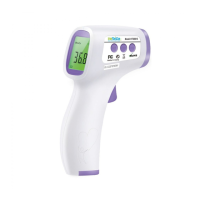
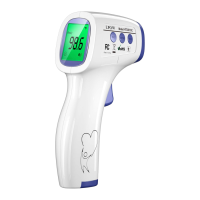
Non Contact Infrared Body
Thermometer
Instructions for use
12
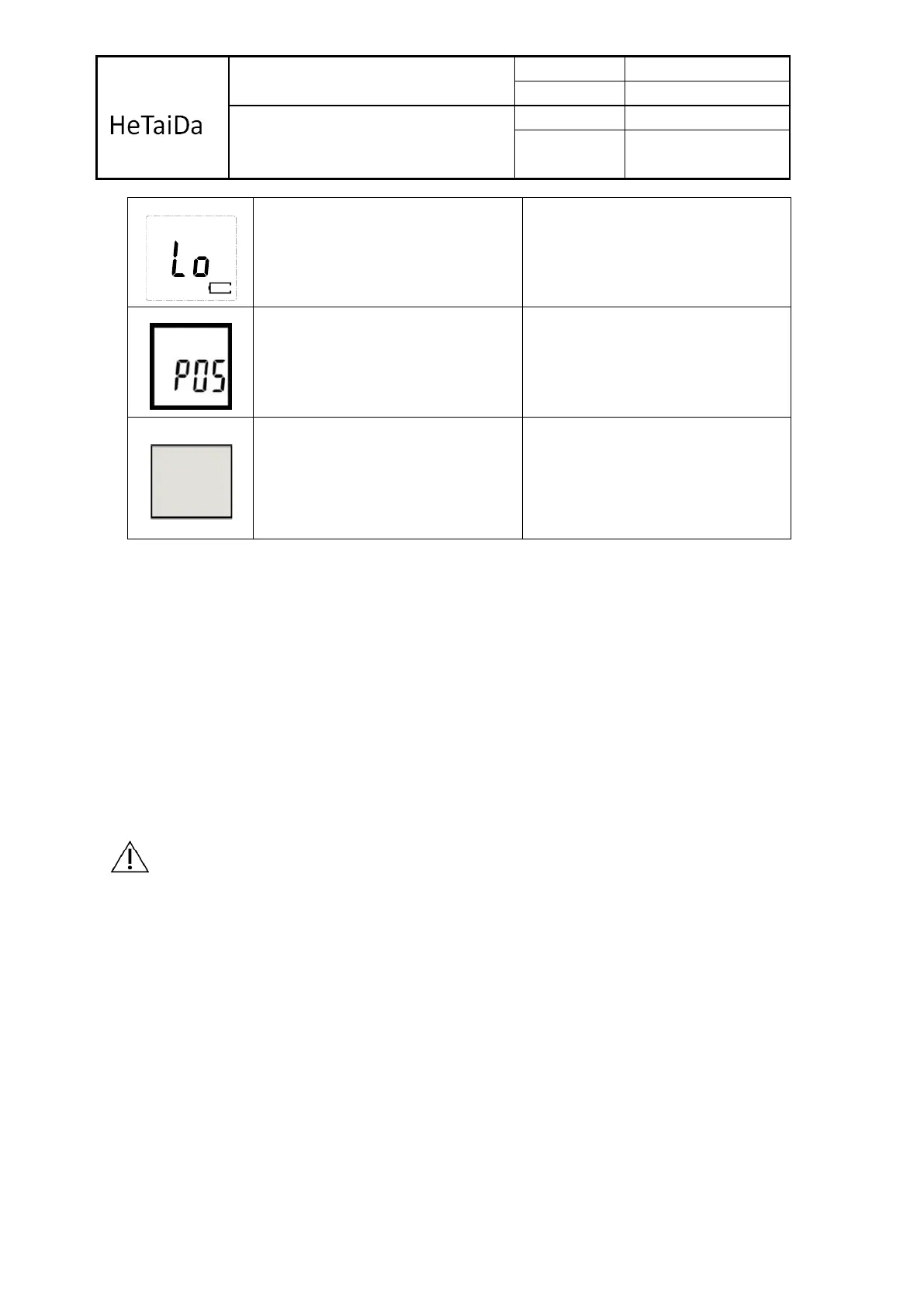
Battery capacity is too low. Taking
Temperature is not allowed.
Ambient temperature changes too
fast
Wait until the ambient temperature
is stably.
(1) Power is off.
(2) Improper battery installation.
(3) The battery is exhausted.
(4) Display remains blank.
(1) Press On/Scan button again.
(2) Check the battery polarity.
(3) Replace with a new battery.
(4) Contact the retailer or service
center.
4-Replacing the Battery
1). Open and release battery cover following indicator on the surface of shell. Before
changing the battery being sure the system is already power off.
2). Remove the batteries and replace with 2 new one, type AAA, Make sure align properly
as indicated inside the battery compartment
3). Slide the battery cover back in until it snaps in place.
Do not dispose of used batteries in household waste. Take them to special local collection
sites.
5). In case, if system is latched up after changing battery. You may not follow up the
process of rule one. Just take off battery, waiting 30 sec, then load battery again.
Warning
Do not recharge, disassemble or dispose of in fire.
1.The typical service life of the new and unused batteries is 2000 measurements for the
operation time is 18s.
2. Only use the recommended batteries, do not recharge non-rechargeable batteries and
do not burn them.
3. Remove the batteries if the thermometer is not to be used for a long period.


 To Next Page
 Loading...