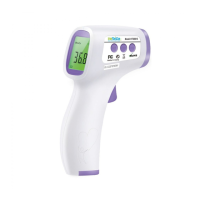
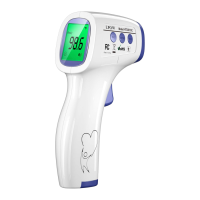
Non Contact Infrared Body
Thermometer
Instructions for use
11
body temperature is 38.6°C or above, it's orange, means high fever. Please take
action to cool down or go for a doctor.
2) To ensure the accuracy of the measurement, wait at least 30 seconds after 5
consecutive measurements.
Unit Set ( Only applicable for HTD8823US)
Turn on the thermometer by pressing the On/Scan button. The thermometer will perform self-test
with all segments displayed for 1 second, and then show last measurement value. During last
measurement show, press and hold on On/Scan button to enter unit switch display. When display unit
what you want, release On/Scan button saving the setting, and back to ready display for measurement
displayed ‘- - - -‘.
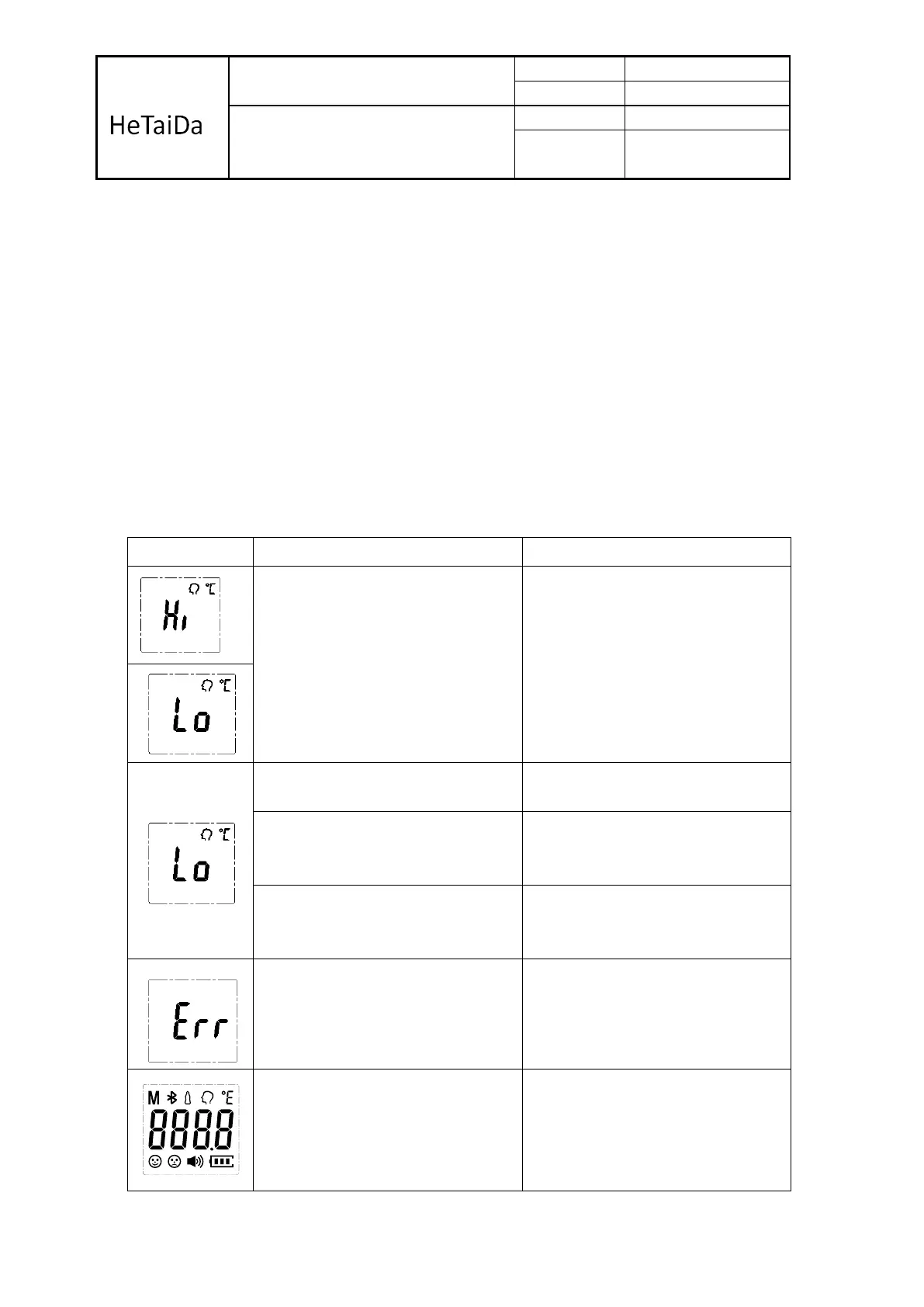
3- Troubleshooting
Temperature taken in not within
Typical human temperature range.
(34.0 ~ 43.0°C or 93.2°F ~
109.4°F).
Make sure the forehead
thermometer is for forehead
measurement, not other
human body site.
Measured over the distance 1-
5 cm ( 0.4 - 2 in);
Optimum measurement
distance is 1cm.
Subjects forehead hair,
Antipyretic stickers, head with
sweat, etc.
Subjects sit quietly 5-10
minutes before the test.
Some people's body
temperature is lower than the
general population.
The main concern fever
temperature
Operating temperature exceeds
the range of specified
temperature.
Move to a room within the
operating range wait 30 minutes
before taking temperature.
The screen flicker, automatic turn
off.
Replace battery or the product has
been damaged, needs repairs.


 To Next Page
 Loading...