echo series Product manual
18 WWW.HEXMAN.CN
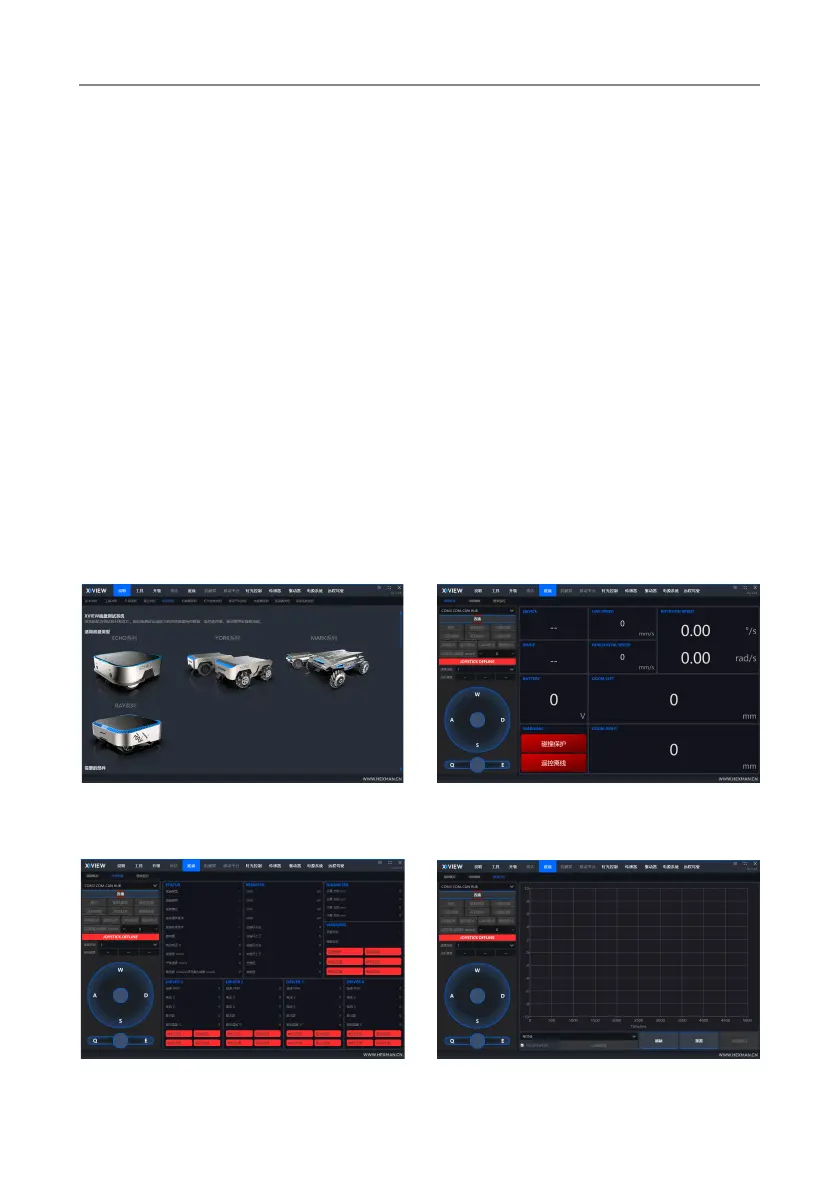
3.7 XVIEW Chassis testing system
This system is a human-computer interaction software designed for debugging
and development, which can test the chassis motion ability online and provide
real-time feedback on robot data, monitor remote controllers, drivers, and other
devices. Need to be used in conjunction with CAN-COM HUB.
1:Download driver package:
CP210x_Universal_Windows_Driver。
https://www.silabs.com/documents/public/software/CP210x_Univ-
ersal_Windows_Driver.zip
2:Connect the equipment through the HUB module (as shown in Figure 3.2),
the HUB module buzzer sounds three times, and the HUB module starts.
3:The chassis is powered on and turned on. The XVIEW interface switches to the
chassis window, selects the COM port, clicks Connect, and the Enable Device
button is highlighted. Click Enable Device to communicate with the chassis.
Figure 4.1 Explanation interface
Figure 4.2 Concise Overview
Figure 4.3 Detailed Data Figure 4.4 Chart Monitoring
For detailed instructions on using XVIEW, please click on the instruction button above
in the software to view it.


 To Next Page
 Loading...