3. Decreasing key / function selection key
4. Reset
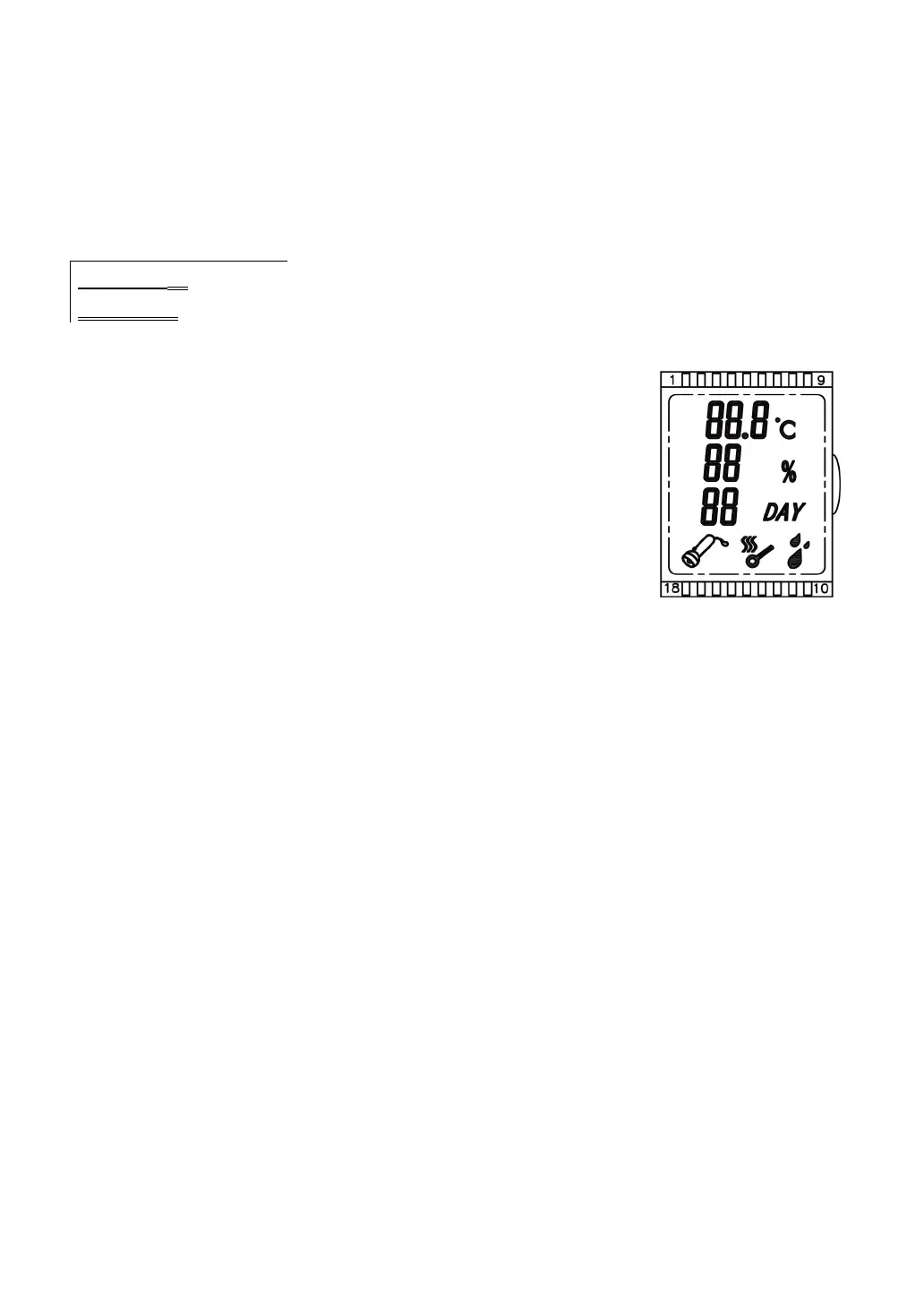
5. Temperature display
6. Humidity display
7. Count down/ Hatching days
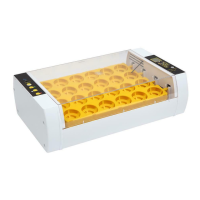
8. Egg candle key(only 24S has this function)
9. Water hole
1. Testing your incubator for the first time:
1.1 Connect the egg turner plug to the control plug.
1.2 Connect the provided power wire to your power
source.
1.3 Switch on your power source.
1.4 Switch your incubator on.
1.5 You will hear an alarm sounding due to low
temperature/humidity, it's normal, Don't worry.
1.6 Press any button to cancel the alarm.
1.7 Operate the incubator and filling the water channels you will notice the
humidity reading increase.
1.8 Press reset button to check the automatic egg turning function.lt turns
every two hours,lasting 10 seconds.
2. Setting the temperature
2.1 Push "SET" once.
2.2 Push "+" or - to select the desired temperature.
2.3 Push "SET" once more to exit.
- These incubators are factory set at 38
0
C, I found the
chicks hatch at day 19 to 20 meaning the temperature
being to high. Using the method as described above. I
recommend you set the temperature at 37.6
0
C.
3. Temperature alarm parameter settings (AL and AH)
The temperature alarm is factory set to sound at I
O
C over or below the set
temperature. This is sufficient and you do not need to make any changes to
these settings.
3.1 Low temperature alarm parameter setting. (AL)
3.1.1 Press and hold "SET " for 3 sec.
3.1.2 Push "+" or - until code "AL" appears in the temperature screen.
3.1.3 Push "SET"
3.1.4 Push "+" or - to adjust to your desired lower alarm setting.
I . Settin of
controller


 To Next Page
 Loading...