16
SETUP
Select to enter SETUP menu
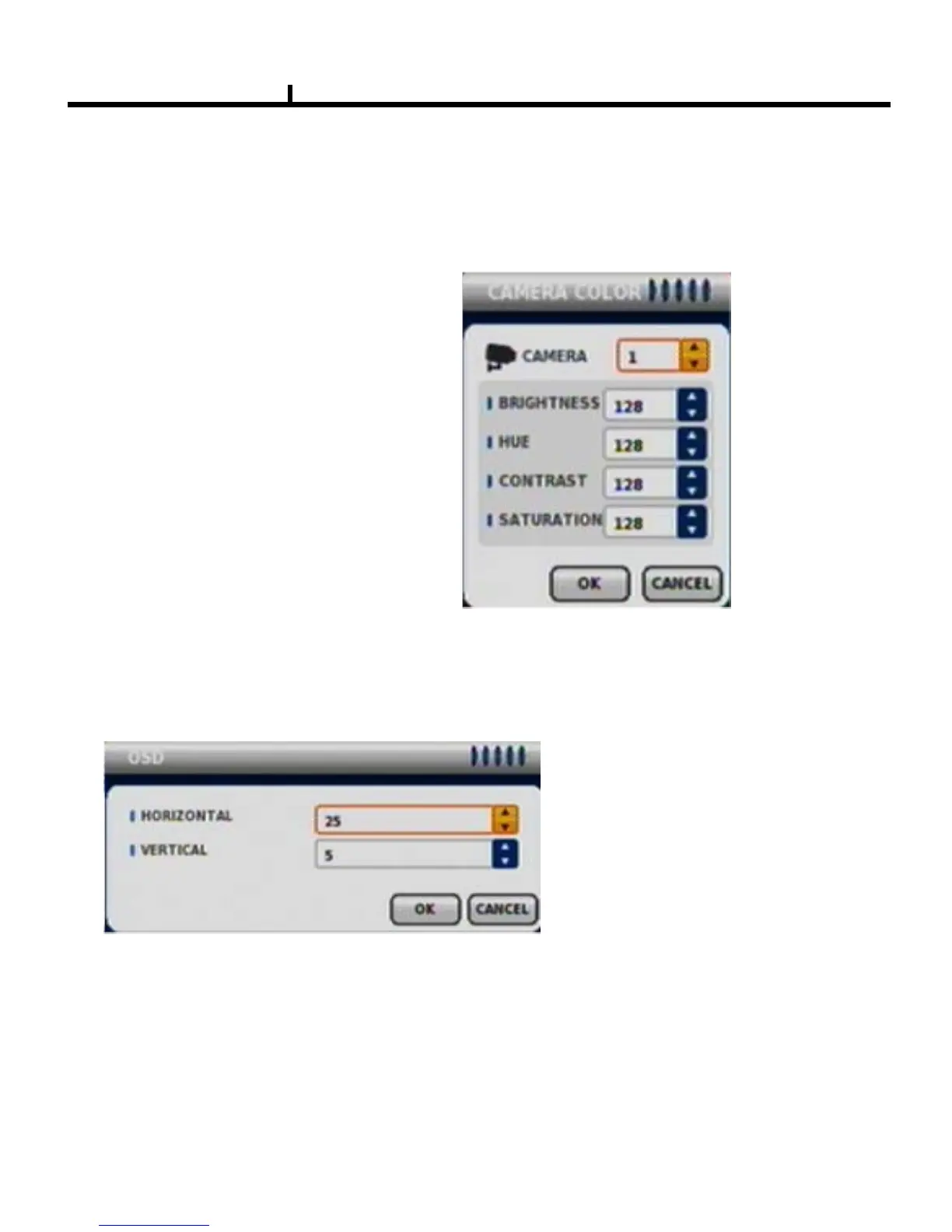
CAMERA COLOR
Changes camera screen color
OSD
Changes OSD (On Screen Display's position.
SEARCH
Select to enter into SEARCH menu
PANIC RECORD
Set recording mode in an emergency situation.
Press REC button in front panel or use mouse to enable Panic record .



 To Next Page