57
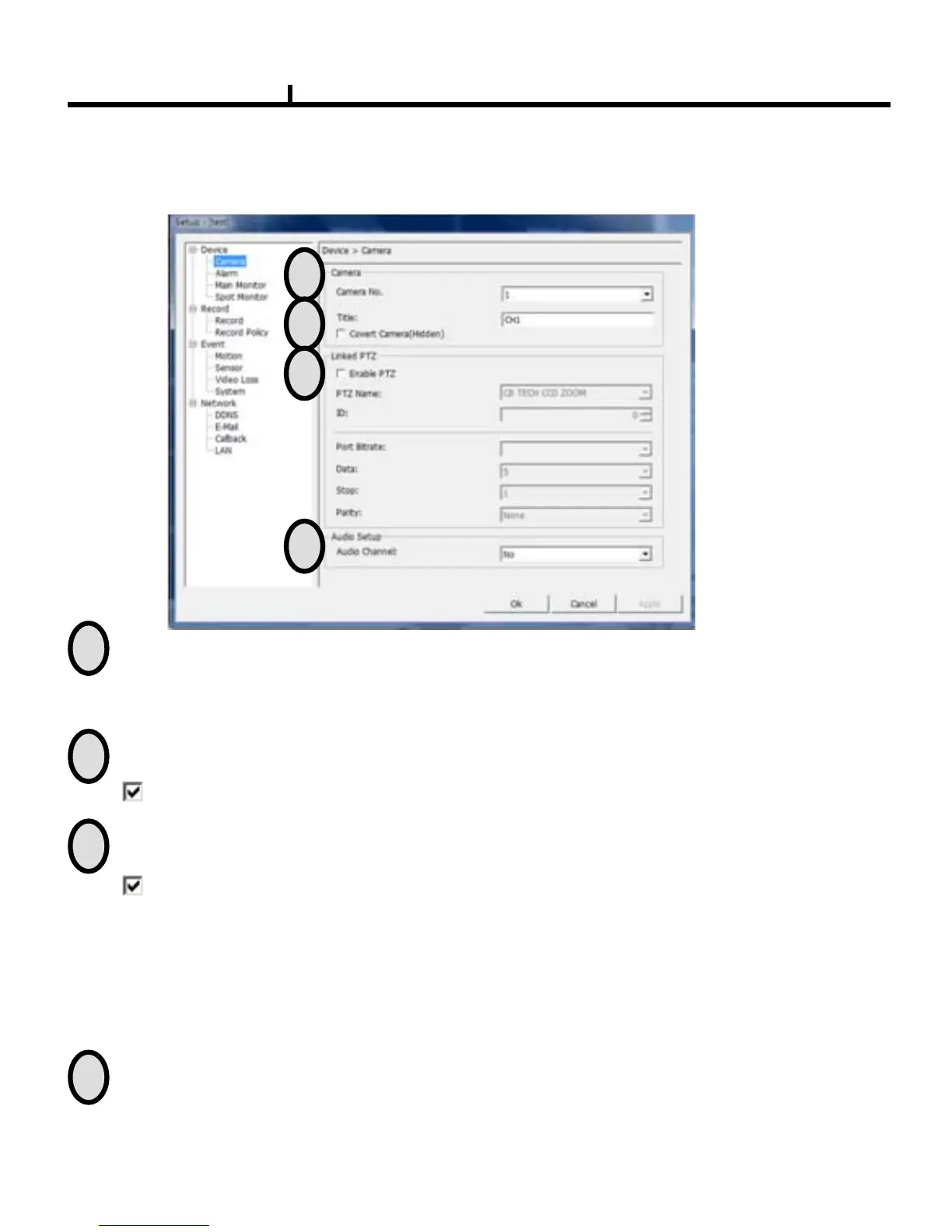
Remote Set Up <Camera>
Covert Camera (Hidden) : When checked, The camera will be hidden
Title : Item to revise/type the camera name.
Enable PTZ : Enable PTZ function .
Name :Item to check PTZ Camera’s model name.
ID : Item to select PTZ address per camera.
Port bit rate : Item to select the PTZ’s port bit rate.
Data :Item to select data bit.
Stop : Item to select Stop bit.
Parity : Item to select Parity.
Linked PTZ : Sets up PTZ camera.
Audio : Item to select which audio channel to be used among total 4 audio inputs.
1
2
3
4
1
2
3
4
Select Camera No.
5.1 Remote Function Setup



 To Next Page