18
MUTE
Sound off
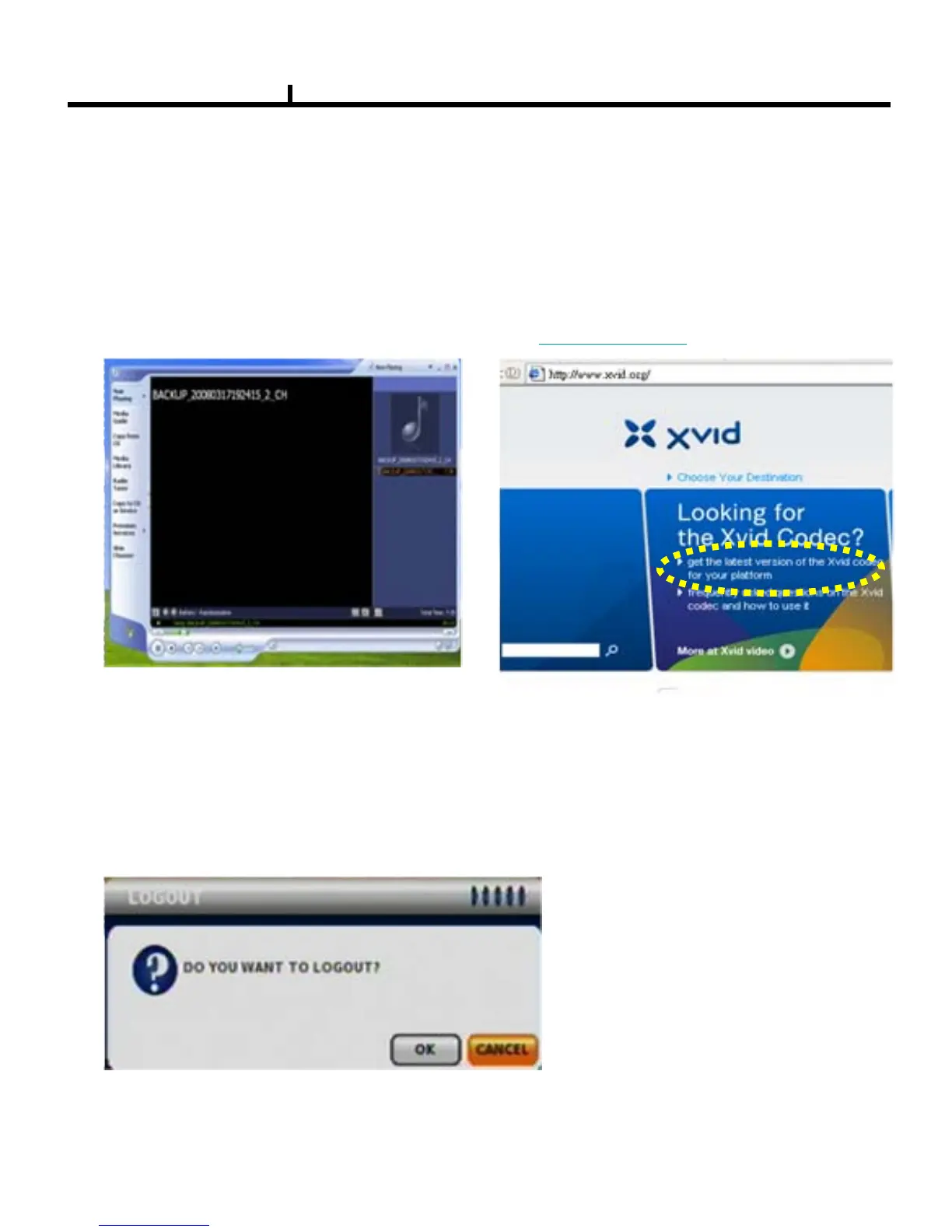
LOGOUT
Press SETUP>SYSTEM>LOGOUT
Note : After backup to USB device , use windows Media Player to play the AVI file , if
your Media Player can’t shows any video , it should be the codec problem , you have
to visit the Xvix web site , http://www.xvid.org to download the Xvid codec and install
to your computer .
1) Media Player can’t shows any video 2) Visit the Xvid web site to download Xvid codec
http://www.xvid.org



 To Next Page